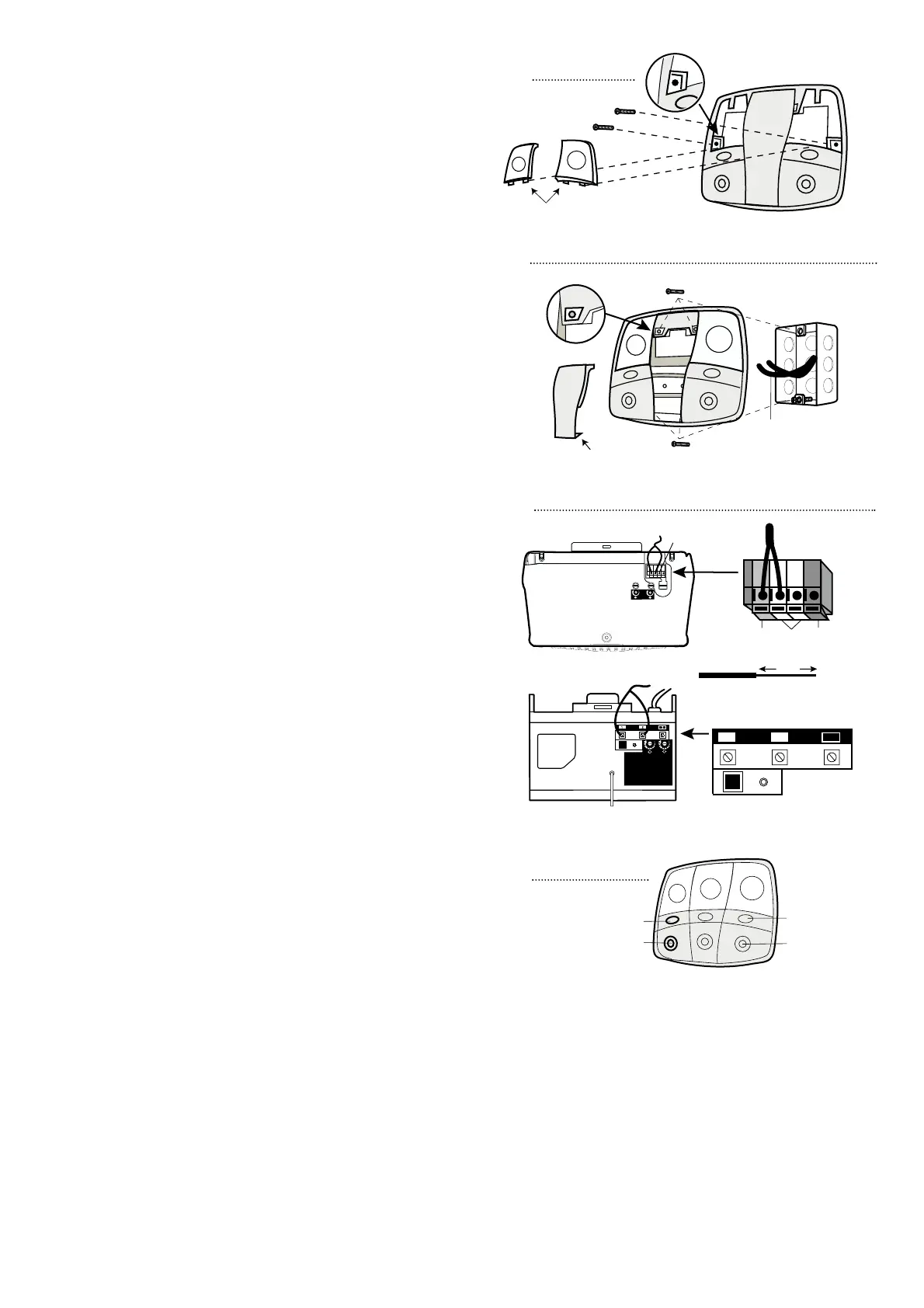
Figure 5
Figure 4
FOR WALL BOARD (DRYWALL) MOUNT
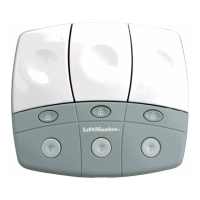
Remove the center panel on the 902LM and all door control
buttons on 902LM and 903LM by gently twisting at the top
with a small flat blade screwdriver exposing the horizontal
installation holes. Figure 2. Mark and drill wall board. Drill
7/32" holes and use anchors provided. Fasten with 1-1/4"
self-tapping screws. Do not overtighten. Insert bottom tabs
and snap on door control buttons. Figure 3.
FOR MOUNTING ONTO A SINGLE ELECTRICAL
GANG BOX
Remove the center panel on the 902LM and all door control
buttons on 902LM and 903LM by gently prying at slot in top
of the door control button with a small flat blade screwdriver
exposing two installation holes. Figure 2. For flexibility, this
wall control can be mounted either left or right of center
directly over gang box. Use 6-32X1" machine screws. Install
bottom screw, allowing 1/8" to protrude above wall surface.
Position bottom of door control on screw head and slide
down to secure. Adjust screw for snug fit. Install matching top
machine screw. Do not overtighten. Insert bottom tab and
snap center cover or door control button. Figure 4.
NOTE: Mounting hardware is included for each type of
installation (use all four screws if desired).
USING THE DOOR CONTROL
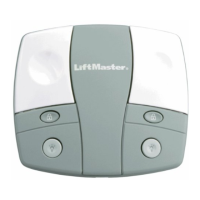
Press the door control button to open or close the door.
Press again to reverse the door during the closing cycle or to
stop the door while it's opening.
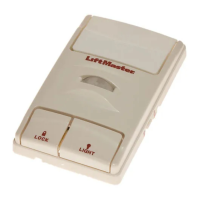
Light feature: Press the Light button to turn the opener light
on or off. Figure 6. It will not control the opener lights when
the door is in motion. If you turn it on and then activate the
opener, the light will remain on for 4-1/2 minutes. Press again
to turn it off sooner. On units that have the adjustable light
feature the 4-1/2 minute interval can be changed to 1-1/2, 2-
1/2, or 3-1/2 minutes as follows: Press and hold the Lock
button until the light blinks (about 10 seconds). A single blink
indicates that the timer is reset to 1-1/2 minutes. Repeat the
procedure and the light will blink twice, resetting the timer to
2-1/2 minutes. Repeat again for a 3-1/2 minute interval, etc.,
up to a maximum of four blinks and 4-1/2 minutes.
Lock feature: Designed to prevent operation of the door
from hand-held remote controls. However, the door will open
and close from the Door Control, the Outside Keylock and
the Keyless Entry Accessories.
To activate, press and hold the Lock button for 2 seconds.
Figure 6. The door control button light will flash as long as
the Lock feature is on.
To turn off, press and hold the Lock button again for
2 seconds.The door control button light will stop flashing. The
Lock feature will also turn off whenever the “Smart” (learn)
button on the motor unit panel is activated.
NOTE: The lock and light features will work properly on
Security
✚
garage door openers manufactured after 1997.
For further product information refer to your owner’s
manual or go to www.liftmaster.com.


 To Previous Page
 Loading...