7
Programming to a GTO/Mighty Mule Gate Operator without a Remote Control
If you have an existing GTO remote control go to the next page.
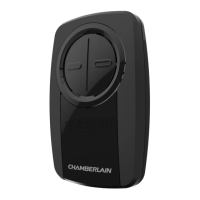
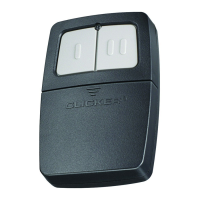
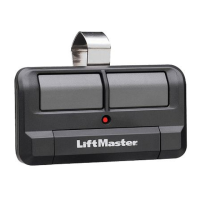
The images throughout this manual are for reference only and your product may look different.
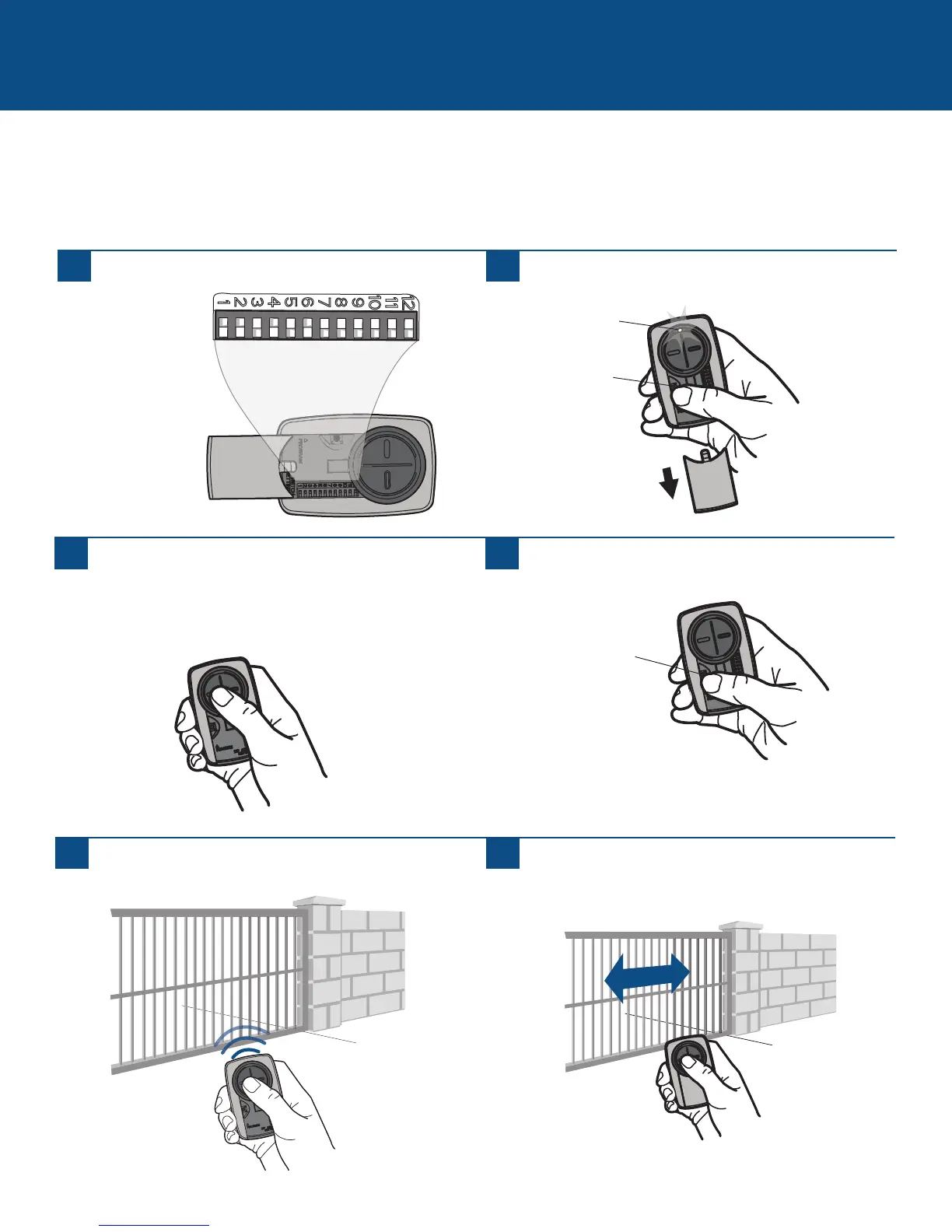
Set the remote control DIP switches 1-9 to any
combination.
GATE OPERATORS (continued)
1
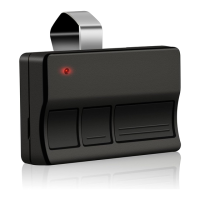
Press the program button on the remote control until
the LED turns on.
2
3
Press and release the remote control button, the LED will
flash. When the LED stops flashing, continue to press
and release the button 20 times, ensuring the LED stops
flashing after each press. The code is accepted when the
gate operator is activated.
4
Press the program button on the remote control to save.
5
Program the remote control to the gate operator (refer to
the gate operator instructions).
6
Test the remote control by pressing the button. If the gate
operator does not activate, repeat the programming steps.
Program Button
Program Button
LED




 To Next Page