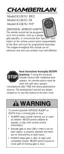
GETTING STARTED
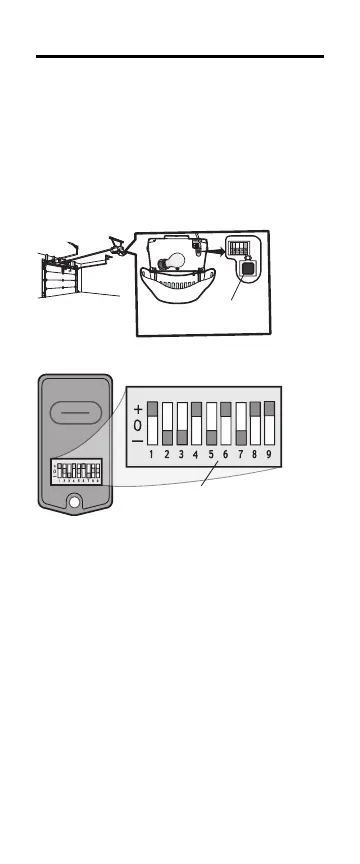
Determine if the product you are programming the
remote control to has a SMART/LEARN button or
DIP Switches. The SMART/ LEARN button or DIP
Switches are located either on the product or in an
external receiver on or near the product. The
following instructions are for a garage door opener
with a SMART/LEARN Button. For DIP Switch
programming instructions or additional help, see
support.chamberlaingroup.com.
OR
NOTE: DIP Switch is only available in KLIK3U
models.




 To Next Page