3
INSTALL THE DOOR SENSOR
1
STEP
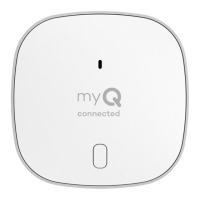
Position the door sensor vertically and attach to a clean, dry location on the top
panel of the garage door with fastening strips (provided).
OR
Press in the bottom of the door sensor and remove the front cover. Position
the door sensor vertically and attach to the top panel of the garage door with
screws (provided). Replace the front cover.
LED
Front
Cover
Screws
Test BUTTON
Top Panel
of Garage Door
Top Panel
of Garage Door
Fastening
Strips
Door
Sensor
Top
OR


 To Next Page
 Loading...