6
Error Message Description Solution
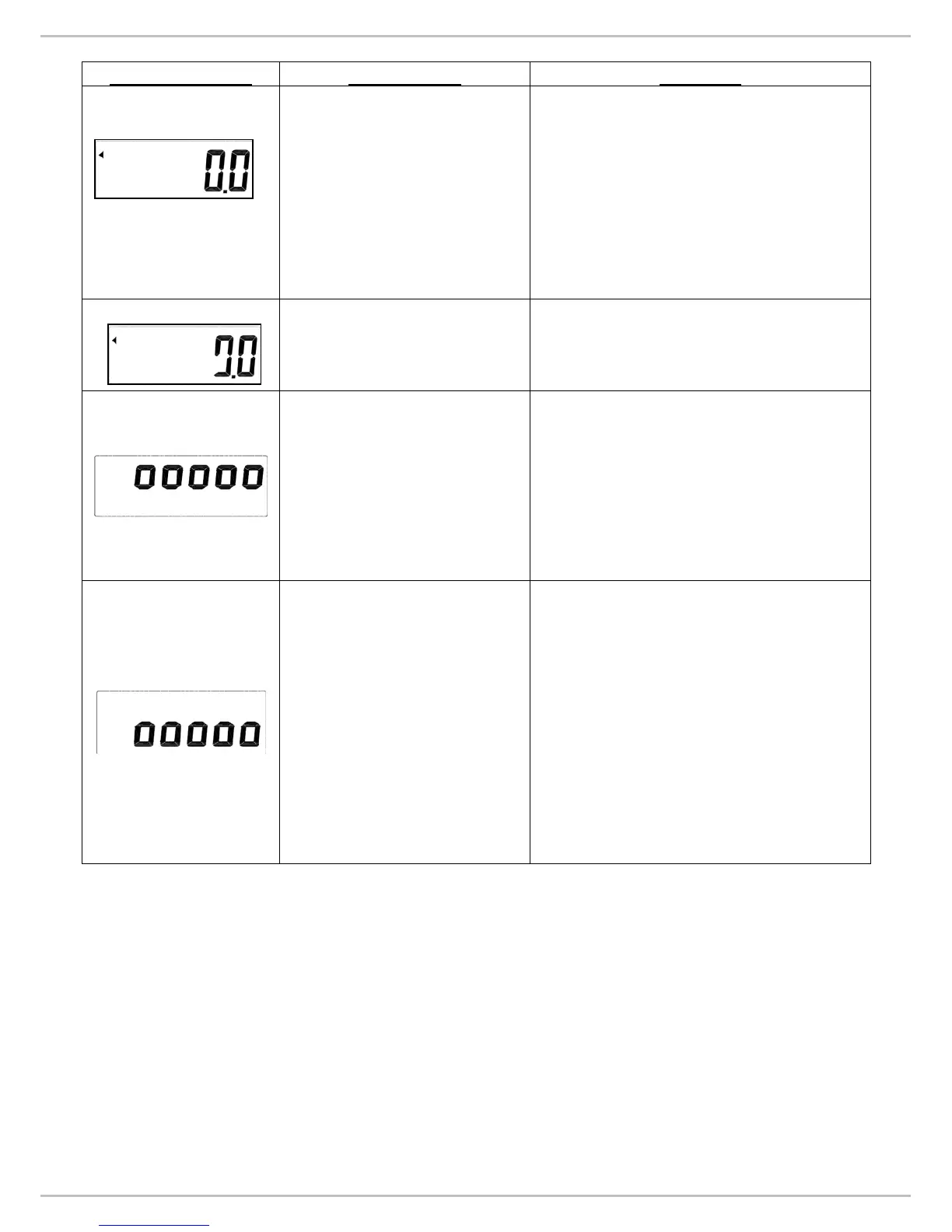
No weighing.
1. Check the load cell wires are
well and connected to the
correct points. (refer P.7)
2. Check resistances of load cell.
(refer P.9)
3. If you change the load cell,
please re-calibrate the scale.
(refer P.14)
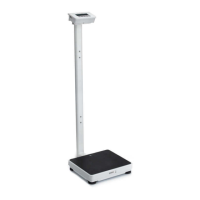
The scale shows non-
complete segments when
power on.
Check LCD pin. (refer P.7)
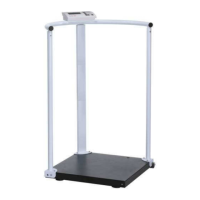
Zero count is more than
calibration range (i.e.
10%) while power on.
1. Make sure that the scale
platform doesn’t have any kind
of weight on it.
2. Check the load cell wires are
well connected to the correct
points. (refer P.7)
3. Re-calibrate the scale. (refer
P.14)
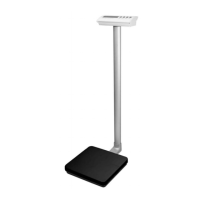
Zero count is less than
calibration range (i.e.
10%) while power on.
1. Make sure that there is no
blocking object (like
paper/plastic sheet or heavy
layer of dirt/dust) between
upper platform of the scale and
the platform on which load cell
is fitted.
2. Check the load cell wires are
well connected to the correct
points. (refer P.7)
3. Re-calibrate the scale. (refer
P.14)


 To Next Page