

 To Next Page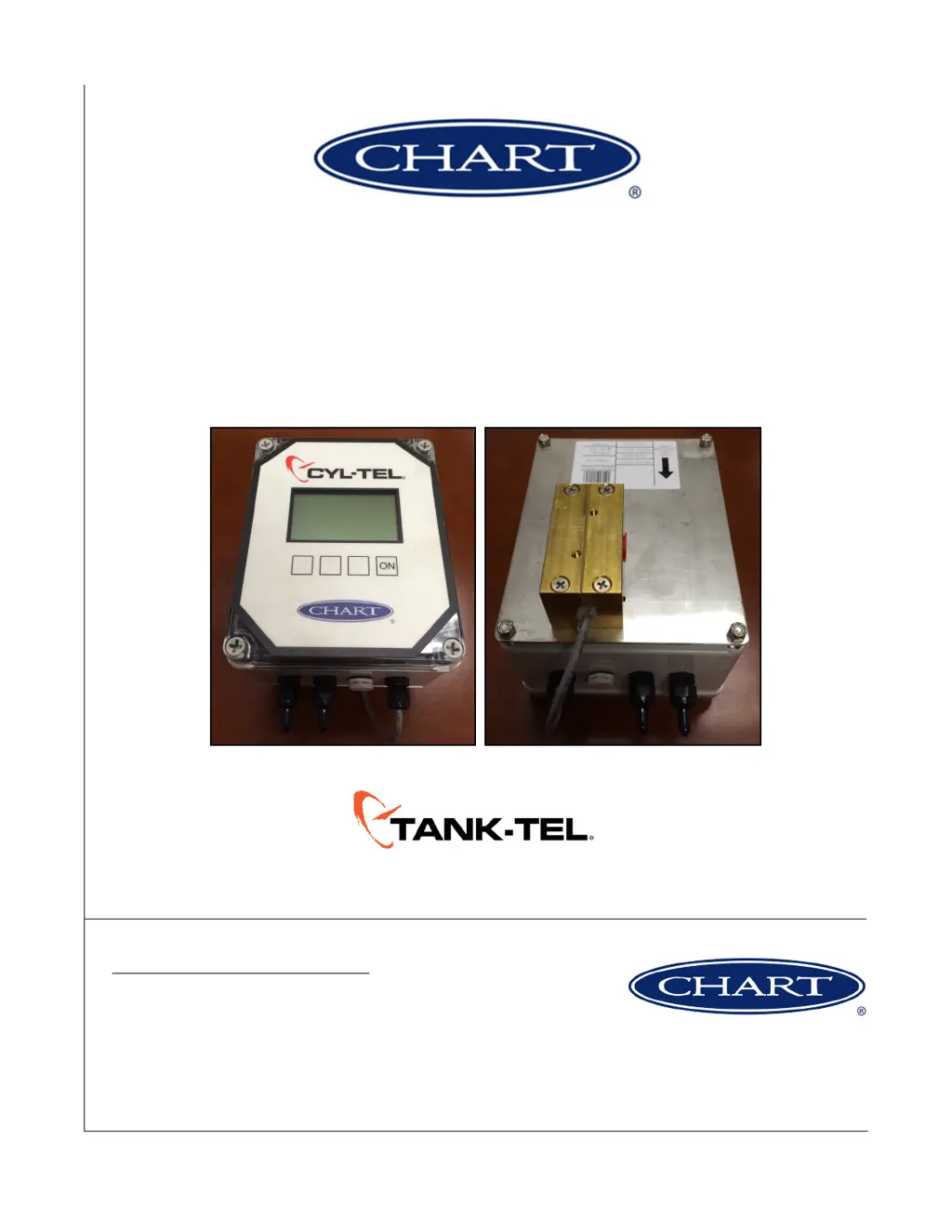
J
josephmackAug 6, 2025
What to do if CHART Measuring Instruments Cyl-Tel/Tank-Tel gauge does not turn on?
- JJonathan WashingtonAug 6, 2025
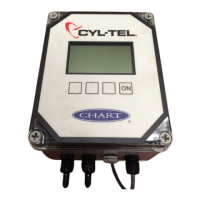
If your CHART Measuring Instruments Cyl-Tel/Tank-Tel gauge isn't turning on, the possible causes include a dead, low, incorrectly installed, or missing battery. Also, the transformer might not be plugged in or could have faulty wiring, the electrical supply circuit breaker may have tripped, the Cyl-Tel/Tank-Tel itself could be faulty, or the physical keypad might not be connected to the Cyl-Tel/Tank-Tel circuit board. To resolve this, replace the battery, inspect the wiring and ensure the transformer is plugged in, reset the circuit breaker, replace the Cyl-Tel/Tank-Tel front, and verify that the ribbon cable for the keypad is connected to the Cyl-Tel/Tank-Tel circuit board.
 General