EasyManua.ls Logo

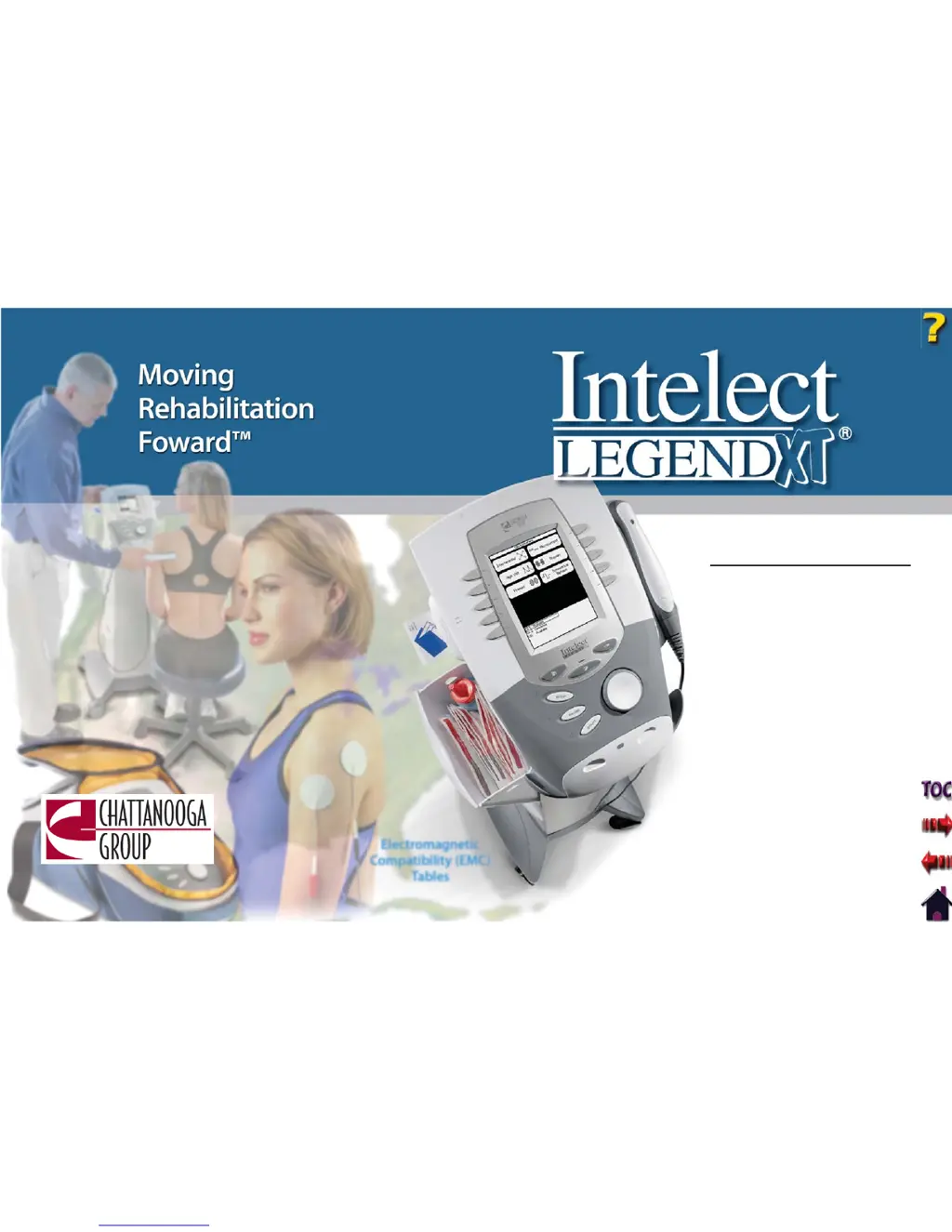
Chattanooga Group Intelect Legend XT 2760 - User Manual

Chattanooga Group Intelect Legend XT 2760
99 pages
Print Icon
To Next Page IconTo Next Page
Loading...
User Manual
Operation & Installation
Instructions for:
Therapy Systems
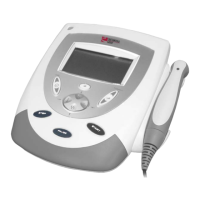
2760- Two Channel Combination System
2788- Four Channel Combination System
2763- Two Channel Electrotherapy System
2786- Four Channel Electrotherapy System
Optional Equipment
2780- Therapy System Cart (Unassembled)
2780ASY- Therapy System Cart (Assembled)
2767- NiMH Battery Module
27508 and 27079- User Remote Controls
2781- Channel 3/4 Electrotherapy Module
Electromagnetic
Compatibility (EMC)
Tables
ISO 13485 CERTIFIED

Table of Contents

Questions and Answers

  • D
    Dwayne RomanAug 3, 2025
    What to do if Chattanooga Group Medical Equipment shows overcurrent?
    • C
      Chad LeblancAug 3, 2025
      If your Chattanooga Group Medical Equipment indicates an overcurrent, begin by checking the electrodes and lead wires. Ensure the lead wires are undamaged and correctly connected to both the system and the electrodes. Verify the electrodes are also undamaged and making good contact with the treatment area. If problems persist, replace the lead wires and electrodes.
  • M
    Monica DiazAug 11, 2025
    What to do if Chattanooga Group Medical Equipment displays shorted lead wires?
    • V
      valeriesimpsonAug 11, 2025
      If the Chattanooga Group Medical Equipment indicates shorted lead wires, start by inspecting the electrodes and lead wires. Confirm that the lead wires are not damaged and are properly connected to the system. Also, make sure the lead wires are correctly connected to the electrodes, and that the electrodes are undamaged and making proper contact with the treatment area. If the issue continues, consider replacing the lead wires and electrodes.
  • T
    Tracy Maynard DVMAug 18, 2025
    What to do if Chattanooga Group Medical Equipment shows bad contact quality?
    • K
      Kathleen KellyAug 18, 2025
      If your Chattanooga Group Medical Equipment indicates bad contact quality, first ensure that the electrodes are making proper contact with the treatment area. Next, verify that the lead wires are correctly connected to the electrodes. If the problem persists, replace the electrodes and lead wires.
  • R
    robertschristinaAug 26, 2025
    Why can't I delete a factory set sequence on my Chattanooga Group Medical Equipment?
    • B
      bradley63Aug 26, 2025
      You cannot delete factory set Clinical Protocols or factory set Sequences on Chattanooga Group Medical Equipment.

Summary

User Manual Operation & Installation Instructions

Therapy Systems Overview

Introduces the Intelect Legend XT Therapy Systems and their operational guidelines.

About Intelect Legend XT

Electrotherapy Indications, Contraindications, and Adverse Effects

Lists indications, contraindications, and adverse effects for electrotherapy modalities.

Ultrasound Indications and Contraindications

Ultrasound Precautions and Contraindications

Lists conditions and areas where ultrasound therapy is contraindicated and additional precautions.

Specifications

Waveform Specifications

Provides detailed specifications for Interferential (IFC) and Russian waveforms.

Waveform Specifications Continued

Details specifications for Premodulated and High Voltage Pulsed Current (HVPC) waveforms.

Patient Preparation

Operation

Operator Interface Overview

Identifies and explains the functions of the system's display, buttons, and indicators.

Home Screen

Describes the main screen of the Intelect Legend XT Therapy System for accessing modalities.

Electrotherapy Screen

Details the electrotherapy screen for setting up and modifying waveform parameters.

General Electrotherapy Waveform Setup

Step-by-step guide for setting up electrotherapy waveforms, using Interferential as an example.

Adjusting Electrotherapy Channel Parameters During Treatment

Guides on changing electrotherapy channel parameters without pausing the treatment.

Adjusting Ultrasound Parameters During Treatment

Guides on modifying ultrasound parameters while the system is in use.

Adjusting Combination Parameters During Treatment

Guides on changing electrotherapy and ultrasound parameters during combination therapy.

Patient Data Card - Setting Up New Card

Information on using patient data cards for storing and retrieving therapy information.

Creating User Protocols

Provides instructions for creating, saving, and accessing custom user protocols.

Installation;Removal

Installing Channel 3;4 Electrotherapy and NiMH Battery Module

Guides on installing optional modules to enhance system functionality.

Installation;Removal Continued

Instructions for turning the therapy system on after module installation.

Removing Channel 3;4 Electrotherapy and NiMH Battery Module

Procedures for safely removing the channel 3/4 electrotherapy and NiMH battery modules.

Troubleshooting

Error Codes and General Information

Lists common error codes, probable causes, and suggested remedies for system issues.

Maintenance

Chattanooga Group Intelect Legend XT 2760 Specifications

General IconGeneral
ModelIntelect Legend XT 2760
ManufacturerChattanooga Group
Ultrasound Frequency1 MHz and 3 MHz
Multilingual InterfaceYes
Power SourceAC Power
WeightApproximately 10 lbs
Warranty2 years
Therapy ModesInterferential, Russian, Ultrasound
Ultrasound Duty Cycles10%, 20%, 50%
Pulse Width50 µs to 400 µs
Treatment Time1 to 60 minutes
DisplayLCD
ModesMultiple
User ProtocolsYes
VacuumOptional accessory

Related product manuals