EasyManua.ls Logo

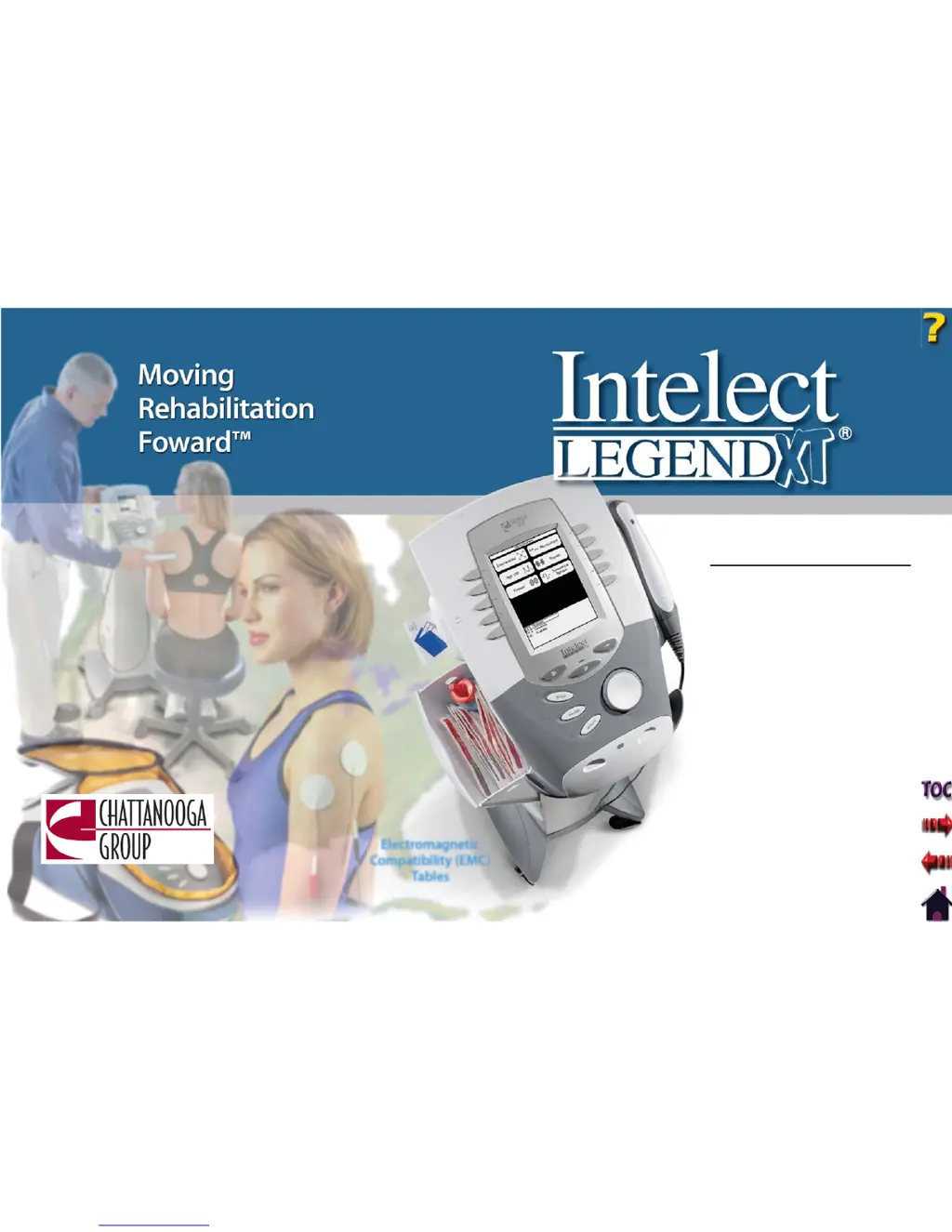
Chattanooga Group Intelect Legend XT 2763 - User Manual

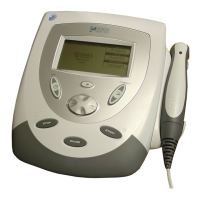
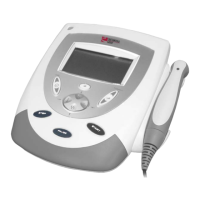
Chattanooga Group Intelect Legend XT 2763
99 pages
Print Icon
To Next Page IconTo Next Page
Loading...
User Manual
Operation & Installation
Instructions for:
Therapy Systems
2760- Two Channel Combination System
2788- Four Channel Combination System
2763- Two Channel Electrotherapy System
2786- Four Channel Electrotherapy System
Optional Equipment
2780- Therapy System Cart (Unassembled)
2780ASY- Therapy System Cart (Assembled)
2767- NiMH Battery Module
27508 and 27079- User Remote Controls
2781- Channel 3/4 Electrotherapy Module
Electromagnetic
Compatibility (EMC)
Tables
ISO 13485 CERTIFIED

Table of Contents

Questions and Answers

Summary

ABOUT INTELECT LEGEND XT

STANDARD PRECAUTIONARY INSTRUCTIONS

Definitions of safety symbols and general precautions for system operation.

DANGERS

Critical hazards and safety warnings associated with system use.

WARNINGS

Important warnings regarding system operation and patient safety.

ELECTROTHERAPY INDICATIONS, CONTRAINDICATIONS, AND ADVERSE EFFECTS

ULTRASOUND INDICATIONS AND CONTRAINDICATIONS

Indications for Ultrasound

Therapeutic applications and conditions treated with ultrasound.

Contraindications

Situations or conditions where ultrasound therapy is contraindicated.

SYMBOL DEFINITIONS

WAVEFORM SPECIFICATIONS

IFC- Interferential (Traditional 4 Pole)

Technical parameters for Interferential Current waveform.

Russian

Technical parameters for Russian Current waveform.

ULTRASOUND SPECIFICATIONS

SETUP

THERAPY SYSTEM SETUP

PATIENT PREPARATION

ULTRASOUND PATIENT PREPARATION

OPERATION

OPERATOR INTERFACE

Overview of the system's control panel and interface elements.

GENERAL ELECTROTHERAPY WAVEFORM SETUP

Step-by-step setup for electrotherapy waveforms.

ADJUSTING ELECTROTHERAPY CHANNEL PARAMETERS DURING TREATMENT

Changing electrotherapy channel parameters during a treatment session.

ADJUSTING ULTRASOUND PARAMETERS DURING TREATMENT

Changing ultrasound treatment parameters during a session.

ADJUSTING COMBINATION PARAMETERS DURING TREATMENT

Changing combination therapy parameters during a session.

PATIENT DATA CARD- SETTING UP OF NEW CARD

Instructions for setting up and using a new patient data card.

EXISTING PATIENT DATA CARD USE

Instructions for using existing patient data cards.

CREATING USER PROTOCOLS

Instructions for creating and saving user-defined protocols.

DELETING USER PROTOCOLS

Instructions for deleting user-defined protocols.

USING USER PROTOCOLS

Instructions for accessing and using saved user protocols.

INSTALLATION;REMOVAL

Connecting Ribbon Cable

Steps for connecting the ribbon cable between modules.

Turning Therapy System On

Procedures for powering on the therapy system after module installation.

REMOVING THE CHANNEL 3;4 ELECTROTHERAPY AND NIMH BATTERY MODULE

Disconnecting Mains Power

Steps to safely disconnect the system from the power source.

Disconnecting Ribbon Cable at Module

Separating the module and disconnecting its ribbon cable.

GENERAL INFORMATION- OPERATOR REMOTE

GENERAL INFORMATION- THERAPY SYSTEM CART

MOUNTING THERAPY SYSTEM TO THERAPY SYSTEM CART

Mounting the Therapy System to Cart

Securing the therapy system onto the cart.

Connecting Mains Power

Connecting the system to the power supply on the cart.

USING THE OPERATOR REMOTE

USING THE THERAPY SYSTEM CART

Operation

Operating the therapy system cart.

USING THE NIMH BATTERY MODULE

CHARGING BATTERY MODULE

BATTERY MODULE SERVICE LIFE

STORING THE BATTERY MODULE

TROUBLESHOOTING

ERROR CODES

List and explanation of system error codes and their causes.

MAINTENANCE

FACTORY SERVICE

Procedures for obtaining factory service for system modules.

Chattanooga Group Intelect Legend XT 2763 Specifications

General IconGeneral
Treatment Time1 to 60 minutes
DisplayLCD
Therapy Channels2 independent channels
WaveformsInterferential, Premodulated, Russian, High Volt, Microcurrent
User Protocolscustomizable
Patient Data CardsSupported
Device TypeCombination Therapy Unit
Dimensions31 cm x 36 cm x 18 cm

Related product manuals