Intelect® Advanced Therapy System
50
OPERATION
ULTRASOUND (continued)
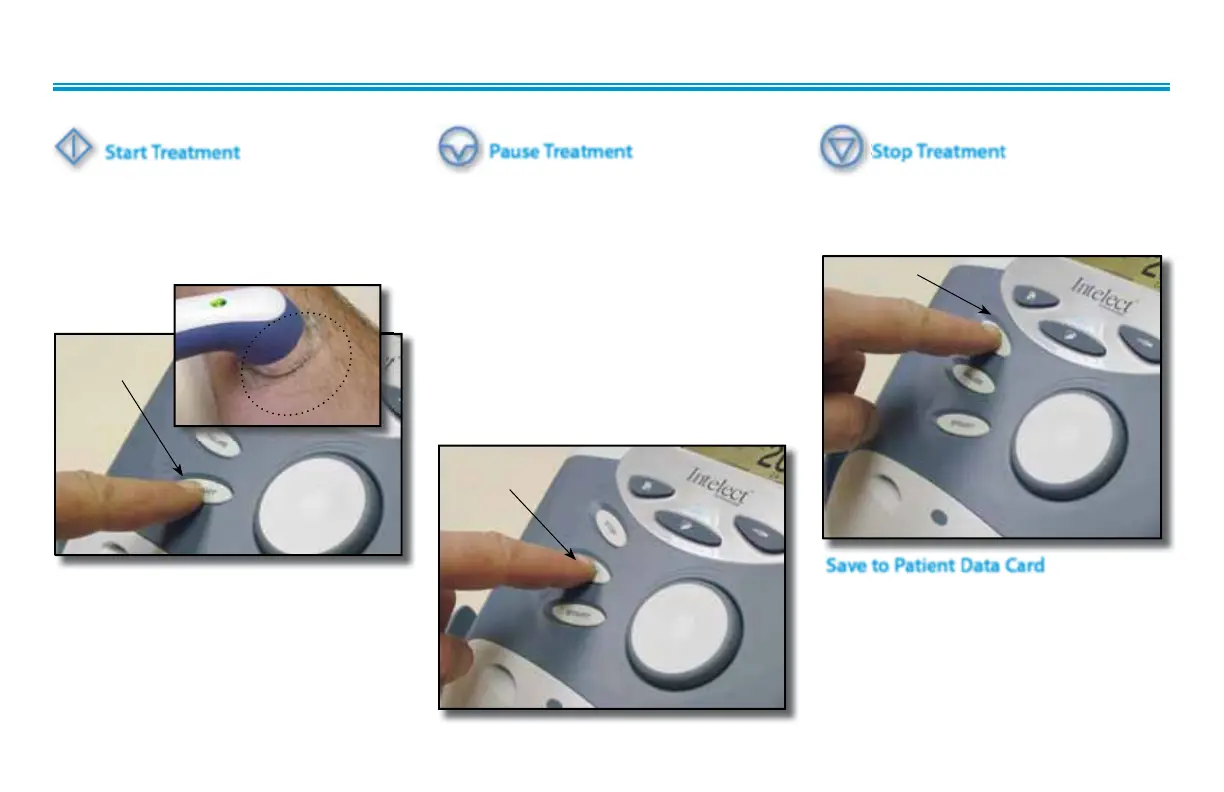
Start Treatment
Press the Start button to begin therapy
session.
Move the Applicator in a circular motion
over the treatment area.
Pause Treatment
Press the Pause button to pause therapy
session and maintain remaining time. To
resume treatment, press the Pause button
again.
or
If US Coupling is On, and the Sound
Head looses coupling with the treatment
area, the session will pause. When
coupling is reestablished, the session will
automatically restart. Refer to page 32 for
US Coupling settings.
Stop Treatment
To Stop treatment, press the Stop button
once. Treatment will stop and the
Treatment Review screen will display.
Stop TreatmentStop Treatment
NOTE:
If US Coupling is On and the Sound Head
looses coupling with the treatment area
the session will pause. When coupling is
reestablished the session will automatically
restart. See page 32 for US Coupling
settings.
Save to Patient Data Card
After session is complete, press the Save
to Patient Card button. Refer to pages 63
through 72 for Patient Data Card Setup
and use.
START
BUTTON
PAUSE
BUTTON
STOP BUTTON











 To Next Page