EasyManua.ls Logo

Chattanooga SENIOR SOLUTIONS - User Manual

Chattanooga SENIOR SOLUTIONS
108 pages
Print Icon
To Next Page IconTo Next Page
Loading...
ISO 13485 CERTIFIED
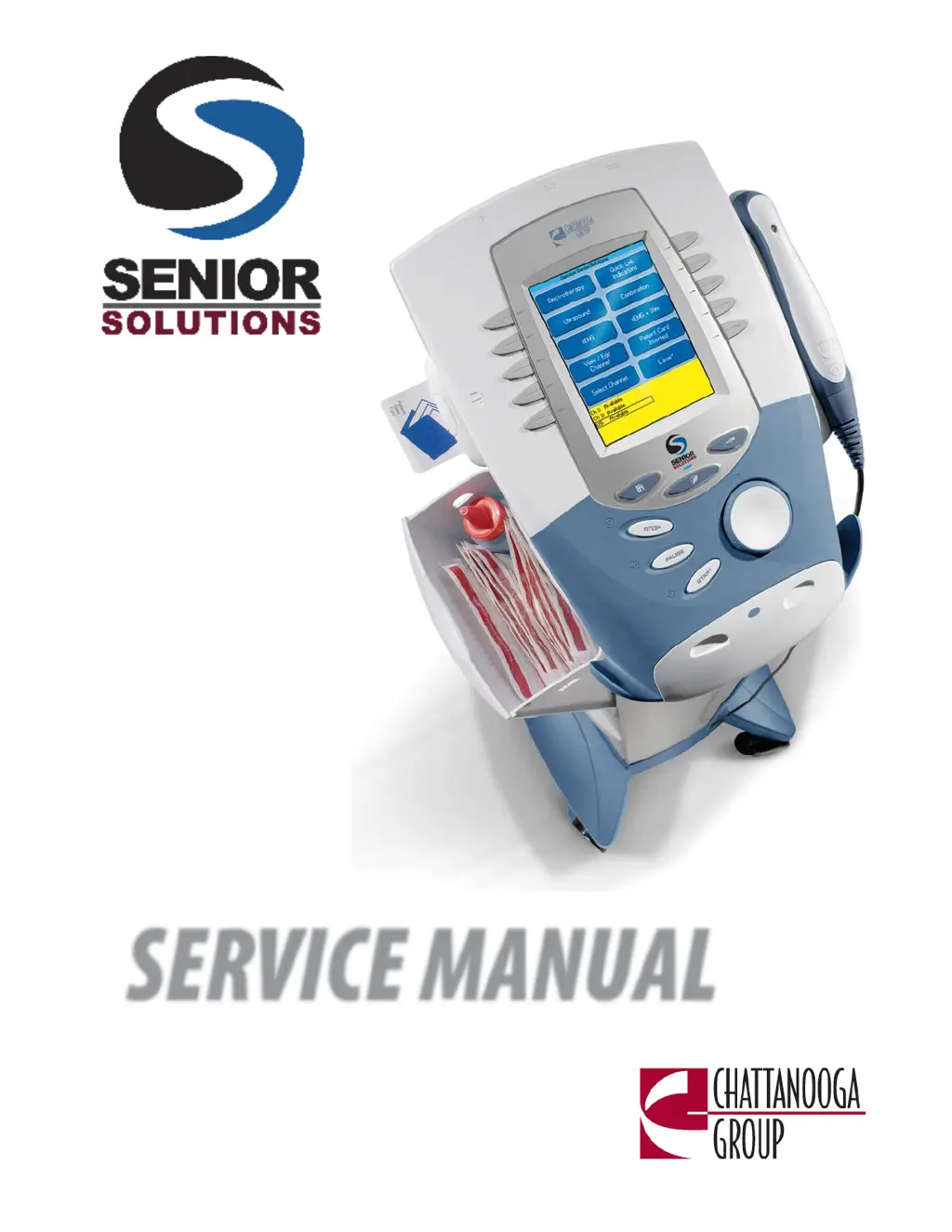
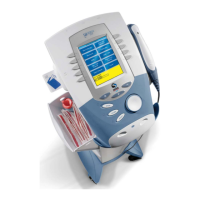
Therapy System
SERVICE MANUAL
Moving
Rehabilitation
Foward

Table of Contents

Questions and Answers

  • D
    Denise MeyerAug 13, 2025
    How to fix overcurrent in Chattanooga SENIOR SOLUTIONS Medical Equipment?
    • R
      rfrostAug 13, 2025
      To resolve the issue of overcurrent in your Chattanooga Medical Equipment, begin by inspecting the electrodes and lead wires. Ensure the lead wires aren't damaged and are correctly connected to the system. Also, verify that the lead wires are properly attached to the electrodes and that the electrodes are undamaged, maintaining good contact with the treatment area. If problems persist, replace the lead wires and electrodes.
  • J
    John HorneAug 17, 2025
    What to do if lead wires are shorted in Chattanooga Medical Equipment?
    • P
      peterburgessAug 17, 2025
      To address shorted lead wires in your Chattanooga Medical Equipment, check the electrodes and lead wires first. Ensure the lead wires are undamaged and correctly connected to the system. Verify that the lead wires are properly connected to the electrodes and that the electrodes are undamaged, making proper contact with the treatment area. If the issue persists, replace the lead wires and electrodes.
  • E
    Elizabeth MooreAug 20, 2025
    How to improve contact quality in Chattanooga SENIOR SOLUTIONS Medical Equipment?
    • G
      Grace MoralesAug 20, 2025
      If you're experiencing bad contact quality with your Chattanooga Medical Equipment, ensure the electrodes are making proper contact with the treatment area. Next, check that the lead wires are correctly connected to the electrodes. If the problem persists, replace the electrodes and lead wires.
  • J
    Jeremiah LopezAug 25, 2025
    What to do if the ultrasound applicator disconnects during treatment with Chattanooga SENIOR SOLUTIONS Medical Equipment?
    • T
      Thomas WashingtonAug 25, 2025
      If the ultrasound applicator is disconnected from the system during a treatment session with your Chattanooga Medical Equipment: 1. Connect the ultrasound applicator to the system. 2. If the applicator is already connected, reset the system by turning the power switch off and then on again. 3. If the problem continues, try connecting a known good ultrasound applicator. If the issue still persists, it is recommended to contact your dealer or the factory for service.
  • Z
    Zachary YatesAug 28, 2025
    What to do if Chattanooga SENIOR SOLUTIONS Medical Equipment won't save new protocols because memory is full?
    • M
      Michael GrahamAug 28, 2025
      If you're attempting to save additional User Protocols or Sequences on your Chattanooga Medical Equipment and the system memory has reached the maximum allowed (200), delete some existing User Protocols or Sequences. Refer to the appropriate section of the User Manual for instructions.
  • N
    Nancy BradleySep 1, 2025
    Why can't I find protocols or sequences on my Chattanooga SENIOR SOLUTIONS Medical Equipment?
    • K
      Kenneth FlemingSep 1, 2025
      If you are attempting to access protocols or sequences on your Chattanooga Medical Equipment and none are found in the system: * For User Protocols: No protocols have been saved in the system. Refer to the Therapy System User Manual to save User Protocols. * For Sequences: No User Sequences have been saved in the system. Refer to the Therapy System User Manual to save Sequences.
  • M
    Michael DominguezSep 4, 2025
    What to do if Chattanooga SENIOR SOLUTIONS Medical Equipment says no Patient Data Card is inserted?
    • J
      Jacqueline ThorntonSep 5, 2025
      If no Patient Data Card is inserted into the system of your Chattanooga Medical Equipment, properly insert the Patient Data Card into the system port. Refer to the Therapy System User Manual for new and existing Patient Data Card instructions.
  • J
    jennifer70Sep 8, 2025
    What to do if Chattanooga SENIOR SOLUTIONS says Invalid Patient Data Card?
    • K
      Kathy TorresSep 8, 2025
      If your Chattanooga Medical Equipment says that you attempted to use an Invalid Patient Data Card: * Use a known good Patient Data Card. * Make certain a Patient Data Card and not an sEMG Data Card is being used. If the problem continues, contact your dealer or the factory for service.

Chattanooga SENIOR SOLUTIONS Specifications

General IconGeneral
BrandChattanooga
ModelSENIOR SOLUTIONS
CategoryMedical Equipment
LanguageEnglish

Related product manuals