EasyManua.ls Logo

Chauvet DMX-50A - User Manual

Chauvet DMX-50A
24 pages
Print Icon
To Next Page IconTo Next Page
Loading...
Chauvet, 3000 N 29
th
Ct, Hollywood, FL 33020 U.S.A
(800) 762-1084 – (954) 929-1115
FAX (954) 929-5560
www.chauvetlighting.com
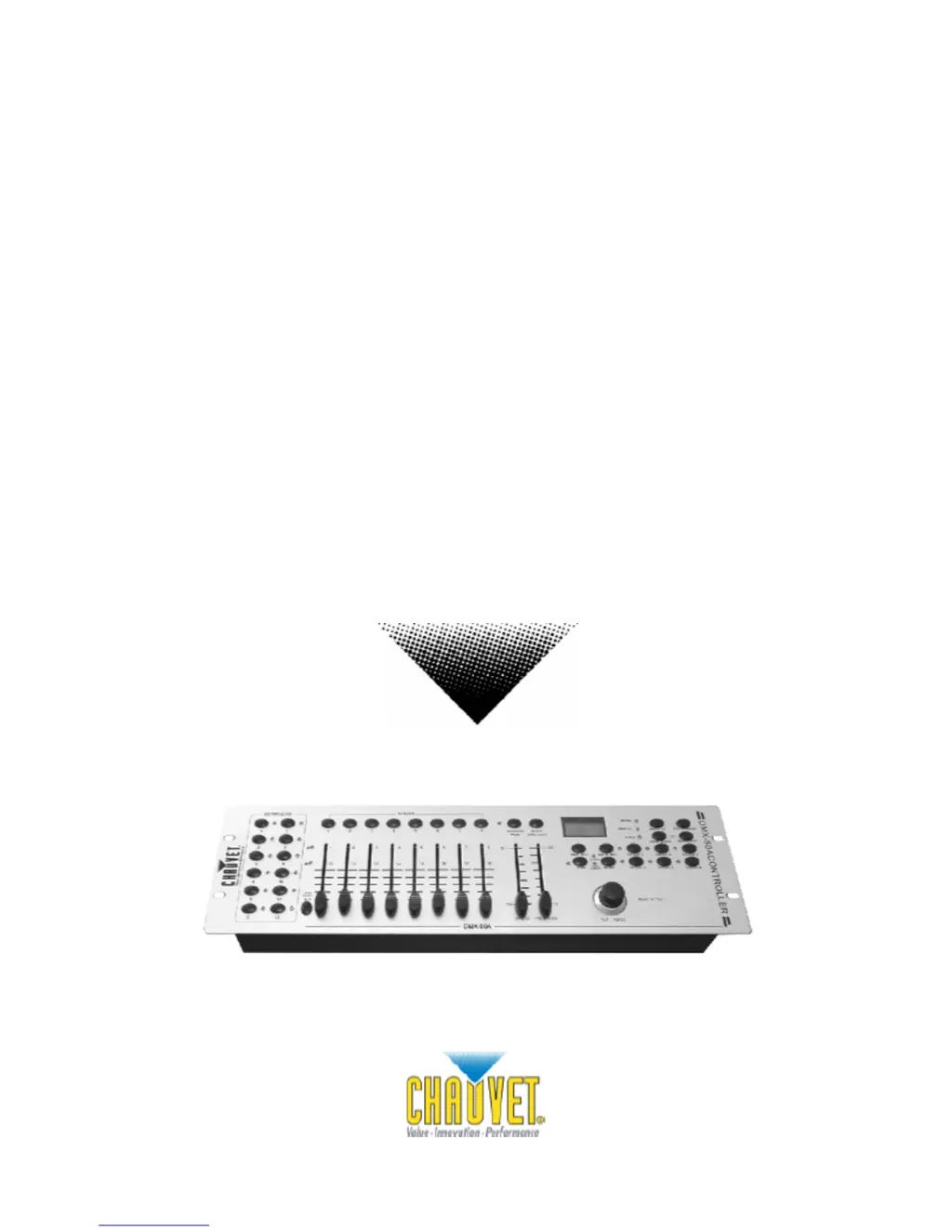
DMX-50A
DMX Controller
USER MANUAL

Questions and Answers

Summary

BEFORE YOU BEGIN

Safety Instructions

Essential safety precautions for operating the DMX-50A controller.

INTRODUCTION

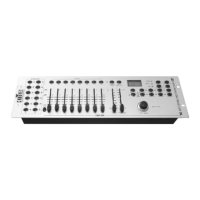
Front Panel Controls Overview

Details and groups the various buttons, faders, and the joystick on the front panel.

Rear Panel Connections Overview

Details the ports and connections on the rear of the DMX-50A controller.

OPERATING INSTRUCTIONS

Setup

Procedures for initial setup and system configuration.

Fixture Addressing

Explains how to set DMX addresses for fixtures to be controlled by the DMX-50A.

Joystick Assignment

How to assign joystick control for pan and tilt channels for each fixture.

Programming

Entering Program Mode

Steps to enter the mode for creating scenes and programs.

Create a Scene

Detailed steps for recording a static lighting state (scene) into a bank.

Running a Program

How to play back recorded programs (banks of scenes).

Chase Programming

Create a Chase

Building a sequence of scenes (steps) to form a chase.

Running a Chase

Executing a programmed chase.

Scene Programming (Steps)

Playback

Running in Sound-Mode

Operating the controller to trigger programs via audio input.

Running in Auto-Mode

Running programs automatically based on controller settings.

Midi Operation

Data Transfer

DMX Dipswitch Quick Reference Chart

General Troubleshooting

Technical Specifications

Chauvet DMX-50A Specifications

Power IconPower
operating rangeDC 9V-12V 500mA min
Operating Environment IconOperating Environment
maximum ambient temperature45°C (113° F)
Weight and Dimensions IconWeight and Dimensions
length514 mm (20.25 in)
width89 mm (3.5 in)
height171 mm (6.75 in)
weight2.7 Kg (6 lbs)

Related product manuals