EasyManua.ls Logo

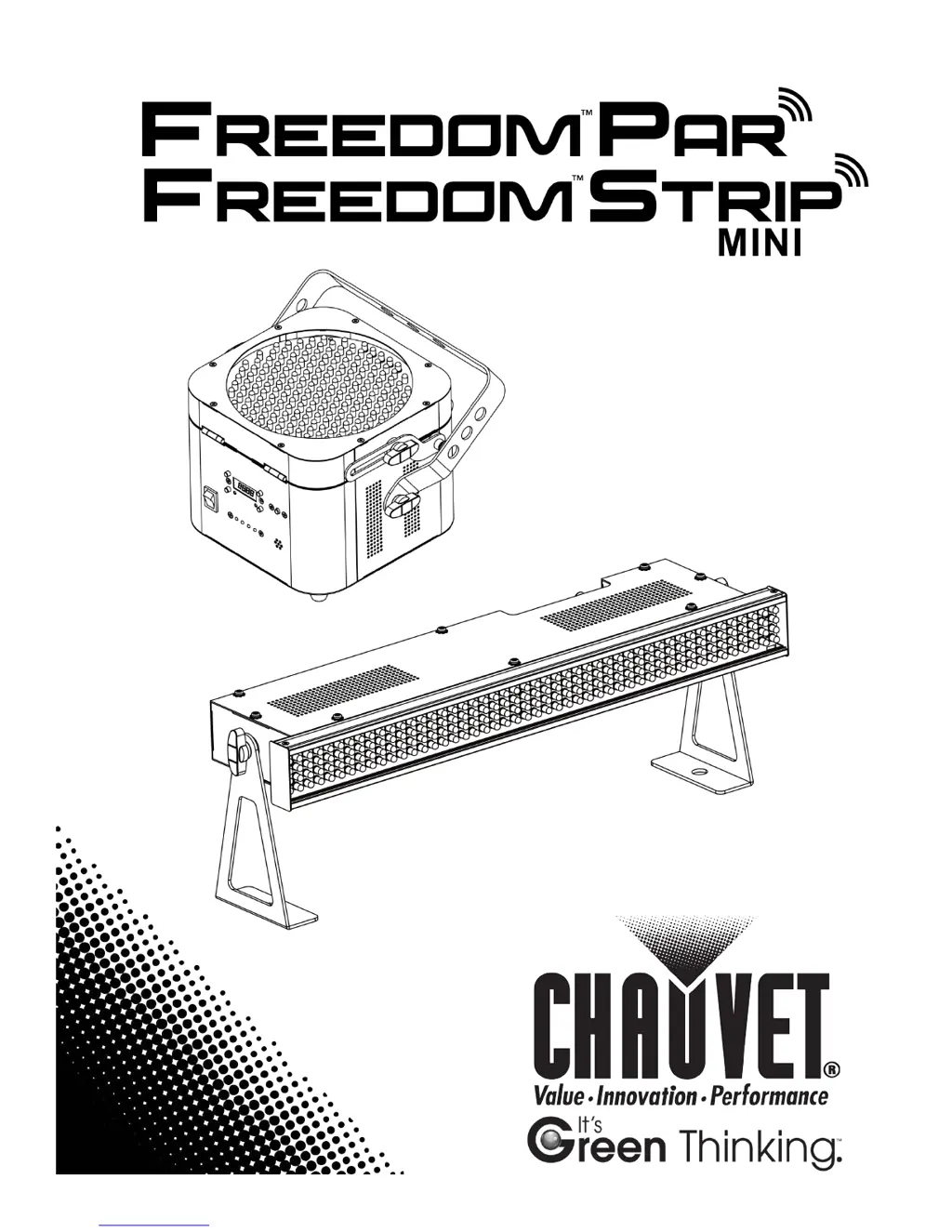
Chauvet Freedom Strip Mini - User Manual

Chauvet Freedom Strip Mini
28 pages
Print Icon
To Next Page IconTo Next Page
Loading...
User Manual

Questions and Answers

  • A
    Alexis ZavalaAug 8, 2025
    What to do if Chauvet Freedom Strip Mini does not power up?
    • T
      Tammy PetersonAug 8, 2025
      If your Chauvet Lighting Equipment isn't powering on, there are several potential causes. First, check the power outlet to ensure it's working, and try a different outlet. A loose or damaged power cord could also be the culprit, so inspect it carefully. Another common issue is a blown fuse; replace it with a new one of the same type and rating. If none of these steps work, there may be an internal problem, and the product may need professional repair.
  • C
    Caleb NguyenAug 15, 2025
    Why does the circuit breaker keep blowing on my Chauvet Freedom Strip Mini Lighting Equipment?
    • L
      Lindsay RodriguezAug 15, 2025
      A circuit breaker might blow due to an excessive load on the circuit. Ensure the total load doesn't exceed 80% of the breaker's nominal current. Alternatively, a short circuit along the power lines could be the cause. In this case, you should carefully check the power lines and power cords for any damage.
  • B
    boydjustinAug 25, 2025
    What to do if Chauvet Freedom Strip Mini does not respond to DMX?
    • R
      Robert BlackAug 25, 2025
      If your Chauvet Lighting Equipment isn't responding to DMX, several factors could be at play. First, verify that the starting address on the product is correct and that you're using the right fader(s) on the controller. Also, ensure the DMX personality setting on the product is correct, and assign the faders accordingly. A wrong polarity setting on the DMX controller can also cause this issue; try changing the signal polarity. Check the DMX cable for any looseness or damage before the unit. If these steps don't resolve the problem, the unit may have an internal problem and require repair.
  • L
    Linda RodriguezAug 30, 2025
    How to fix intermittent DMX problems with Chauvet Freedom Strip Mini?
    • M
      Michael DuranAug 30, 2025
      Intermittent DMX issues with Chauvet Lighting Equipment can stem from several sources. Start by ensuring that you are using true DMX cables, as standard signal cables are often incompatible. Interference from AC or radio signals can also cause problems, so keep DMX cables away from AC wires or radio equipment. If the DMX cable is too long, consider installing an optically coupled DMX amplifier right before the product experiencing issues. If you have a large number of products connected, install an optically coupled DMX amplifier after unit #32. Finally, ensure a terminator is properly connected.

Summary

Before You Begin

What Is Included

Lists all items included with the product.

Unpacking Instructions

Instructions for safely unpacking the product upon receipt.

Product Claims and Damage Reporting

Procedure for filing claims for shipping damage or missing parts.

Text Conventions

Explains the meaning of symbols and text formatting used in the manual.

Manual Iconography

Defines the icons and their associated meanings within the document.

Document Information

Contains copyright, version, and publication details of the manual.

Product Overview and Dimensions

Freedom Par Unit Overview

Detailed description of the Freedom Par unit's components and features.

Freedom Strip Mini Unit Overview

Detailed description of the Freedom Strip Mini unit's components and features.

Freedom Par Physical Dimensions

Provides the physical dimensions and measurements for the Freedom Par.

Freedom Strip Mini Physical Dimensions

Provides the physical dimensions and measurements for the Freedom Strip Mini.

Setup Procedures

AC Power Specifications

Details on the power supply type and voltage requirements for the Freedom series.

Battery Charging Procedure

Instructions on how to charge the internal battery of the Freedom series products.

Battery Status Indicator

Explanation of the battery life indicator and its display meanings.

Battery Care and Maintenance

Guidelines for maintaining the battery's optimal condition and longevity.

Replacing the Product Fuse

Step-by-step guide for replacing the product's fuse.

Daisy-Chaining Power

Information on how to connect multiple units for power distribution.

Mounting and Installation

Recommendations and safety for mounting the product.

Mounting Orientation Flexibility

Information on permissible mounting positions for the product.

Rigging Techniques and Safety

Proper techniques and safety measures for rigging the product.

Operation and Control

Control Panel Navigation

Overview of the buttons and display for operating the control panel.

Operation Menu Structure

Detailed breakdown of menu options, programming steps, and their functions.

Setting Up DMX Control

How to set up the product for control via DMX.

Configuring DMX Start Address

Procedure for setting the initial DMX address for communication.

Selecting DMX Channel Modes

Options for choosing between 3-channel and 4-channel DMX modes.

DMX Channel Mapping

Detailed table of DMX channel functions, values, and modes.

Standalone Mode Setup

Steps to configure the product for standalone operation without DMX.

Standalone Automatic Mode

How to activate and select programs in automatic standalone mode.

Available Standalone Programs

Enumeration of available auto programs and their functions.

Infrared Remote Control Pairing

Instructions for pairing and setting up the Infrared Remote Control.

Operating with IRC Remote

Detailed guide on operating the product using the IRC remote control.

D-Fi Wireless DMX Auto Sync Setup

Guide to automatically syncing multiple units wirelessly in DMX mode.

D-Fi Wireless DMX Manual Sync Setup

Guide to manually syncing multiple units wirelessly in DMX mode.

D-Fi Wireless IR;Standalone Auto Sync

Guide to automatically syncing units wirelessly for IR/standalone modes.

D-Fi Wireless IR;Standalone Manual Sync

Guide to manually syncing units wirelessly for IR/standalone modes.

Master;Slave Synchronization

Instructions for configuring products in Master/Slave mode for synchronized operation.

Master;Slave Runway Effect Configuration

Setting up a sequential 'runway' effect using Master/Slave mode.

Technical Information and Specifications

Product Cleaning Guidelines

Procedures for cleaning and maintaining the product's performance and appearance.

Contacting CHAUVET Support

Information on how to contact customer support for assistance.

Product Return Authorization

Steps for returning products, including RMA procedures and packaging.

Physical Dimensions and Weight

Specific measurements and weights for the Freedom Par and Strip Mini.

Power Supply and Consumption Details

Details on power input, consumption, and linking for different voltage ranges.

LED Light Source Specifications

Information about the LED light source and its expected lifespan.

Optical Performance Metrics

Data on illuminance, beam angle, and field angle.

Battery and Wireless Specifications

Specifications for battery run time, recharge time, and wireless operating frequency.

Thermal Limits and Cooling

Maximum operating temperature and cooling method details.

DMX Connector and Channel Information

Details on DMX connectors and channel range.

Product Ordering Codes

Product names, item codes, and item numbers for ordering.

Chauvet Freedom Strip Mini Specifications

General IconGeneral
Weight2.4 lb (1.1 kg)
Recharge Time4 hours
IP RatingIP20
Power Consumption11 W
ControlDMX
DMX Channels4
Light SourceLED

Related product manuals