Product View
11
Step 2: Checking
Press the switch button, if the correction LED turns on, it means the
switching succeed.
CAUTION: When checking is going on, do not long press, otherwise
RTK mode will be activated.
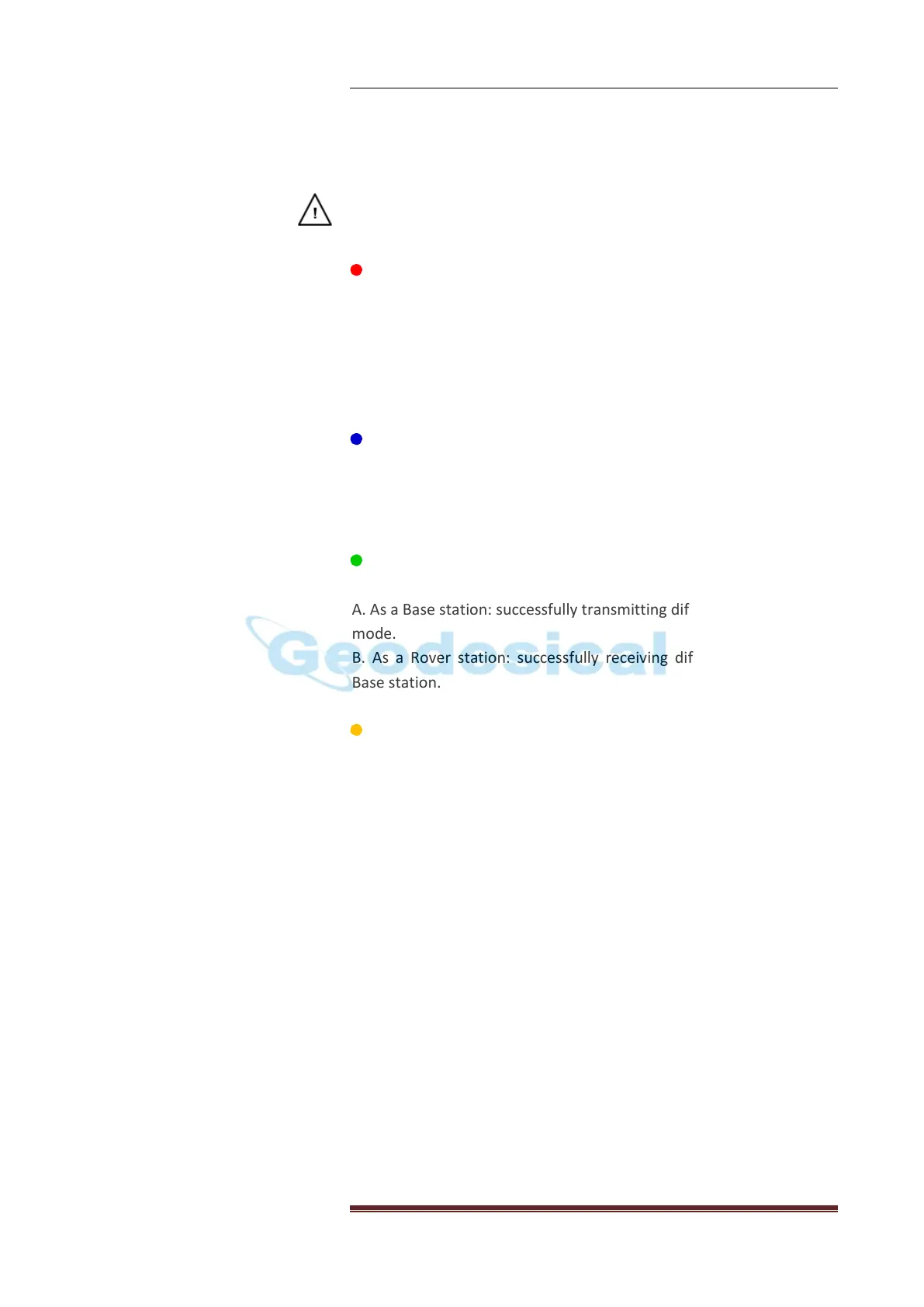
Power LED (RED)
The indicator to show whether X91GNSS is on or off.
When battery is less than 20%, the power LED will flash
continuously which reminds you to change the battery.
Bluetooth status: after the receiver powers on, if the power LED
(red) flashes quickly for three times in a row, it means the
Satellite LED (BLUE)
The indicator to show the number of satellites that the receiver has
tracked. For example, if the blue LED flashes five times continuously,
it means the receiver has tracked 5 satellites.
Correction LED (GREEN)
The Correction LED only flashes once per second when
A. As a Base station: successfully transmitting differential data in RTK
mode.
B. As a Rover station: successfully receiving differential data from
Base station.
Record LED (YELLOW)
The record LED only flashes under two situations
A. In static mode
The interval of flashing shows the sample interval of collecting data.
B.RTK mode
When the receiver is connecting to Controller and receiving
commands or just communicating with Controller.
[X91 Ports]
RS232 Serial Port
RS232 serial port is a 9 pin 0-shell LEMO connector that supports
RS-232 communications or external power input.
Bluetooth® Port
Bluetooth® port is an integrated port allowing X91GNSS receiver to
communicate with a Bluetooth®-enabled field terminal.
Radio Antenna Connection (only for Rover)


 To Next Page