APACHE 3 User Guide (Network Bridge Version)| 2021-02 P a g e
|
21
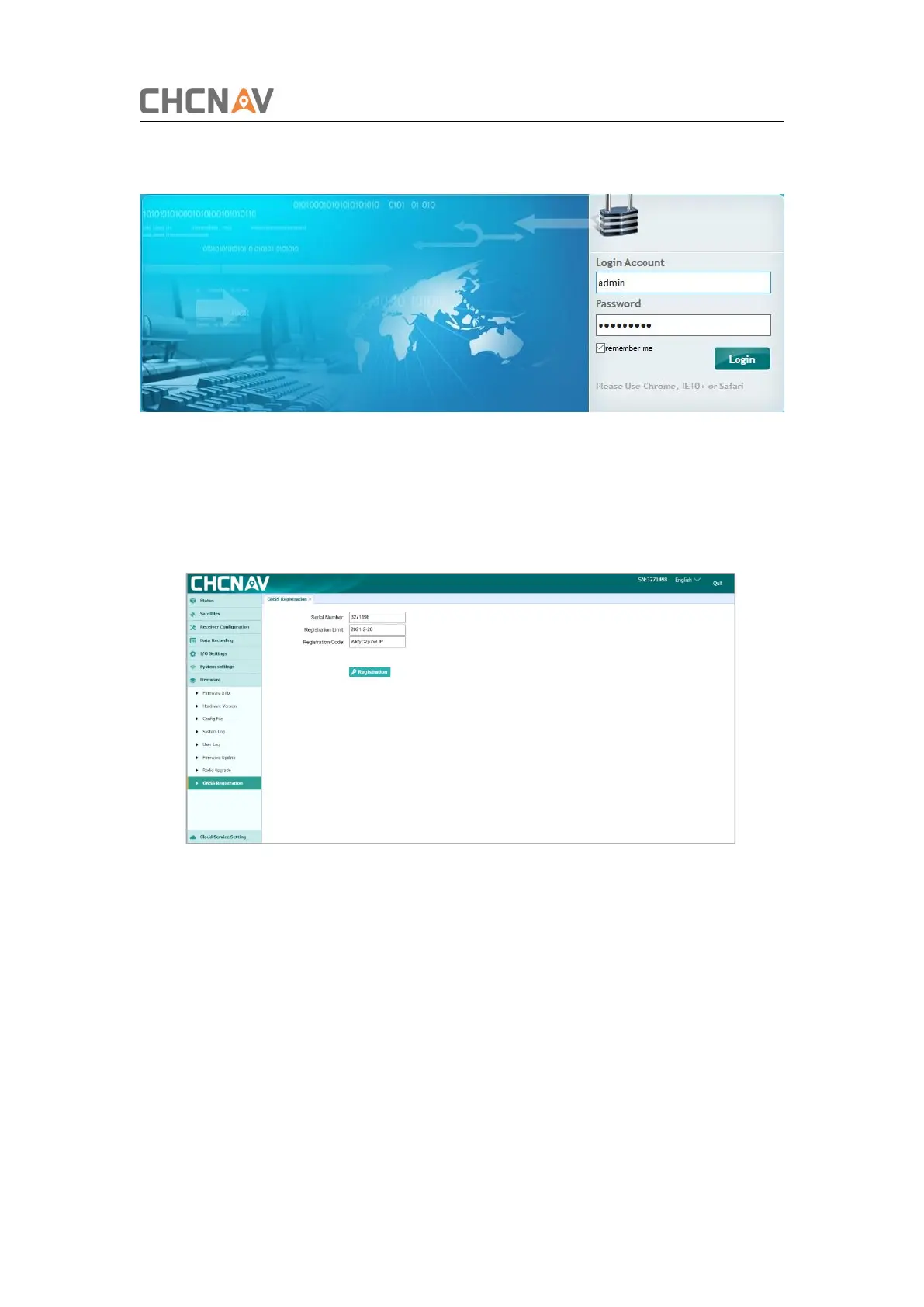
Username: admin
Password: Admin1234
Figure 3-15 login webpage of the GD100
3.3.2. Register the receiver
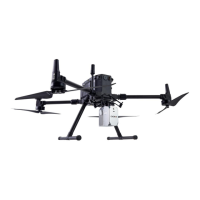
Click [Firmware][GNSS Registration]. Send the receiver SN to the dealer or sales
branch to obtain the registration code. Enter and apply the correct registration code.
Figure 3-16 Register the receiver
3.3.3. Configure the I/O of rover station
There are two kinds of working modes for rover station:
1) CORS mode. 2) Internal radio mode
1. Set CORS mode. Click [I/O Setting][RTK Client][Connect]. Select [Connection
Protocol] as NTRIP protocol, input the CORS parameters. Then click [Confirm].


 To Next Page