Getting Started
CHCNAV NX510 PRO USER MANUAL | 2021-08 P a g e | 12
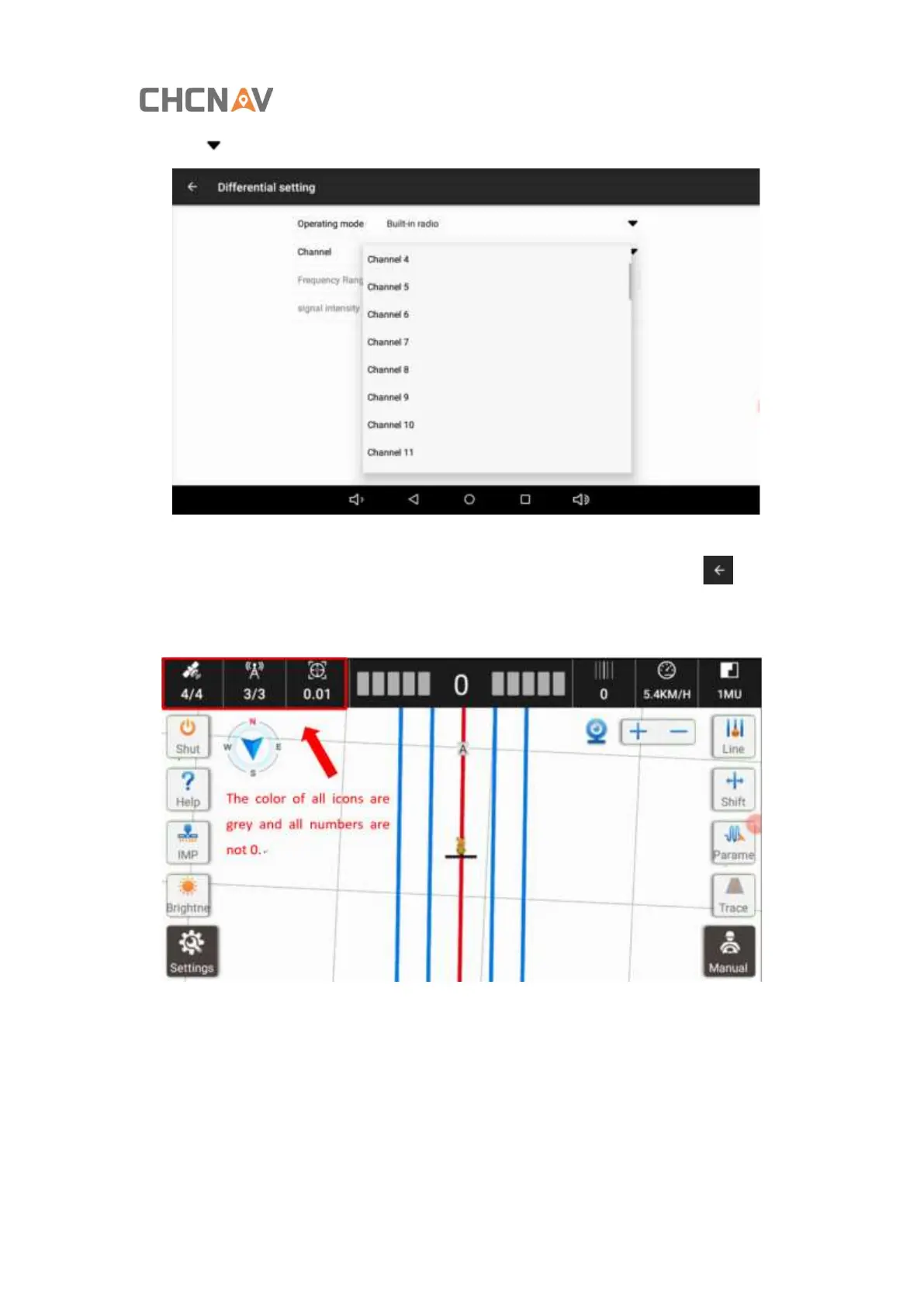
Click [ ]of Channel and select the same channel as that of base station.
After selecting the channel, it will show that the configuration is successful. Click [ ] in the
upper left corner to return to the main interface. Three signal icons in the upper left corner
are grey and non-zero, indicating that the RTK signal is available.



 To Next Page