Getting Started
CHCNAV NX510 PRO USER MANUAL | 2021-08 P a g e | 17
2.7. Quick line setting
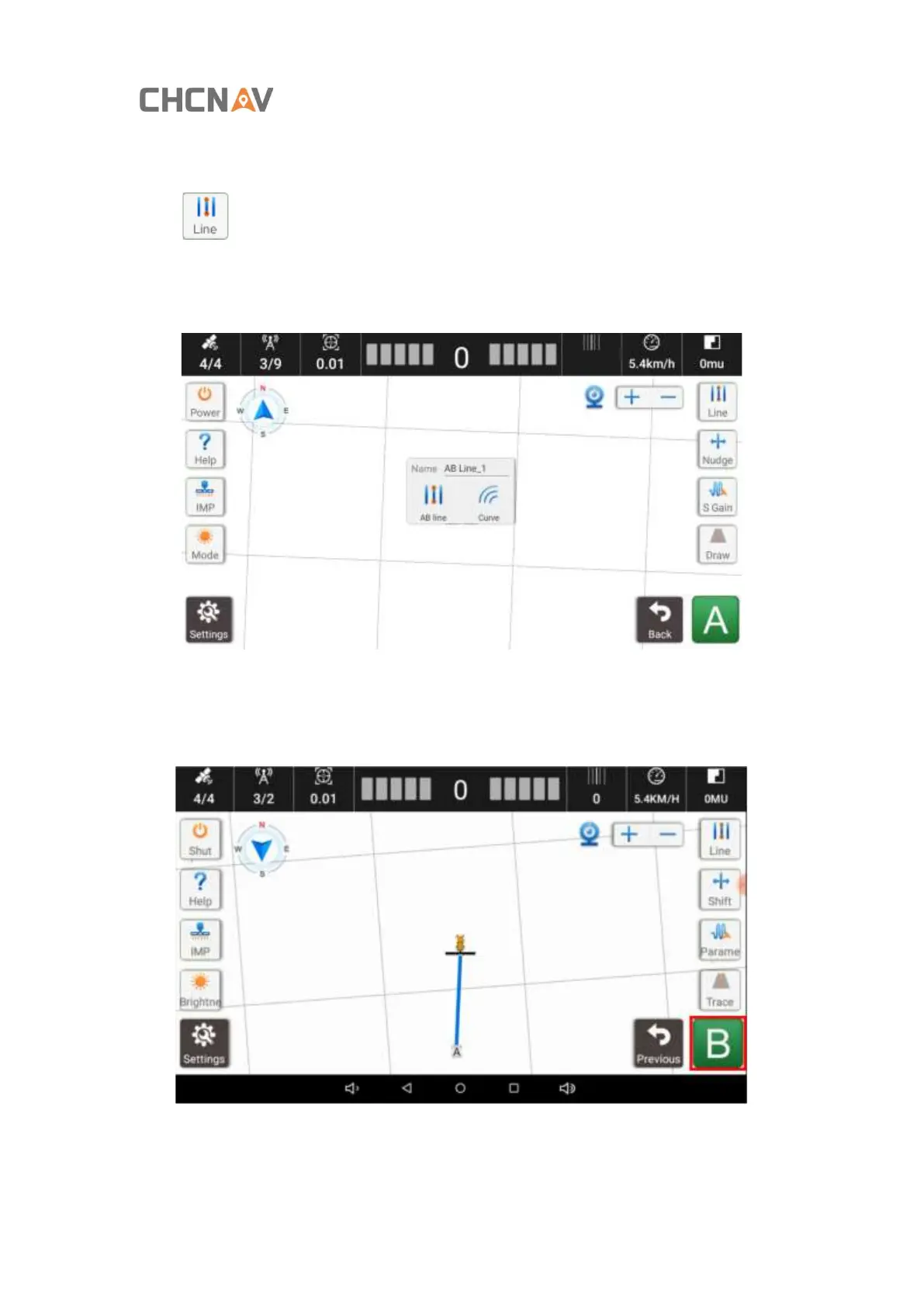
Click to enter the quick alignment
Park the tractor at the start point (A) of the alignment, and face to the end of the alignment.
Choose the straight AB line or Curve ,the line you want.
Manually drive to the other side of the alignment, stop and set it as point B. During this process,
please keep the agricultural tools lifted up. After the point B is set, the navigation line is
automatically saved.



 To Next Page