Common Functions
CHCNAV NX510 PRO USER MANUAL | 2021-08 P a g e | 35
3.5. Camera function
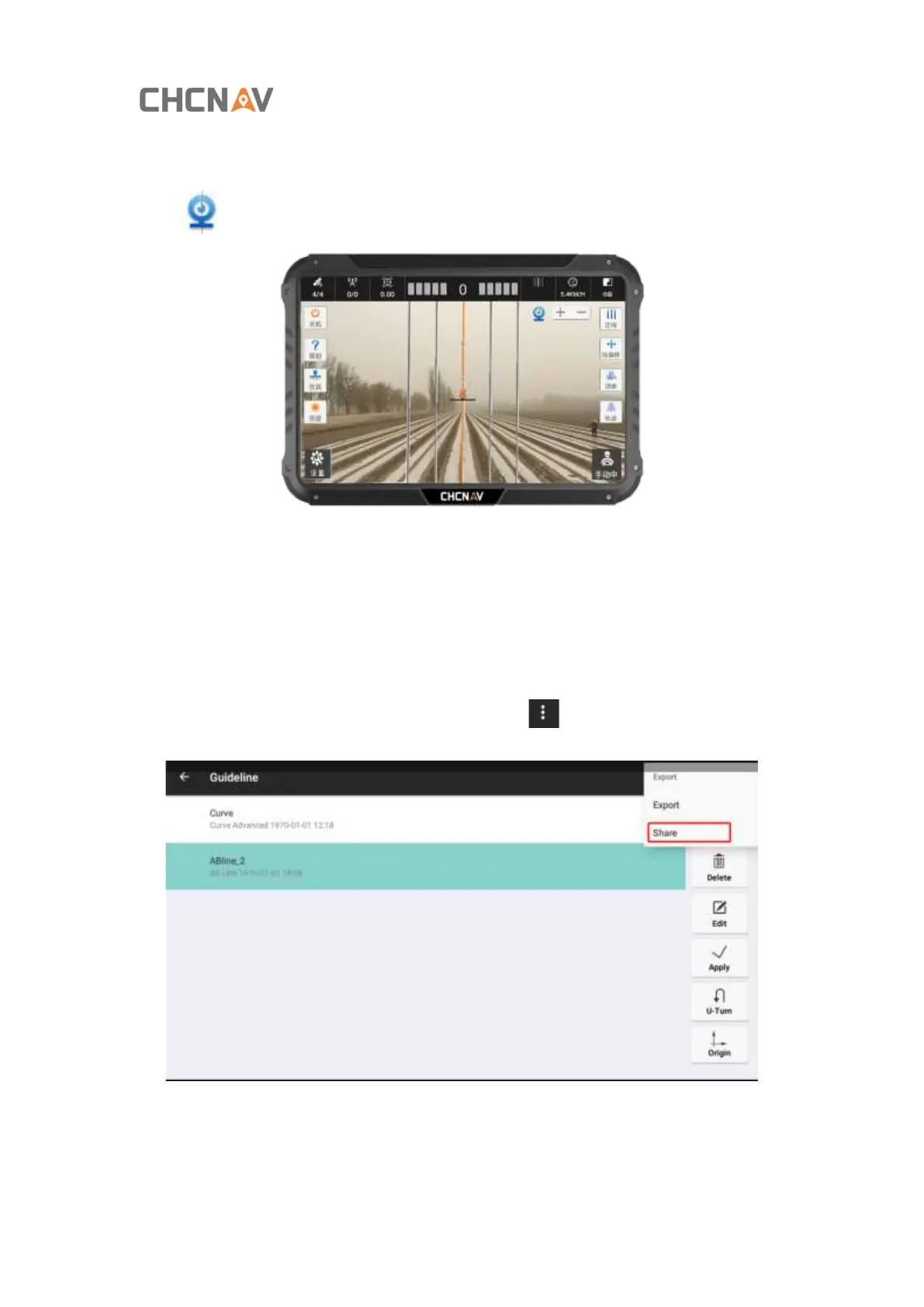
Click [ ] to open the camera. The background of the main interface is the camera screen.
(The renderings are just for reference)
3.6. Guideline share
If both of the tablet is online, they can share the guideline remotely.
First, choose the guideline you want to share, then click[ ]-[Export]-[Share]



 To Next Page