Common Functions
CHCNAV NX510 PRO USER MANUAL | 2021-08 P a g e | 30
Step 4; Click [Finish] after inputting, the offset of the farm tool center has been set, and click
[Save]. The next transfer line generated back and forth can verify that the modification is
correct.
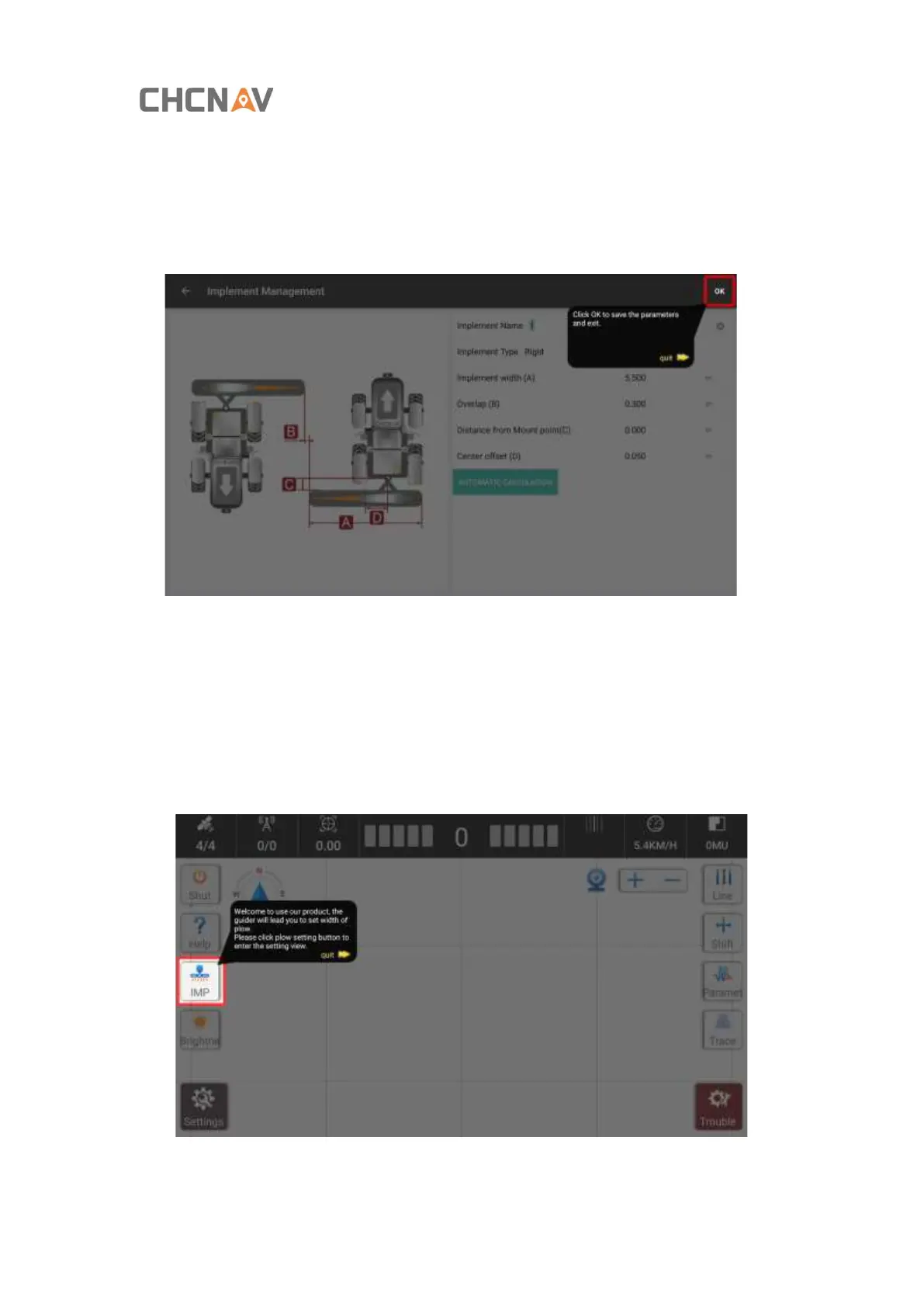
D. Width Guidance
This function is used to modify the width after changing the farm implement.
Step 1: Click [Set Plow With] in the [Help] function to enter the [Implement Management]
interface.



 To Next Page