Introduction
CHCNAV NX510 PRO USER MANUAL | 2021-08 P a g e | 7
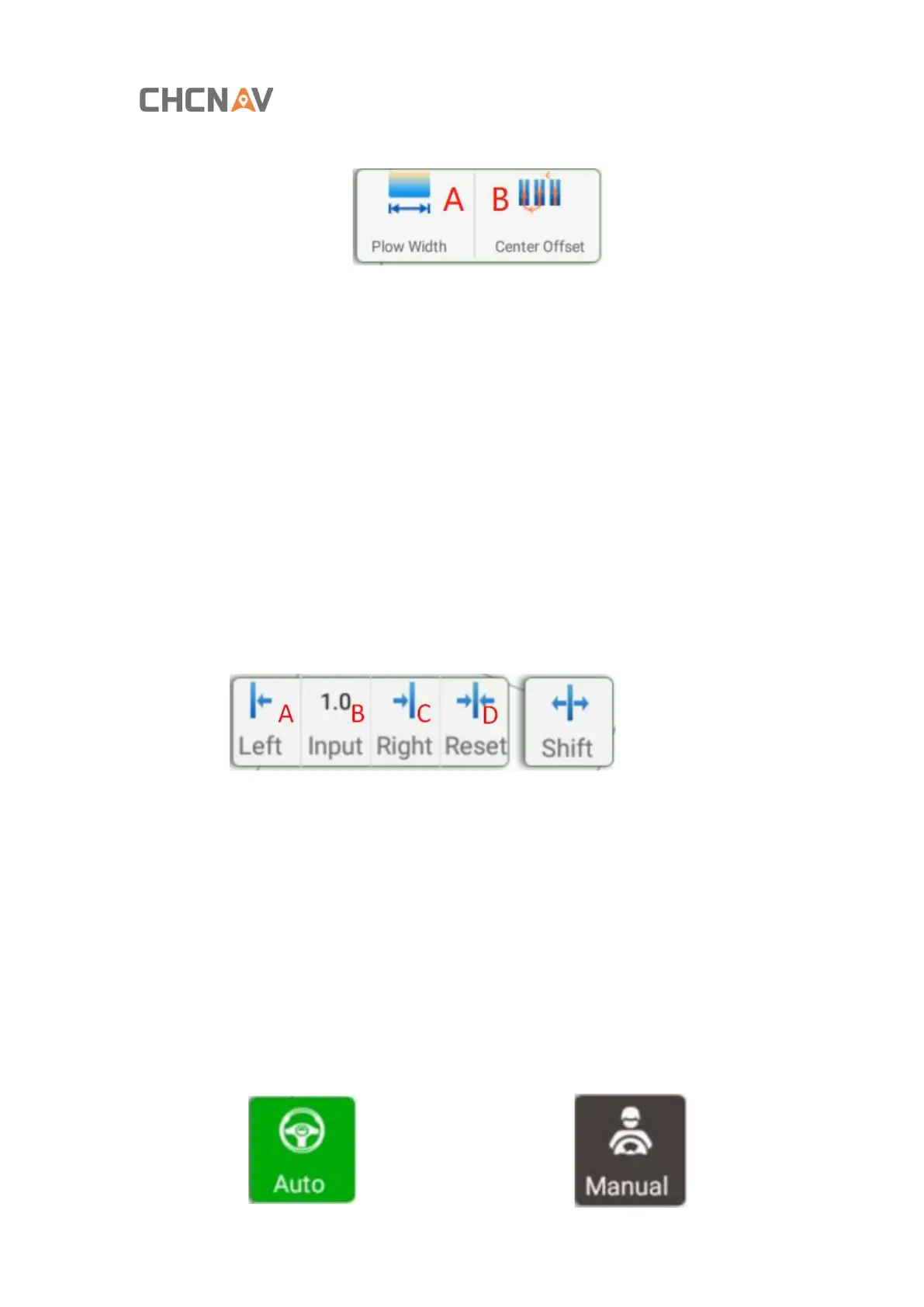
11. Agricultural tool settings, such as plough width, centerline offset, and row spacing;
A: Setup the width of the Plow
B: Setup the Center offset
12. Brightness configuration;
13. Settings, all functions and settings are in this interface;
14. Electronic compass;
15. Vehicle and navigation line;
16. Camera function, it will cover the background with the picture taken by the camera
after turning on;
17. Zoom in / out;
18. Fast routing function, the type of routing is the type of the line last time;
19. Line offset
A: The line is shifted to the left.
B: The line is shifted to the right.
C: Enter the travel distance of the line (unit: cm)
D: Line to zero
20. Quickly adjust the entry and travel parameters;
21. Working track coverage;
22. Manual / automatic status display and switching



 To Next Page