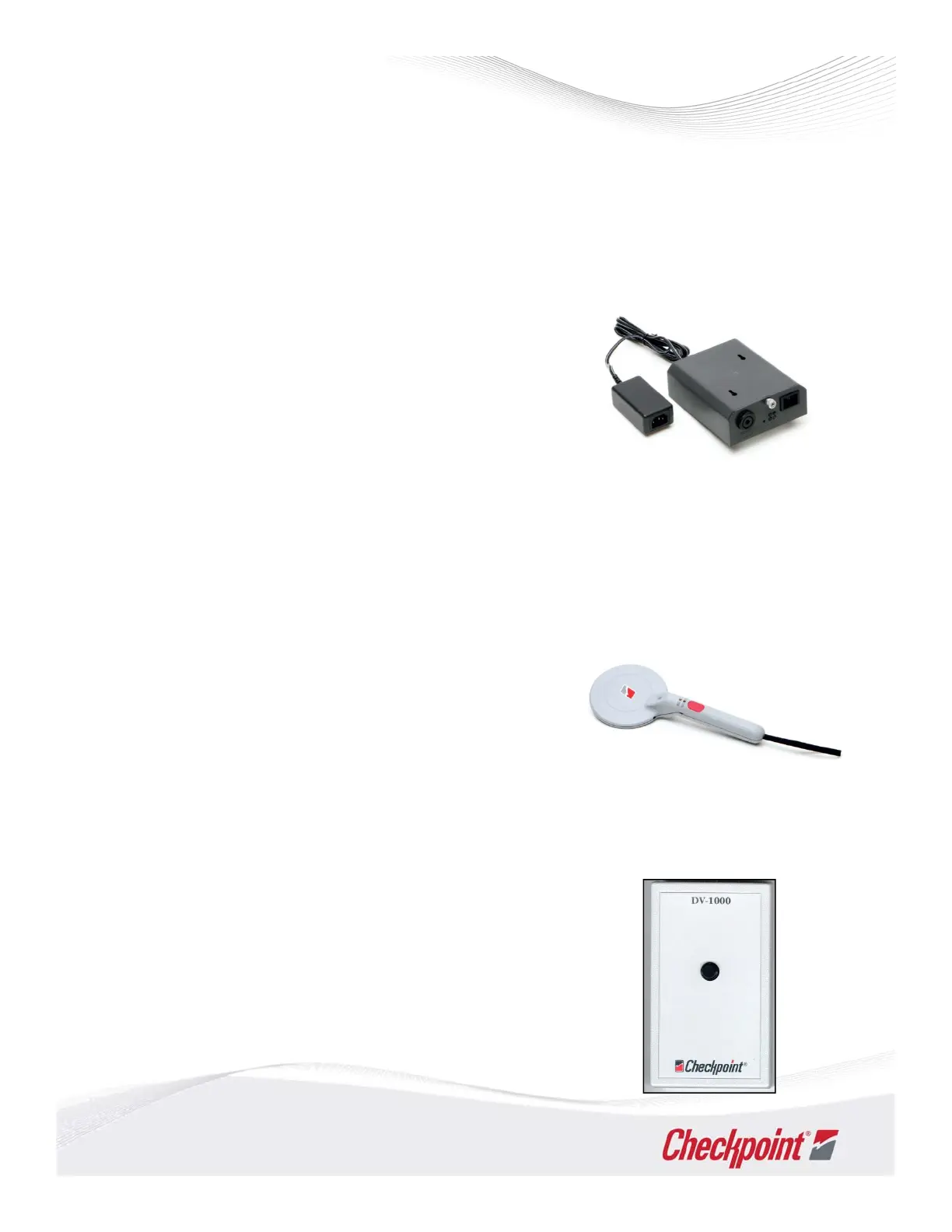
1. Make sure the chassis is plugged in and/or the power
switch is turned on. A green light should illuminate on
the front of the electronics box to indicate power.
2. Check for tags or tagged merchandise that may be
located near the deactivation pad, electronics box or
cabling. There should be a minimum o f three feet of
clearance around the pad and electronics box.
3. Check the area around the deactivation pad for any large
amounts of metal that may be present. There should be
a clearance of six inches around the deactivation Pad.
Troubleshooting
Counterpoint Deactivation Units
If you are experiencing problems when testing deactivation units, check the following before placing a
service call:
OMNI
If you are experiencing problems when using the OMNI handheld device, check the following:
1. If the unit gives off an erratic alarm and/or the noise light
illuminates while in PV mode, move at least six feet from
the EAS pedestal and try again.
2. If the unit does not give off any alarm or the green power
light blinks, recharge the battery by returning the OMNI
to its charging cradle.
DV1000
If you are experiencing problems when using the DV1000 device, check the following:
1. If the light on the f ront of the unit is red when the
button is depressed, replace the 9‐volt battery under
the battery door on the bottom of the unit.
2. If the unit does not detect a field from a known good
deactivation area, replace the 9‐volt battery under the
battery door on the bottom of the unit.
31



 To Next Page