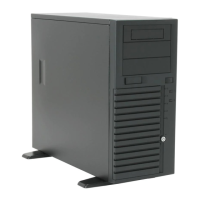
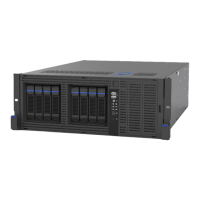
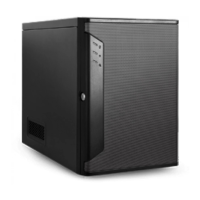
Chenbro SR209/105/107/108
4-Ports Mini-SAS Backplane User’s Manual
General Hardware Specification
Host Interface Mini SAS (SFF-8087) interfaces(single path)
HDD Interface
HDD connector (power+drive : 7+7+15 pins) for SAS
(Serial Attached SCSI) drive , also compatible to
SATA II drive (7+15 pins)
Hot-Swap
Functionality
Support inrush current control and Pre Charge for
drive hot-swapping (allow on line replace Hard Disk
Drive)
LED Display
On Board LED indicates Hard Disk Drive status:
Power LED – Blue color (When HDD is present )
Access LED –Green color (When HDD is busy )
Error LED –Red color (When HDD is fail )
Alert Monitoring
1. Fan speed monitoring :
a. 3P3C connector disable/enable by DIP sw.
b. Fan alarm threshold is 2000rpm
2. Overheat monitoring :
a. Two temperature sensors on HDD site
b. Two optional Temp. selection :55
℃
/65
℃
3.Redundant PSU monitoring :
a. PSU fail signal input : TTL signal input (normal
high and pull-high resistor is required)
b .PSU alarm mute output : short two pins together
when alarm mute switch (on the front site) is
pressed
4. Alert Notification :
a. Support one buzzer for audible alarm
b. 1× fail LED outputs for fan/overheat/PSU failure
events (on the front site)
c. 1 x alarm mute button for disabling audible
alarm
d. Fan & overheat fail will trigger both audible
alarm & fail LED , PSU will trigger fail LED only ,
but will trigger its audible alarm on PSU
http://www.chenbro.com
4



 To Next Page