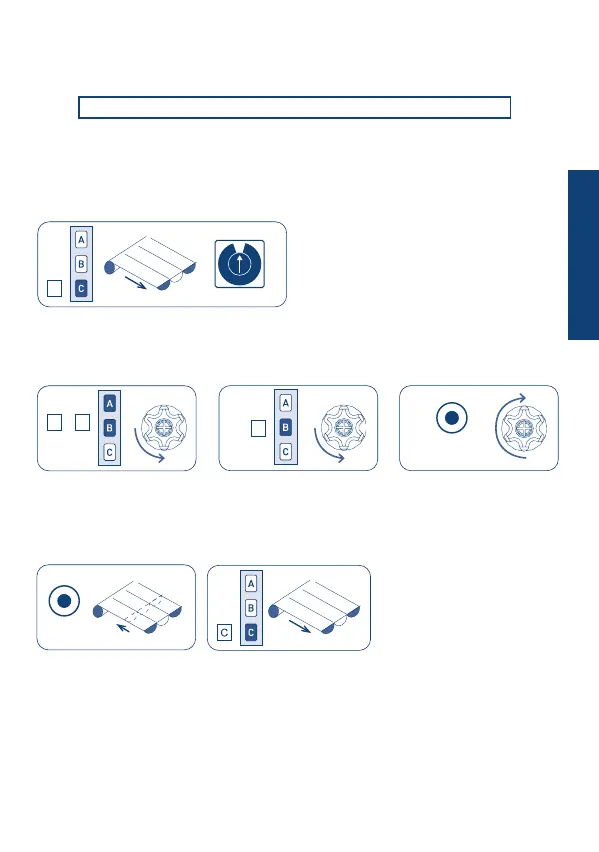
SETTING THE SENSOR
TnTn 2 sec
set
Tn: already programmed remote control
To associate the sensor to a motor, a remote control must be already memorised on the
motor. The setting sequence is the following:
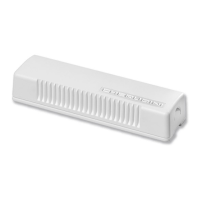
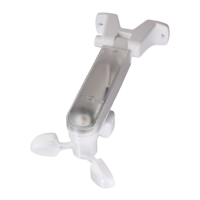
At this point, do not assemble the sensor shell on the base.
Note: to check proper memorisation, press the SET button briey again: the awning should
move about half way through its path. When the check is completed, open the awning
once again.
1
9
2
3
4
5
8
7
6
0
23
• Press the buttons on the remote control in this sequence: A+B and B, and then the SET
button for 2 seconds on the Mistral sensor; until the motor performs the conrmation
movement (around 2 second).
The vibration detection threshold is set by choosing one of the positions on the rotating
selector, from 1 (light vibrations) to 9 (strong vibrations). The proper threshold setting for
each type of awning must be determined, through trial and error. Start out by setting a
middle value (e.g. 5) and then activate the sensor. After activation it will be possible to
perform tests to nd the best threshold.
VIBRATION THRESHOLD
• Insert the batteries provided;
• Open the awning completely (button C);
• Rotate the selector to the 0 position;
set
+
A B
B
C
ENGLISH


 To Next Page