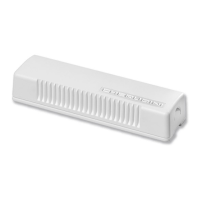
- Snap the shell onto the base.
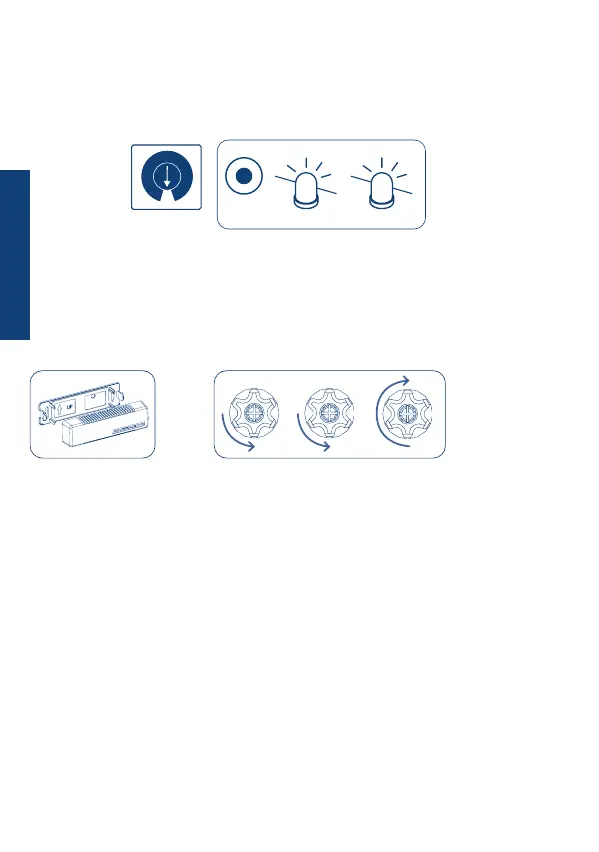
- Stand by for 10 seconds until the sensor detects the rest position and the motor makes
its conrmation movements*.
Before assembling the shell on the base:
- Rotate the selector to a middle value from 1 to 9 (e.g. 5).
- Activate the sensor by pressing the SET button for at least 4 seconds until the LED
ashes twice quickly.
SENSOR ACTIVATION
2
4 sec
set
5
SELECTOR
4
PROCEDURE
24
*Note: for Wave RX motors manufactured before 01/2013 and TDS Gold control units
manufactured before 04/2013 the procedure ends without conrmation movements.
Within three minutes proceed with the SENSOR TEST OPERATION.
10 sec.
........
*
ENGLISH


 To Next Page