Need help?
Do you have a question about the CHERUBINI WINDTEC and is the answer not in the manual?
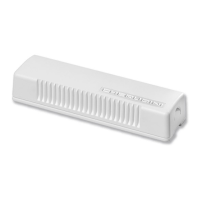
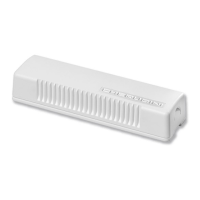
Remote control for Windtec systems, requires specific instruction book.
Remotes compatible with WindTec Lux for sun sensor control.
Wall-mounted remote control variant for Windtec systems.
Remote control for WindTec Lux, enabling sun sensor functions.
Illustrates symbols for motor rotation and button press sequences.
Explains symbols for wind-speed and sun-sensor tuning.
Position the sensor to the side, close to the awning, not above or below.
Connect up to 5 motors to one sensor, ensuring uniform exposure.
Adjust the fitting angle on any surface using the built-in mechanism.
Three-step sequences confirm completion; timing is critical for acceptance.
Illustrates correct and incorrect sequences, including timing errors.
Sequence to link a Windtec sensor to a motor via a programmed remote.
Procedure to disconnect a Windtec sensor from a motor using a remote.
Set wind sensitivity (7.5-45 km/h) using the sensor's windsock button.
Motor closes on wind alarm; auto reopening activates after wind subsides.
Activate automatic awning opening after a wind alarm condition clears.
Command sequence to turn off the automatic awning reopening function.
Set light sensitivity (2.5-100 kLux) for automatic awning control.
Select manual (wind only) or automatic (wind + sun) modes.
Check radio communication and sensor functions for 3 minutes.
Test wind sensor by setting motor to manual mode (wind only).
Verify sun sensor operation in automatic mode.
 General
| Brand | CHERUBINI |
|---|---|
| Model | WINDTEC |
| Category | Accessories |
| Language | English |

 To Next Page