Instruments and control devices
59
(below 50 m).
How to operate these instruments
●TRIP A, T RIP B and Traveling Time
switchover, display and reset
The function of “TRIP” button is to select
the display mode of “TRIP” and
“Traveling Time”. Its specific operation
procedure is as follows:
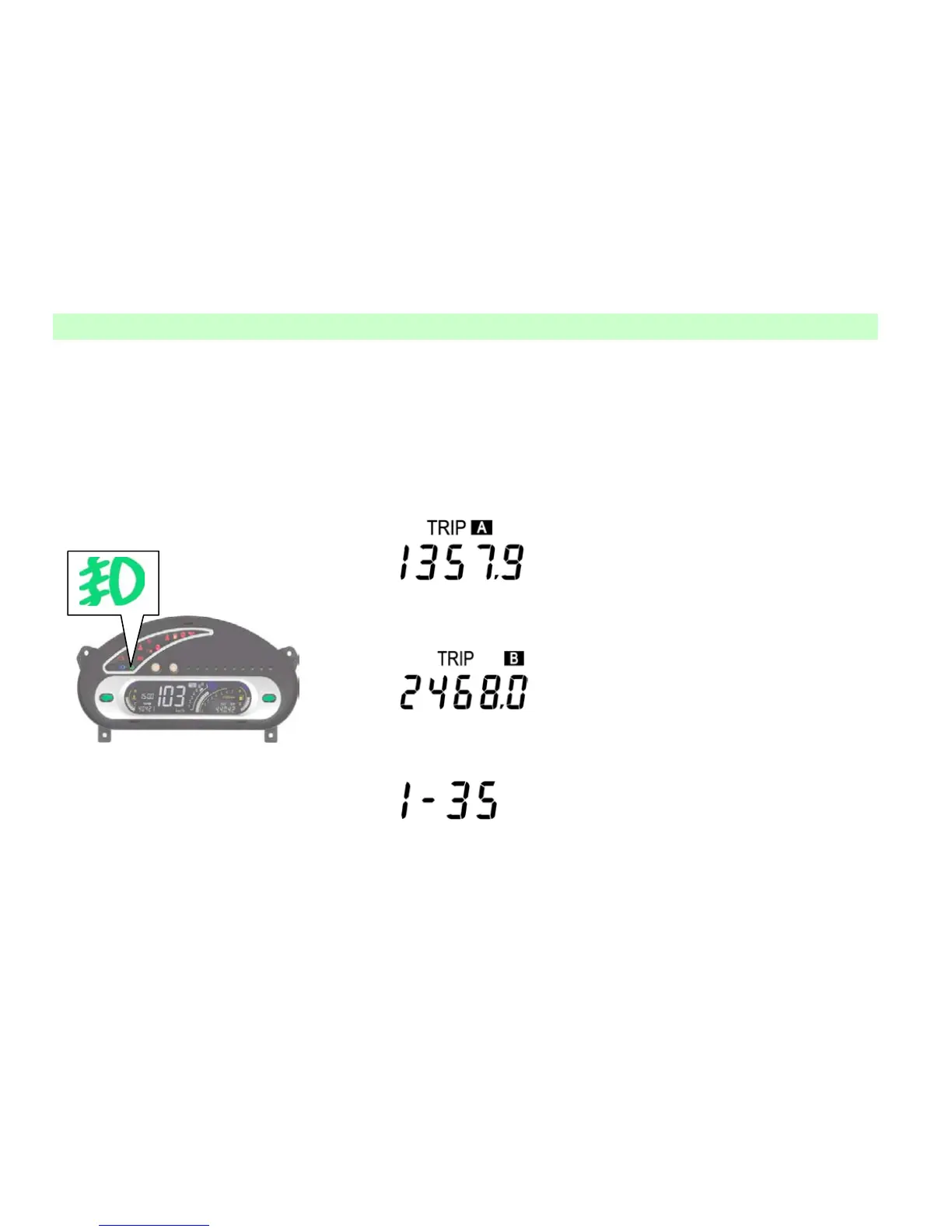
1. The initial display is TRIP A. If the
TRIP A is 1,357.9 km, the TRIP display
shows:
2. Press the “TRIP” button once, the
TRIP A is switched to the TRIP B. In this
case, if the TRIP B is 2,468.0 km, the
TRIP display shows:
3. Press the “TRIP” button again, the
TRIP B changes to the Traveling Time. In
this case, if the traveling time is: 1h 35m,
it will be displayed as:
4. In case of TRIP A, TRIP B or
Traveling Time, press the button for
above 2 s to reset.
——Description:
(1) These two TRIPs can be
independently applied. For instance, the
TRIP A can be used to record the total
mileage each a tank of fuel, and the TRIP
B to record the mileage each outgoing
travel.
(2) The Traveling Time is designated to
display the time counted from the startup
of engine. For example, in accordance
with the operation procedure above, the
display is turned to “Traveling Time”
mode during the vehicle is driving. In this
case, if the time is displayed as 3-25, it
illustrates that the vehicle has traveled
continuously for 3 hours and 25 minutes.
Apart from the manual reset, this timer
also begins to count from 0-00 when the
engine restarts.
● Temporary adjustment of brightness
of the display
In case that the instrument lights, press
the “SEL” key to adjust the brightness of
the display. The brightness adjustment is
divided into 10 levels each a cycle. The
brightness level increments if you press
the key once. When the brightness
reaches its maximum value, press the key



 To Next Page