44 Infotainment System
Freeway Entrance/Exit
The freeway entrance/exit
destination entry method lets you
select a destination by entering a
freeway entrance or exit point.
= (Freeway Ent (Entrance)/Exit):
Press this button from the ENTER
DESTINATION screen to access the
FREEWAY ENT/EXIT screen.
To use this destination entry
method:
1. Enter the freeway name. Use
abbreviations, such as I - 75,
rather than spelling out
Interstate.
The system displays a list of
freeways.
2. Select a freeway from the list,
and select whether you want an
entrance point or an exit point.
Select an exit/entrance point
from the list or input the point by
name. Sort the list by name or
by distance.
After selecting a point from the
list, a map screen appears with
the destination marked.
3. Press
h.
4. Press the Guide screen button.
See “Getting Started on Your
Route” in this section for more
information.
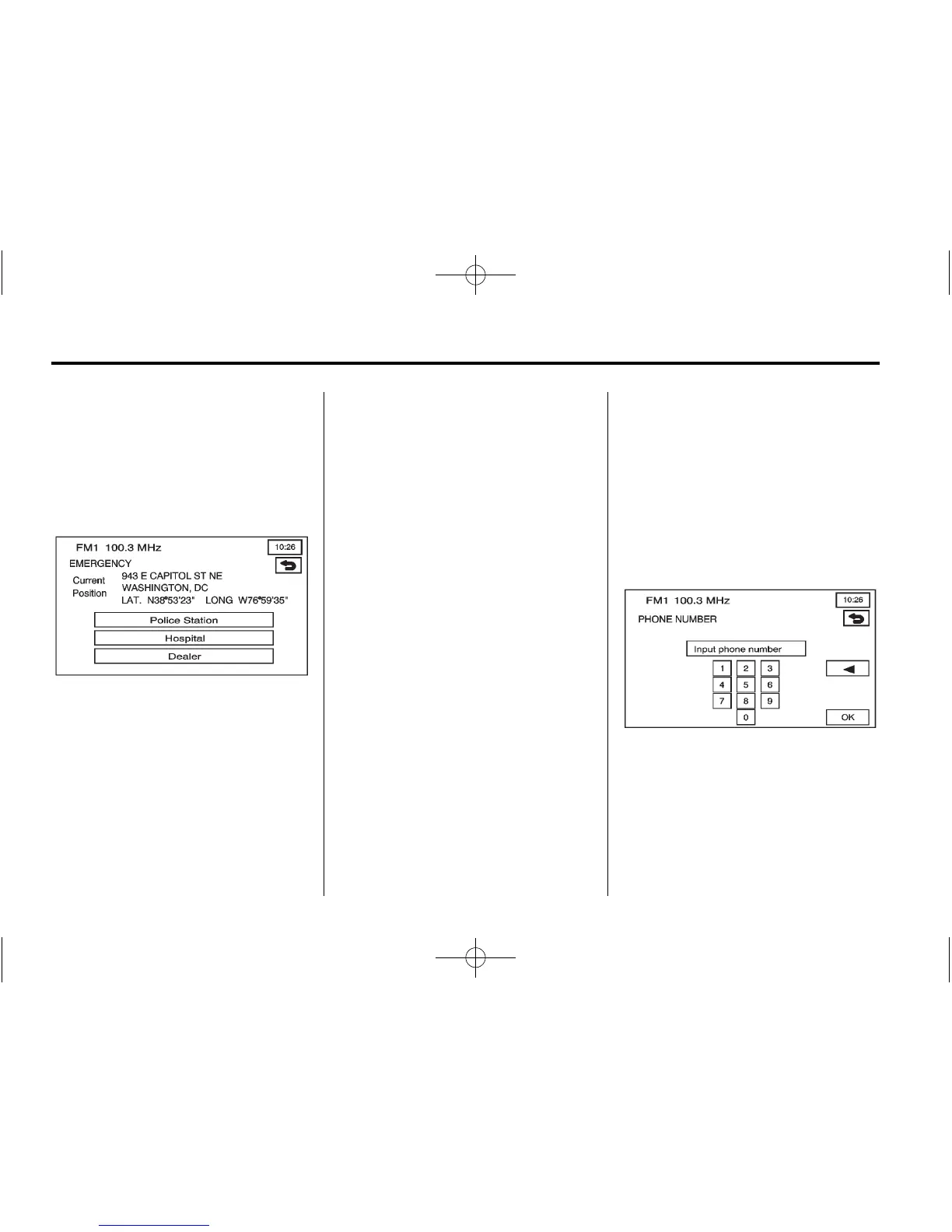
Phone Number
The phone number destination entry
method lets you select a destination
by entering a phone number. The
phone number must be in the list of
POIs that is contained on the map
DVD for the system to retrieve the
destination.
U (Phone Number): Press this
button from the ENTER
DESTINATION screen to access the
PHONE NUMBER screen.















 To Next Page