Setting Cruise Control
1.
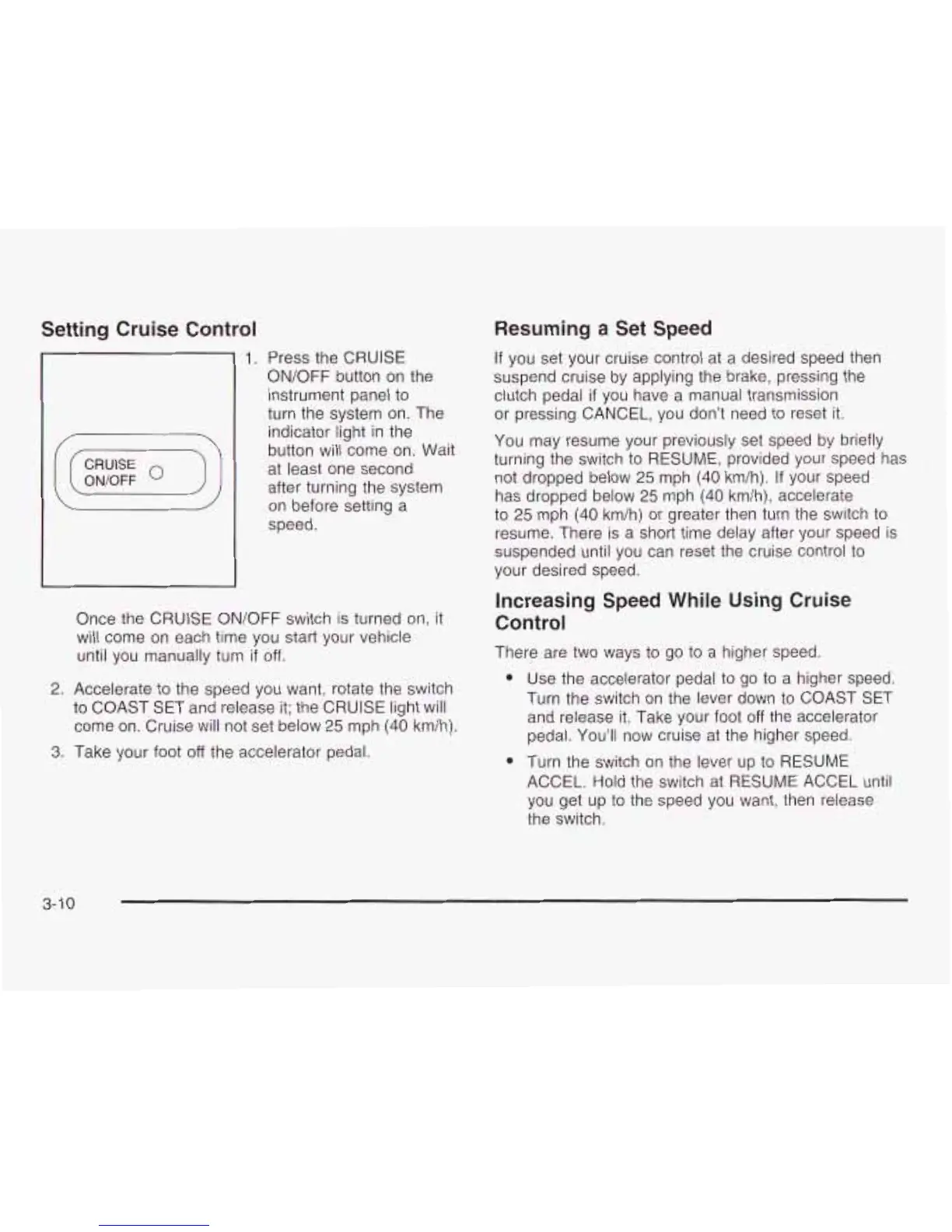
Press the CRUISE
ON/OFF button on the
instrument panel
to
turn the system on. The
indicator light in the
button will come on. Wait
at least one second
after turning the system
on before setting a
speed.
Once the CRUISE ON/OFF switch is turned on, it
will come on each time you start your vehicle
until you manually turn
if
off.
2.
Accelerate
to
the speed you want, rotate the switch
to
COAST SET and release it; the CRUISE light will
come on. Cruise will not set below
25
mph
(40
km/h).
3.
Take your foot
off
the accelerator pedal.
Resuming a Set Speed
If you set your cruise control at a desired speed then
suspend cruise by applying the brake, pressing the
clutch pedal
if
you have a manual transmission
or pressing CANCEL, you don’t need
to
reset it.
You may resume your previously set speed by briefly
turning the switch
to
RESUME, provided your speed has
not dropped below
25
mph
(40
km/h).
If
your speed
has dropped below
25
mph
(40
km/h), accelerate
to
25
mph
(40
km/h) or greater then turn the switch
to
resume. There
is
a short time delay after your speed is
suspended until you can reset the cruise control
to
your desired speed.
Increasing Speed While
Using
Cruise
Control
There are two ways
to
go
to
a higher speed.
e
e
Use the accelerator pedal
to
go
to
a higher speed.
Turn the switch on the lever down
to
COAST SET
and release it. Take your foot
off
the accelerator
pedal. You’ll now cruise at the higher speed.
Turn the switch on the lever up
to
RESUME
ACCEL. Hold the switch at RESUME ACCEL until
you get up
to
the speed you want, then release
the switch.
3-1
0










 To Next Page