(Rear Defogger): Press the defogger button to turn
the rear window defogger on or
off.
An indicator light
in the button will come on to let your know that the rear
window defogger is activated. Be sure to clear as
much snow
from
the rear window
as
possible.
The rear window defogger will turn
off
automatically
approximately
15
minutes after the button is pressed.
The defogger can also be turned
off
by pressing
the button again or by turning
off
the engine.
Notice:
Don’t use a razor blade or something else
sharp on the inside of the rear window.
If
you
do, you could cut or damage the defogger and the
repairs would not be covered by your warranty.
Do not attach a temporary vehicle license, tape, a
decal or anything similar to the defogger grid.
Outlet
Adjustment
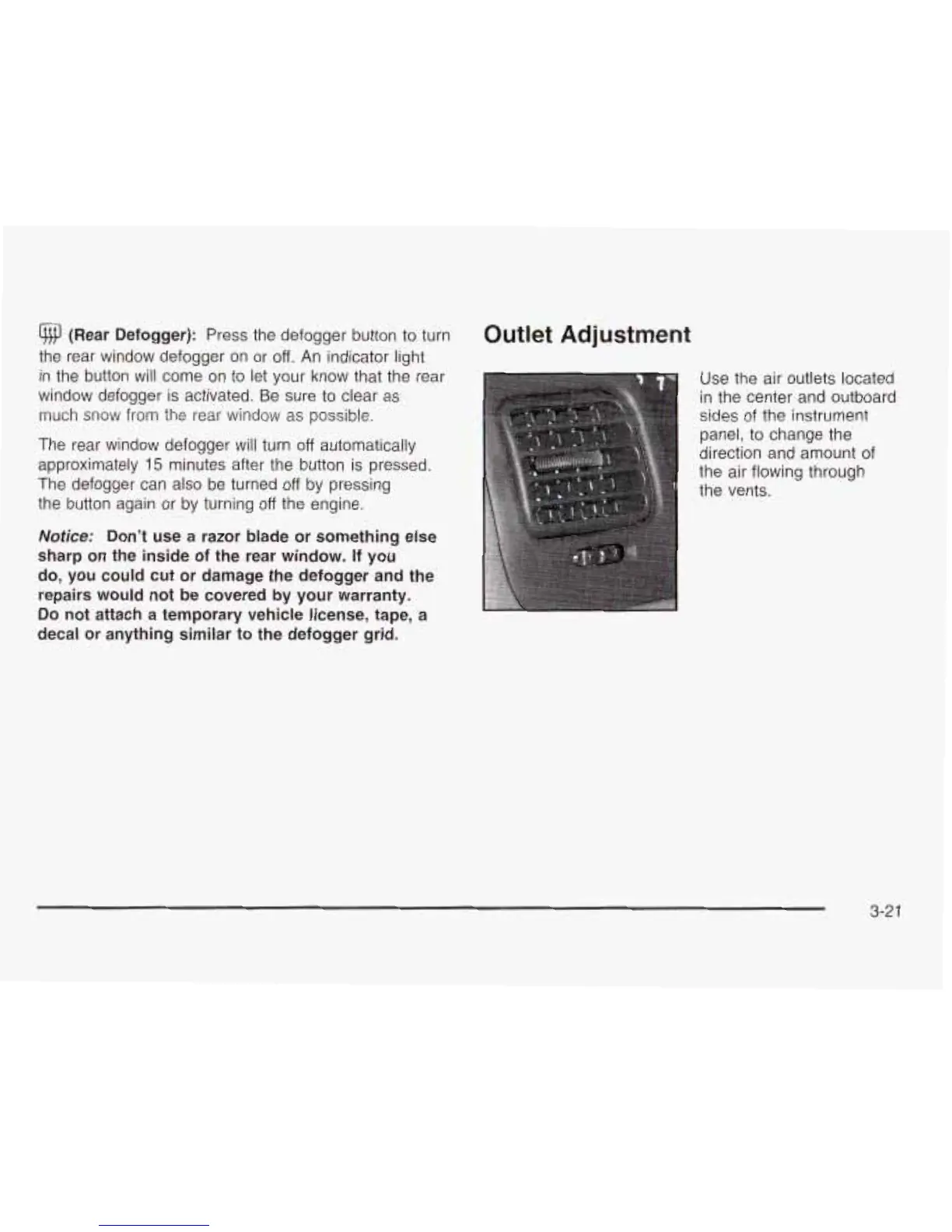
Use the air outlets located
in
the center and outboard
sides of the instrument
panel, to change the
direction and amount of
the air flowing through
the vents.
3-2
1










 To Next Page