Lighting 113
Lighting features
Entry lighting
Welcome lighting
Headlights, sidelights, tail lights and
interior lights are switched on for a
short time when unlocking the
vehicle with the remote control. This
function facilitates locating the
vehicle when it is dark.
The lighting switches off immediately
when the ignition is turned to the
accessory position.
Activation or deactivation of this
function can be changed in the
Vehicle Settings.
See Vehicle personalization on page
102.
Entrance lighting
The following lights will additionally
switch on when driver's door is
opened:
Some switches
Some interior lights
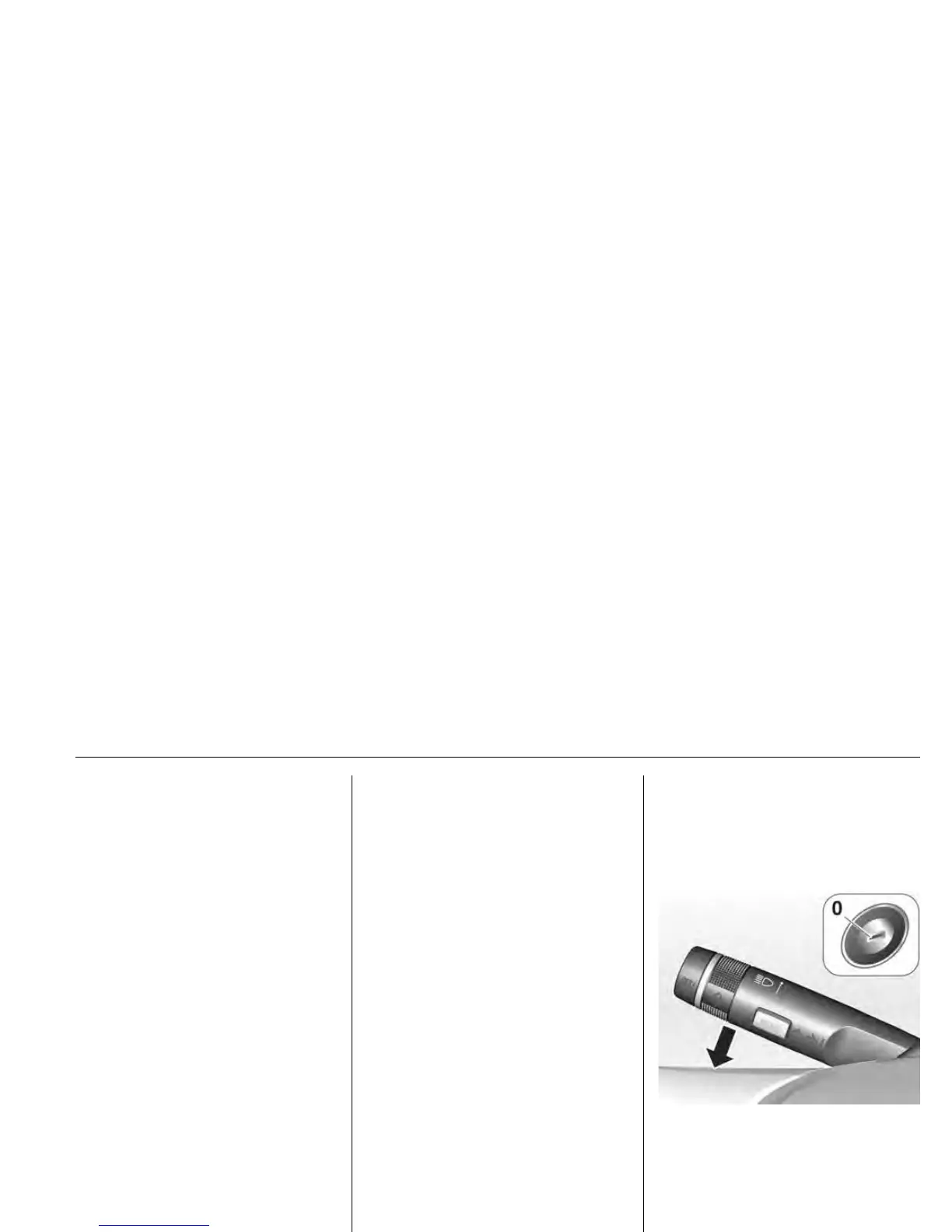
Exit lighting
Headlights, sidelights and tail lights
illuminate the way for an adjustable
time after leaving the vehicle.
TEL113A
Switching on
Activation, deactivation and duration
of lighting of this function can be
changed in the Vehicle Settings.
See Vehicle personalization on page
102.













 To Next Page