Infotainment system 127
• From the steering wheel remote
control knob, press Source
[_SRC^] to select the desired
mode.
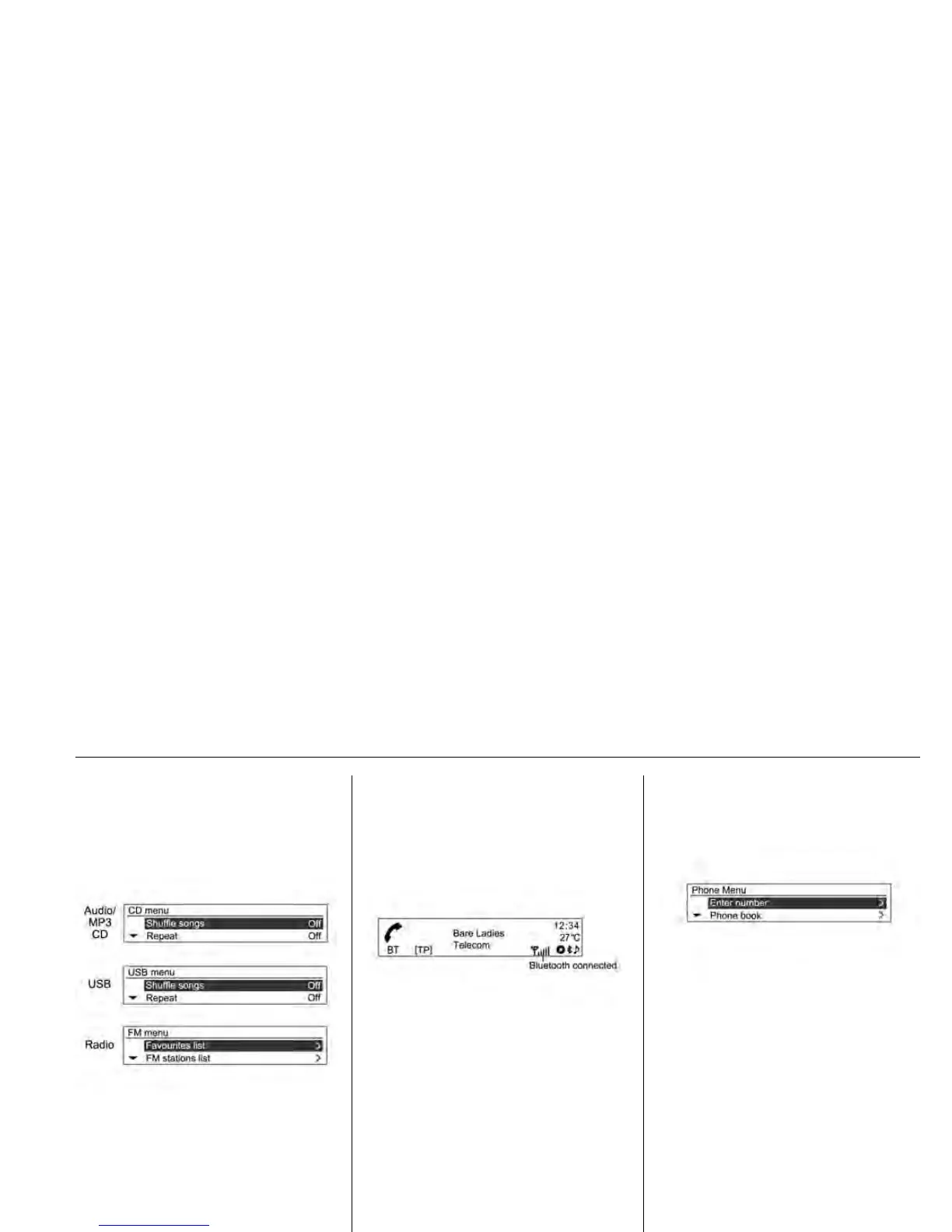
Press the MENU-TUNE button to
open the menu with options for the
relevant function or the menu of the
relevant device (Except for the
Bluetooth audio).
Bluetooth hands-free phone
device
Press the PHONE/MUTE button to
select the Bluetooth hands-free
phone function (only for Type A
models).
Press the PHONE/MUTE button to
open Bluetooth with options for the
relevant function.









 To Next Page