User Guide
5
Five Button Hand Control
The five button hand control has the same function buttons as the three
button hand control with the addition of a traversing function.
The traversing function is controlled by the red buttons, on the handset. The
buttons are colour coded with a solid red arrow and an outline red arrow.
These colours correspond to the direction travel arrows on the underside of
the hoist case.
To control the direction of the hoist, view the coloured direction arrows
mounted on the hoist and press the button on the hand control which
corresponds in colour to the arrow on the hoist.
The reset button is the red button in the top right hand corner on the handset.
It resets the hoist for normal operation e.g after an alarm signal (refer to
troubleshooting section on page 8).
Seven Button Hand Control
The seven button hand control has the same function buttons as the five
button hand control, with the addition of the tracking for the X-Y system.
The tracking X-Y function is controlled by the blue buttons, on the handset.
The buttons are colour coded with a solid blue arrow and an outline blue
arrow. These colours correspond to the direction travel arrows on the
underside of the hoist case.
To control the direction of the hoist, view the coloured direction arrows
mounted on the hoist and press the button on the hand control which
corresponds in colour to the arrow on the hoist.
The reset button is the red button in the top right hand corner on the handset.
It resets the hoist for normal operation e.g after an alarm signal (refer to
troubleshooting section on page 8).
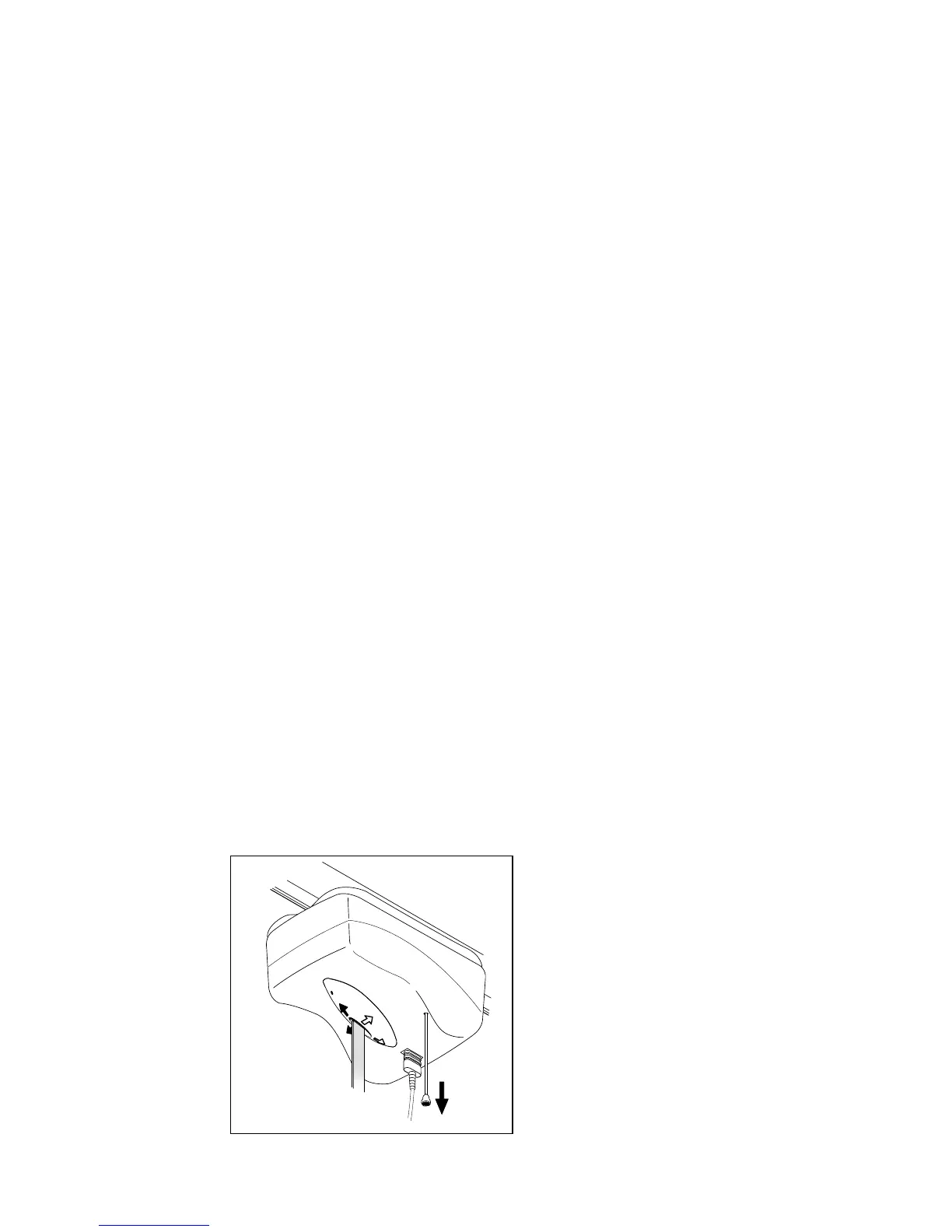
Emergency Stop
The red pull cord provides an
emergency cut out. If the cord
is pulled once then the
emergency stop is activated.
To reset, pull the short piece of
cord located on the top face of
the hoist. Proceed to press the
red reset button located on the
handset. Three beeps sound
when the hoist is then reset and
ready to use.
Fig 1.



 To Next Page