
 Need help?
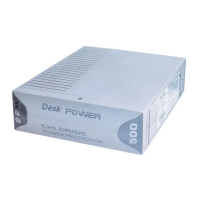
Do you have a question about the Chloride Desk POWER 500 and is the answer not in the manual?
Covers crucial safety notes, cautions, and warnings for operating and handling the UPS.
States the conformity of the UPS with relevant European, US, and Canadian guidelines.
Explains the meaning of symbols used in the manual for clarity.
Step-by-step instructions for safely removing the UPS unit from its packaging.
Lists and describes the items included in the UPS package for user verification.
Explains the indicators, buttons, and operational status of the UPS front panel.
Step-by-step instructions and safety precautions for replacing the UPS battery.
Provides guidelines for storing the UPS and for cleaning its exterior.
Lists common problems, their possible causes, and recommended actions for resolution.
 General
| Apparent Power | 500 VA |
|---|---|
| Real Power | 300 W |
| Input Voltage | 230 V |
| Output Voltage | 230 V |
| Output Frequency | 50/60 Hz |
| Operating Temperature | 0°C to 40°C |


 To Next Page