EasyManua.ls Logo

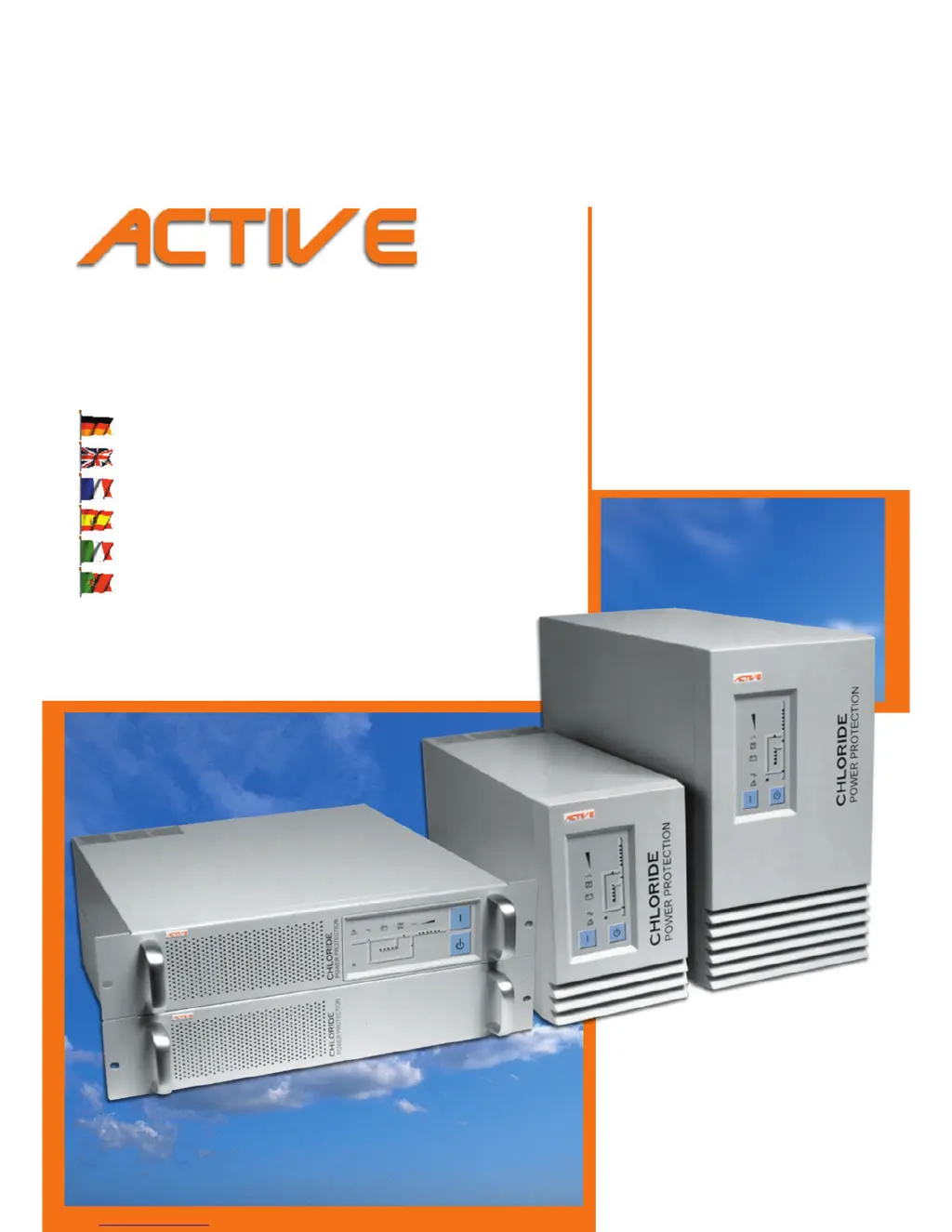
Chloride ACTIVE 700 - User Manual

Default Icon
60 pages
Print Icon
To Next Page IconTo Next Page
Loading...
&+/25,'(
219'42416'%6+10
Bedienungsanleitung
Operating Manual
Manuel utilisateur
Instrucciones de servicio
Istruzioni per l’uso
Manual de instruções
Unterbrechungsfreie Stromversorgung
Uninterruptible Power System
Alimentation Sans Interruption
Sistema de Alimentación Ininterrumpida
Gruppo di continui
Sistema ininterrupto de alimentação
TOWER
DFWLYH 
DFWLYH 
DFWLYH 
DFWLYH 
RACK
DFWLYH 
DFWLYH 
DFWLYH 
DFWLYH 

Table of Contents

Questions and Answers

  • J
    Jacqueline VargasAug 7, 2025
    Why is the backup time less than specified on my Chloride UPS?
    • L
      Lori FrenchAug 7, 2025
      If the backup time of your Chloride UPS is less than specified, there might be several reasons: * The fuse switch of the battery extension(s) may be in the 'OFF' position. Ensure it is switched to 'ON'. * The number of externally connected battery extensions might be set incorrectly. Make sure the settings are correct. * The batteries may not be fully charged. Charge the batteries and test the backup time. If the issue persists after checking these points, it may indicate defective batteries or a defective charging device.
  • R
    ryanjaclynAug 11, 2025
    What to do if the OVERLOAD LED illuminates on Chloride ACTIVE 700?
    • N
      Nicole WalkerAug 11, 2025
      If the OVERLOAD LED is illuminated on your Chloride UPS, it indicates an overload at the UPS output. To resolve this, reduce the load to the permissible value.
  • A
    Adam GregoryAug 15, 2025
    How to fix a Chloride ACTIVE 700 UPS with no display and no alarm?
    • K
      Krystal DixonAug 15, 2025
      If your Chloride UPS has no display and no alarm, and appears to be switched off, check the following: * Ensure the main switch is turned on. * Verify that mains voltage is present. If not, have it inspected by a qualified electrician. * Check the input fuse or circuit breaker. Replace the fuse with the same type or switch on the circuit breaker. If the problem continues, contact customer service.
  • R
    Raven HartmanAug 20, 2025
    What to do if there is no communication between Chloride ACTIVE 700 UPS and PC?
    • B
      bryanmarkAug 20, 2025
      If you are experiencing no communication between your Chloride UPS and PC, consider the following: * Verify that you are using the correct serial connection cable. Standard modem/null modem cables are not suitable. * Check if the interface on the PC is being used by another process or is defective. Try selecting a different serial interface. * There may be interference on the data cable. Try laying the cable differently.
  • D
    Donald MillerAug 25, 2025
    Why is the ALARM indicator illuminated on my Chloride UPS?
    • B
      Brian LewisAug 25, 2025
      If the ALARM indicator is illuminated and the acoustical alarm sounds continuously on your Chloride UPS, this could be due to a UPS error or overheating. You can try to decrease the ambient temperature to resolve the issue of overheating.
  • M
    Mitchell Sharp MDAug 28, 2025
    What to do if MAINS indicator does not illuminate on Chloride ACTIVE 700?
    • A
      Andrea MercadoAug 28, 2025
      If the MAINS indicator on your Chloride UPS does not illuminate and an acoustical alarm sounds in intervals, it could mean the input fuse is defective or the input circuit breaker has tripped. Replace the fuse with one of the same type, or switch the circuit breaker back on. If the problem continues after these steps, contact customer service.
  • T
    Tom AverySep 2, 2025
    Why is MAINS indicator flashing on Chloride ACTIVE 700?
    • K
      kelly38Sep 2, 2025
      If the MAINS indicator on your Chloride UPS is flashing, it means the phase and neutral lines are swapped at the UPS input. To correct this, pull out the mains plug and plug it back in correctly.

Chloride ACTIVE 700 Specifications

General IconGeneral
BrandChloride
ModelACTIVE 700
CategoryUPS
LanguageEnglish

Related product manuals