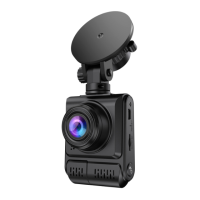
Repeatedly press the MODE button to switch between
three modes.
In the three modes (Recording mode / Photo / Playbac
-k mode), Press the MENU button to enter the current
mode setting, and also Press again to enter the syste
-m settings. The system settings are the same in all m
-odes.
A. Recording Mode
When the machine is turned on, the recording starts a
-utomatically.
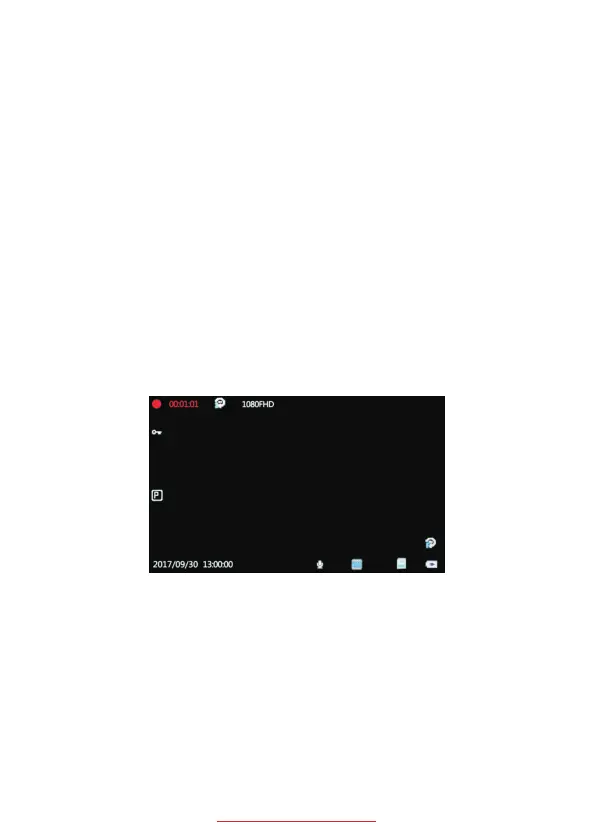
1)V ideo Recording Mode Interface :
2. Video Lock 8. Charging icon
3. Parking Monitor 9. Motion Detection
4. Date/Time 10. Resolution
5. Video Sound 11. Cyclic Record
6.WDR 12. Recording Time
7. Mini SD Card1. Recording Status (Red is
-being recorded)
support@chortau.cc
1
2
3
4
5
6 7
8
9
10
1112
7


 To Next Page