-ine stops, the camera automatically saves record file
-s and power off. Recorded files will be saved on the
Micro SD card.
Standby Mode
You can press “OK” button when the camera is recordi
-ng to enter the standby mode. Standby mode means
that there is no ongoing operation.
Attention
A. Video recorded by the front camera is named with a
-n ”A” in the end, and the rear camera video ends with
a “B”.
B. If you turn off cyclic recording, the camera will stop
recording when storage is full.
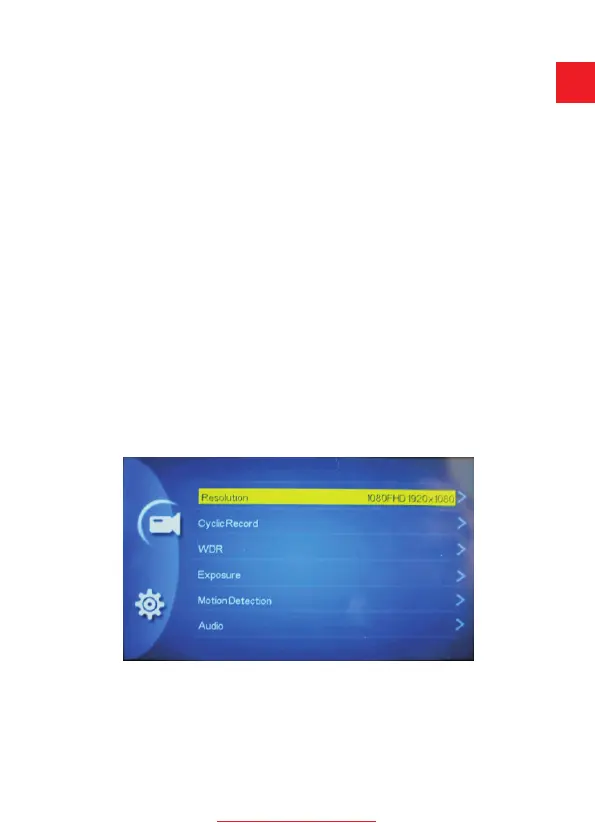
Operating mode
The machine has three operating modes: Recording
mode /Photo/Playback mode.
support@chortau.cc
6
UK


 To Next Page