Programmable DC Power Supply 62000P Series Operating & Programming Manual
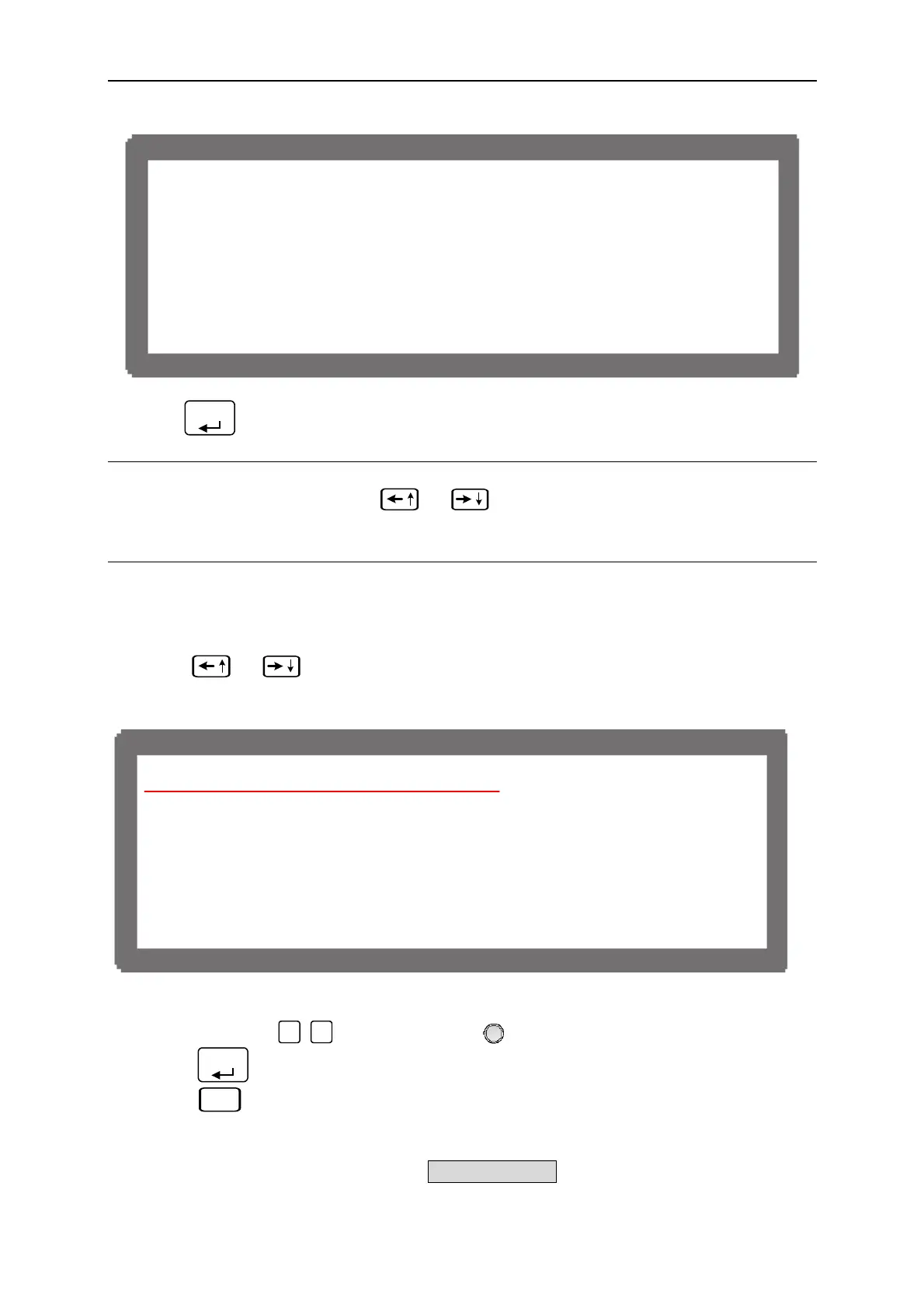
[ P R O T E C T I O N ]
O V P = 88.0V
O C P = 63.0A
O P P = 1260.0W
F O L D B A C K = D I S A B L E
Figure 3-56
2. Press “
ENTER
” to enter into PROTECTION option.
NOTICE
1. When in the option page, use “
”, “
” keys to move the cursor to the column to
be set.
2. The value in Figure 3-56 is default.
3.3.5.1 OVP Protection
1. Use “
”, “
” keys to move the cursor to the column to be set as Figure 3-57
shows.
[ P R O T E C T I O N ]
O V P = 8 8 . 0 V
O C P = 6 3 . 0 A
O P P = 1 2 6 0 . 0 W
F O L D B A C K = D I S A B L E
Figure 3-57
2. Use the numeric (
0
~
9
) keys or “Rotary” (
) knob to set the value.
3. Press “
ENTER
” to confirm.
4. Press “
EXIT
” to return to MAIN PAGE.
This function sets the protection point for Over Voltage. Once the output voltage exceeds
the range, it will turn off the output that is OUTPUT = OFF to protect the unit under test.
3-36



 To Next Page