TRIGGER CONFIGURATION
The software’s Stand Alone mode enables configuration and customization of all triggers.
Configuration information is saved to the interface with the memory writing function.
Buttons
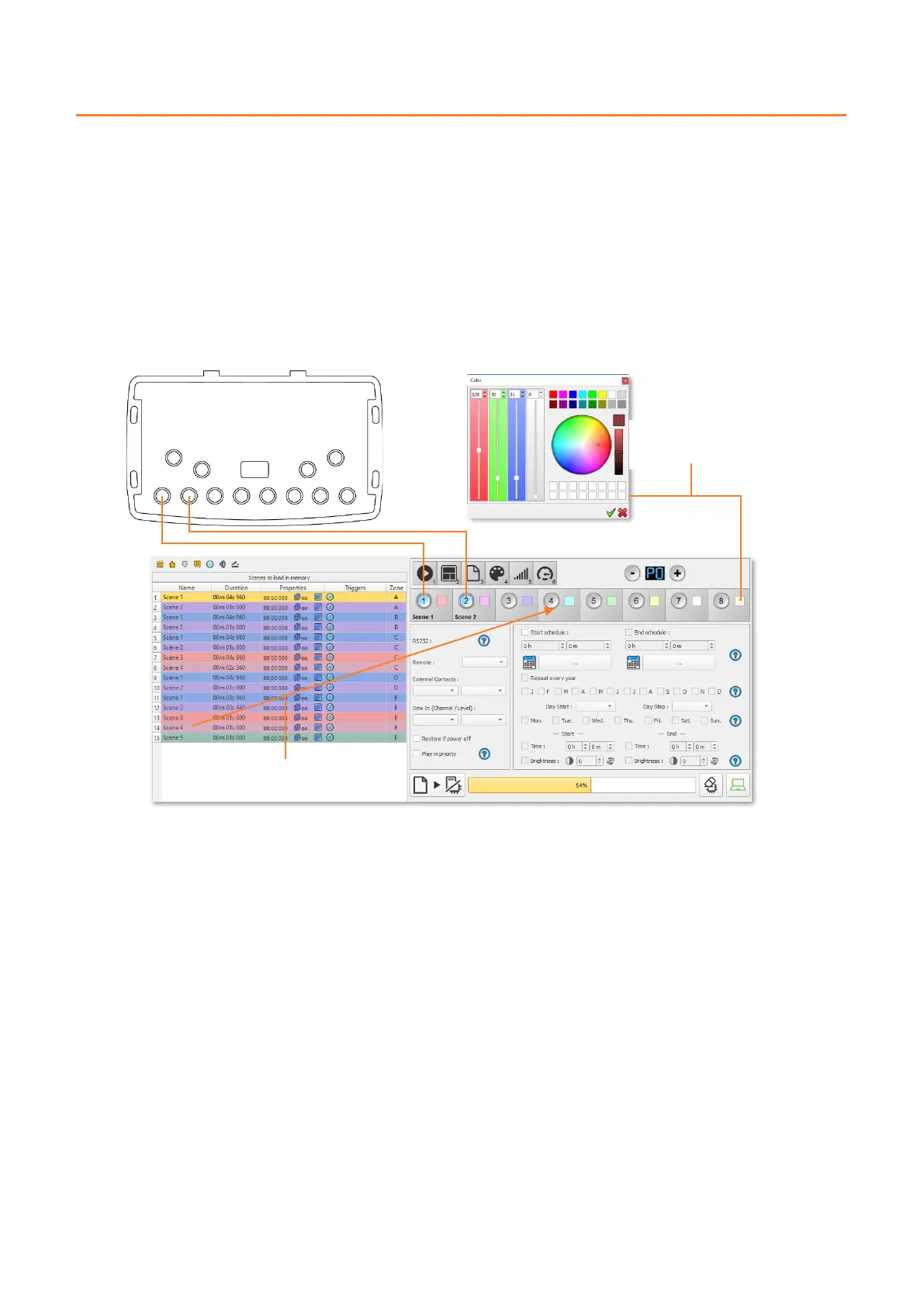
Stand Alone mode offers 8 graphical buttons that represent the interface’s 8 physical LED buttons.
From the scene list in Stand Alone mode, drag and drop a scene on any button to assign a button number.
It is possible to replace a scene by another one or to remove a scene by pulling it out of the list.
Custom colours can be assigned to each button for playback in Colour mode by clicking on the square colour icon next to
the graphical button and selecting the desired colour with sliders, wheel or swatches.



 To Next Page