Daytime Running Lights (DRL)
The LED Daytime Running Lights will come on when-
ever the ignition is placed in the RUN position, the
headlights are off and the parking brake is off. The
headlight switch must be used for normal nighttime
driving.
NOTE: The Daytime Running Lights can be turned on
and off using the Uconnect Touch™ System, refer to
“Uconnect Touch™ Settings” in “Understanding Your
Instrument Panel” for further information.
Lights-On Reminder
If the headlights or parking lights are on after the ignition
is placed in the OFF position, a chime will sound to alert
the driver when the driver’s door is opened.
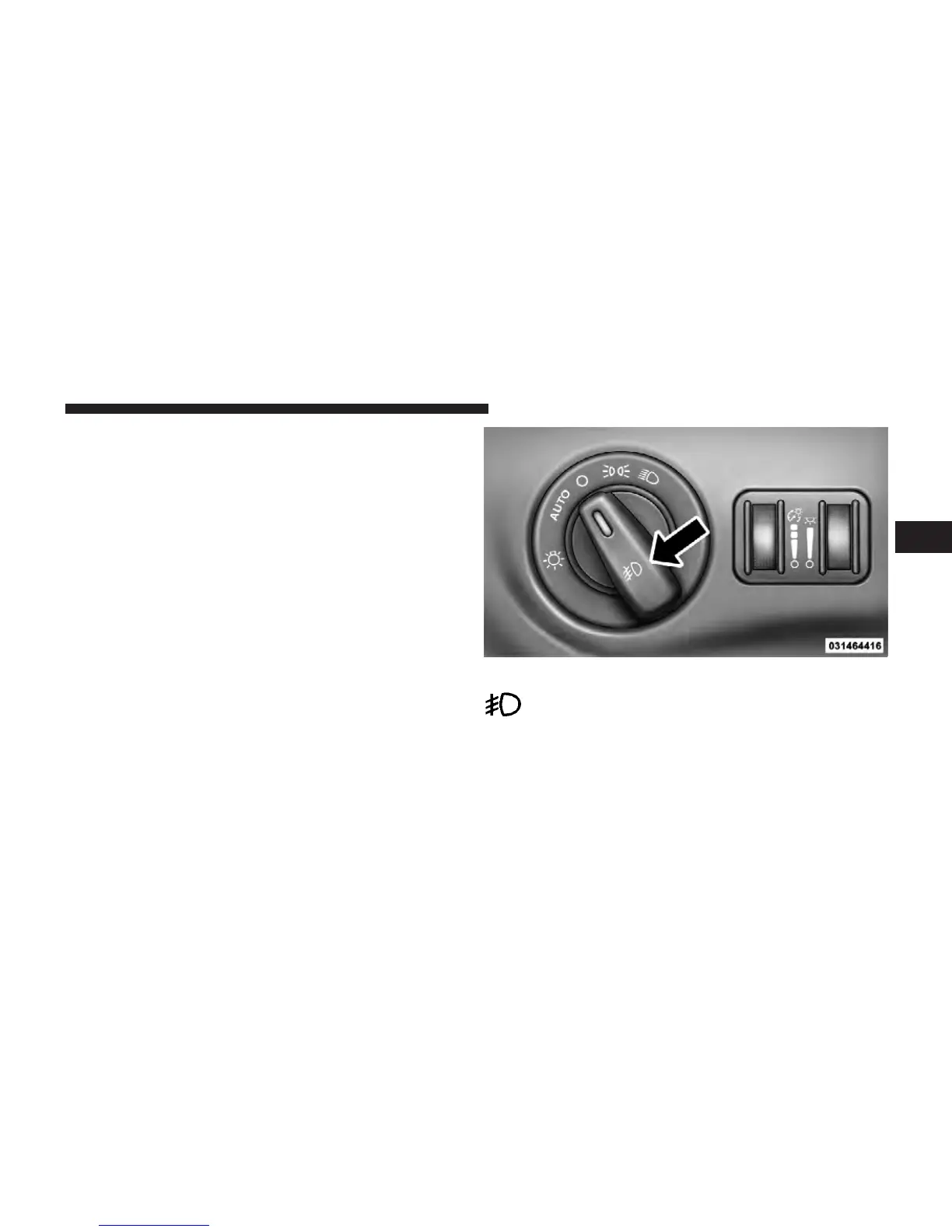
Fog Lights — If Equipped
The front fog light switch is built into the headlight
switch.
To activate the front fog lights, turn on the parking
lights or the low beam headlights and press the
headlight switch. To turn off the front fog lights,
either press the headlight switch a second time or turn off
the headlight switch.
Fog Light Switch
3
UNDERSTANDING THE FEATURES OF YOUR VEHICLE 181














 To Next Page