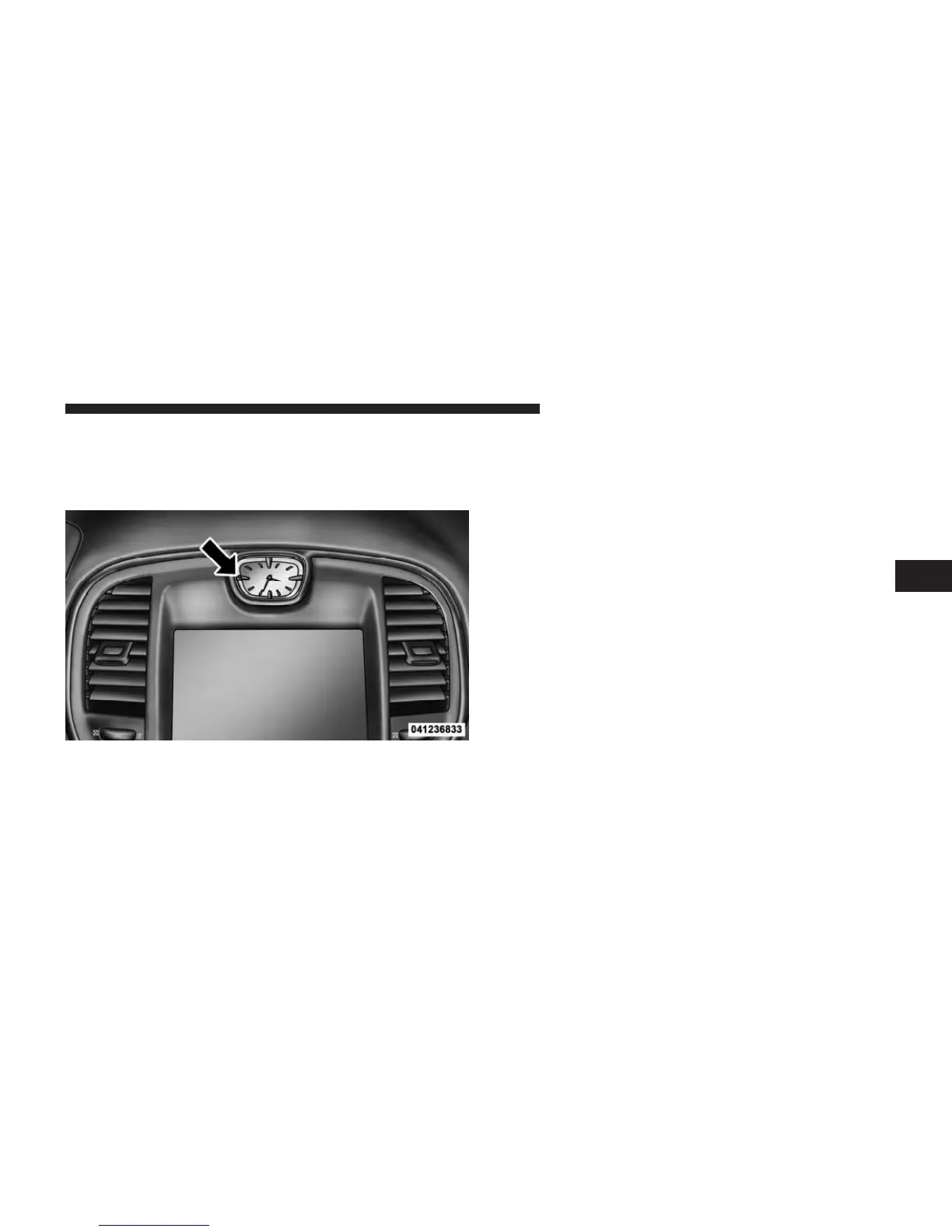
SETTING THE ANALOG CLOCK
To set the analog clock at the top center of the instrument
panel, press and hold the button until the setting is
correct.
iPod姞/USB/MP3 CONTROL — IF EQUIPPED
This feature allows an iPod威 or external USB device to be
plugged into the USB port.
iPod威 control supports Mini, 4G, Photo, Nano, 5G iPod威
and iPhone威 devices. Some iPod威 software versions may
not fully support the iPod威 control features. Please visit
Apple’s website for software updates.
For further information, refer to the Uconnect Touch™
User’s Manual.
HARMAN KARDON姞 Logic7姞 HIGH
PERFORMANCE MULTICHANNEL SURROUND
SOUND SYSTEM WITH DRIVER-SELECTABLE
SURROUND (DSS) — IF EQUIPPED
Your vehicle is equipped with a Harman Kardon威 audio
system with GreenEdge™ technology that offers superior
sound quality, higher Sound Pressure Levels (SPL) and
reduced energy consumption. The new system utilizes
Setting The Analog Clock
4
UNDERSTANDING YOUR INSTRUMENT PANEL 319














 To Next Page