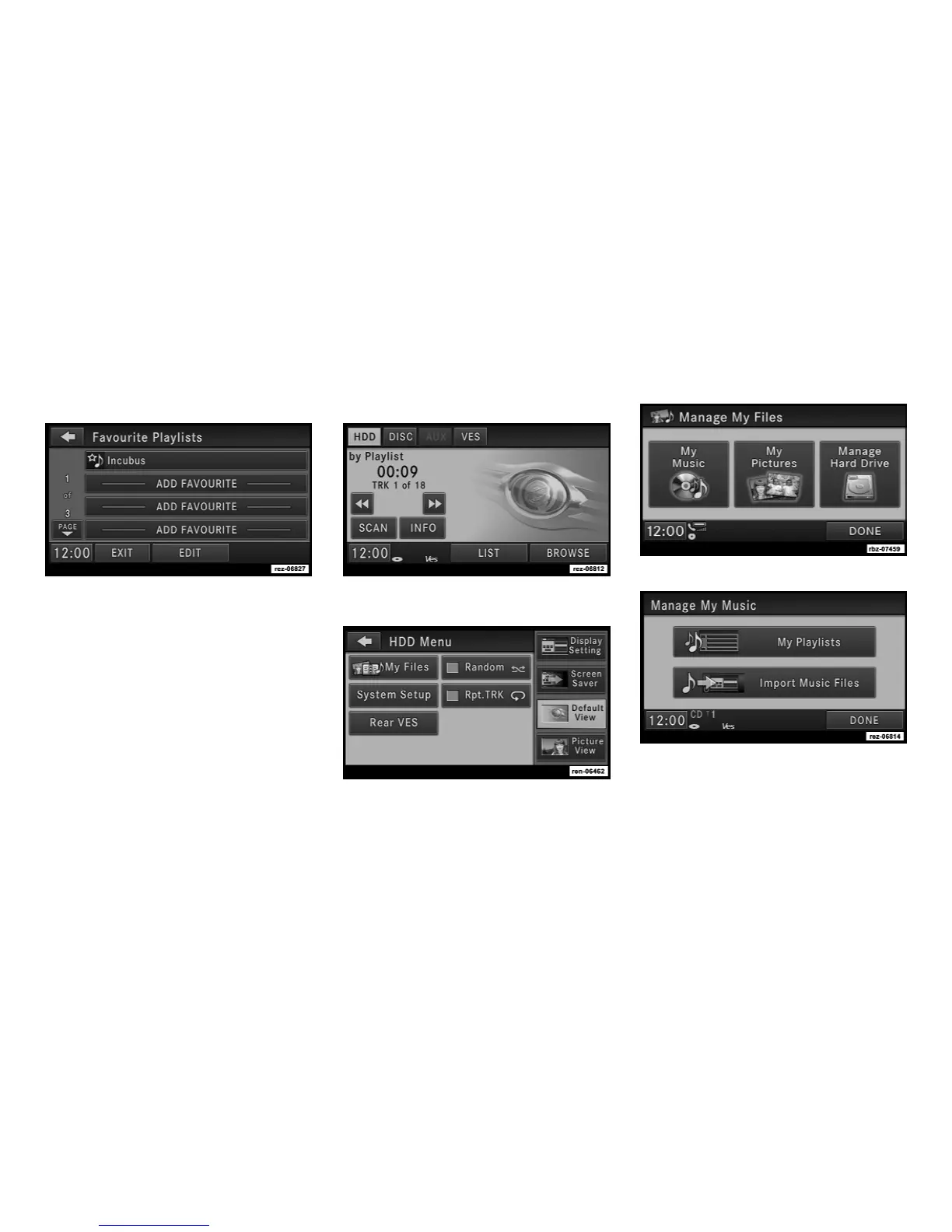
4. Select the desired playlist.
A link to the selected playlist is now saved in
the Favorite Playlists list.
NOTE:
The link to the favorite playlist will be re-
moved, after a playlist was removed from
the My Playlists menu. Refer to Editing Play-
lists in the Hard Disk Drive section of this
manual.
You may now edit the list by touching the EDIT
soft-key, or exit the list by touching the EXIT
soft-key.
Editing Playlists on the Hard Disk Drive
1. While in the HDD mode press the MY FILES
hard-key to access the Manage My Files Menu.
2. Select My Music
24



 To Next Page