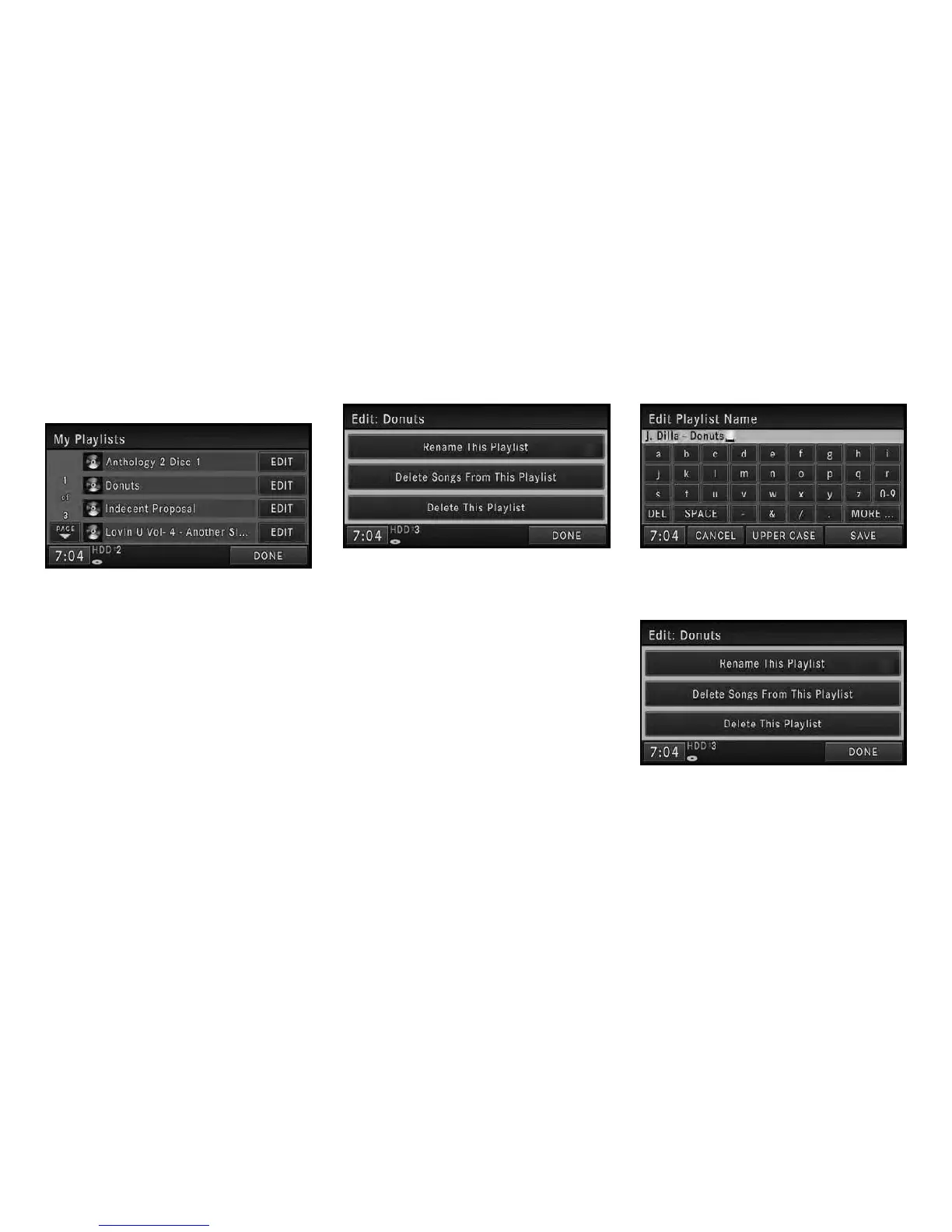
3. Touch the My Playlists soft-key.
4. Touch the EDIT soft-key (example: Donuts)
of the playlist you would like to edit.
NOTE:
You cannot edit a playlist during the copy
process
You can resume the selected playlist, delete
songs from the selected playlist, or delete the
selected playlist.
5. Touch the Rename This Playlist soft-key.
NOTE:
If you touch the Delete This Playlist soft-key,
the playlist and all songs contained in it, will
be permanently deleted. Neither song nor
playlist can be recovered.
6. Type in a new name for the playlist.
7. Touch the SAVE soft-key to confirm the
name.
25



 To Next Page