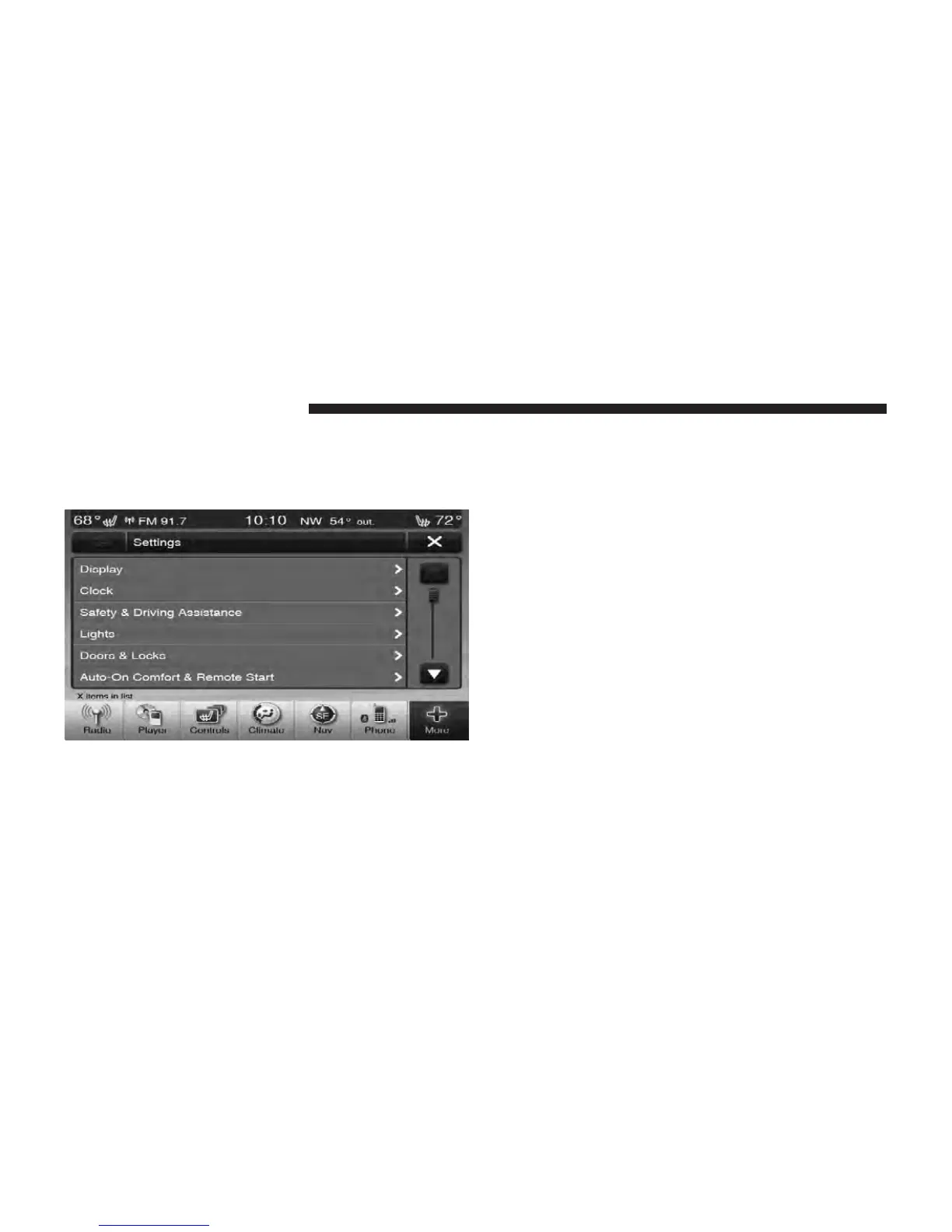
Clock Setting
1. Press the More soft-key on the bottom of the screen.
2. Then press the Settings soft-key.
NOTE: The Clock Setting Menu can also be accessed by
touching the time as it is displayed on the screen.
3. Press the Clock soft-key to enter the Clock Menu
4. In the Set Time screen, press the + or – soft-keys to
adjust the hours or minutes.
5. Other options available:
•
Sync with GPS Time
•
Time Format
•
Show Time in Status Bar
6. Touch the check mark or empty box to change a
selection.
NOTE: The check-mark indicates the current selection is
active.
112 Uconnect Touch™ 8.4 SYSTEM



 To Next Page