of the browse window shows items and it’s sub-
functions, which can be scrolled by touching the Up and
Down soft-keys to the right. The Scroll/Tune knob can
also be used to scroll.
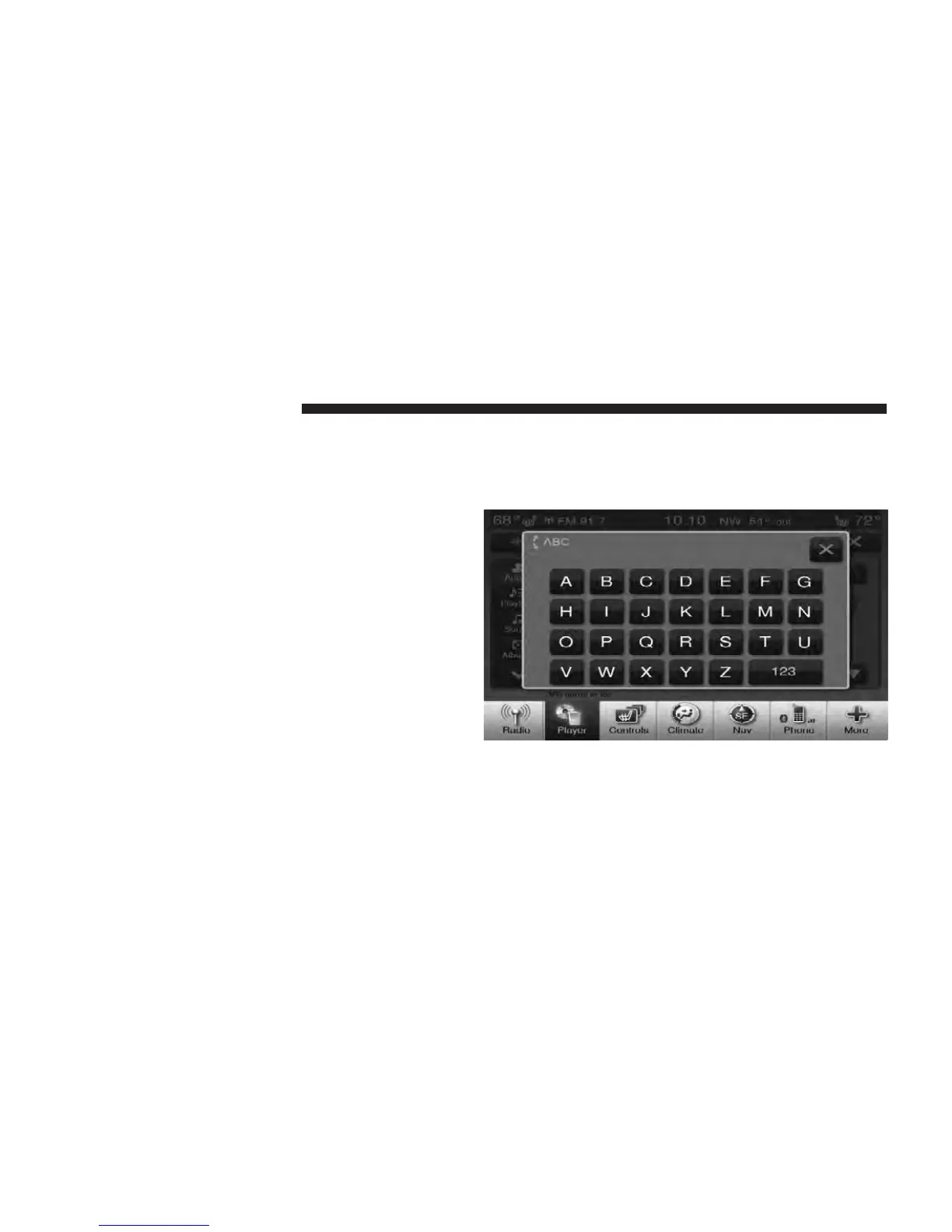
ABC Jump
Touch the ABC Jump soft-key tab at the top of the screen
to search an alpha numeric keypad used to search by
letter/number for a certain Folder, Artist, Song, Album,
or Genre. Touch one letter to select all contents that start
with that letter. Touch the 123 soft-key to display all
contents that start with numbers. Touch the 123 soft-key
again to return to letters. Touch the X soft-key to exit the
ABC Jump feature.
NOTE: Many features of this system are speed depen-
dent. For your own safety these features may be grayed
out and not accessible while the vehicle is in motion. Pull
over at a safe location to complete your task.
58 Uconnect Touch™ 8.4 SYSTEM



 To Next Page