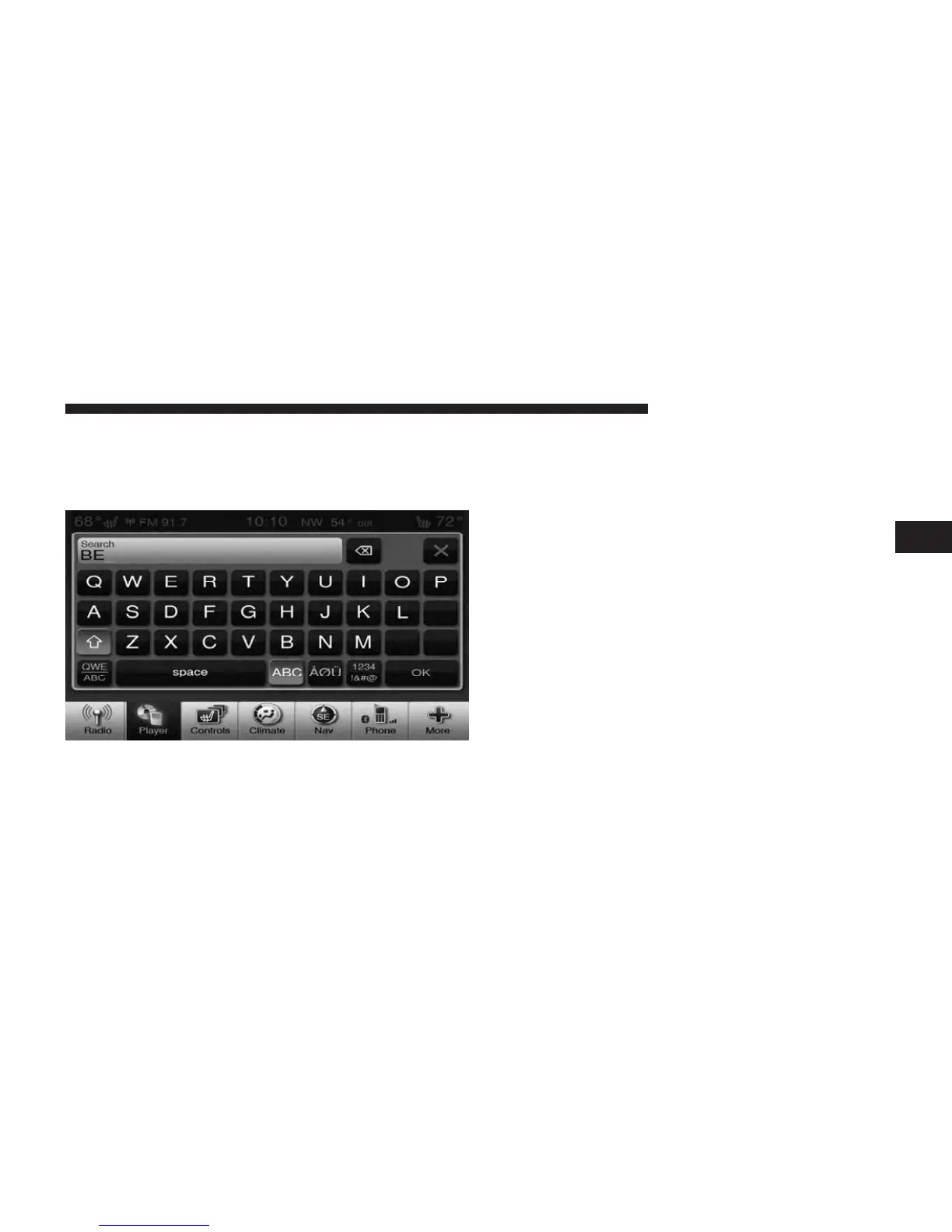
Search
Touch the Search soft-key tab at the top of the screen to
display the Keyboard. This allows you to enter a folder or
file name to be searched.
Up Arrow
Touch the Up Arrow soft-key to toggle between Upper
Case and Lower Case keys.
ABC, ÅØÜ and 1234!&#@
Touch the ABC key to activate a keyboard with Alpha-
betic characters, or touch the ÅØÜ to activate a keyboard
with accented characters or touch the 1234!&#@ key to
activate a keyboard with Numeric plus Special
characters.
3
Uconnect Touch™ 8.4 SYSTEM 59



 To Next Page