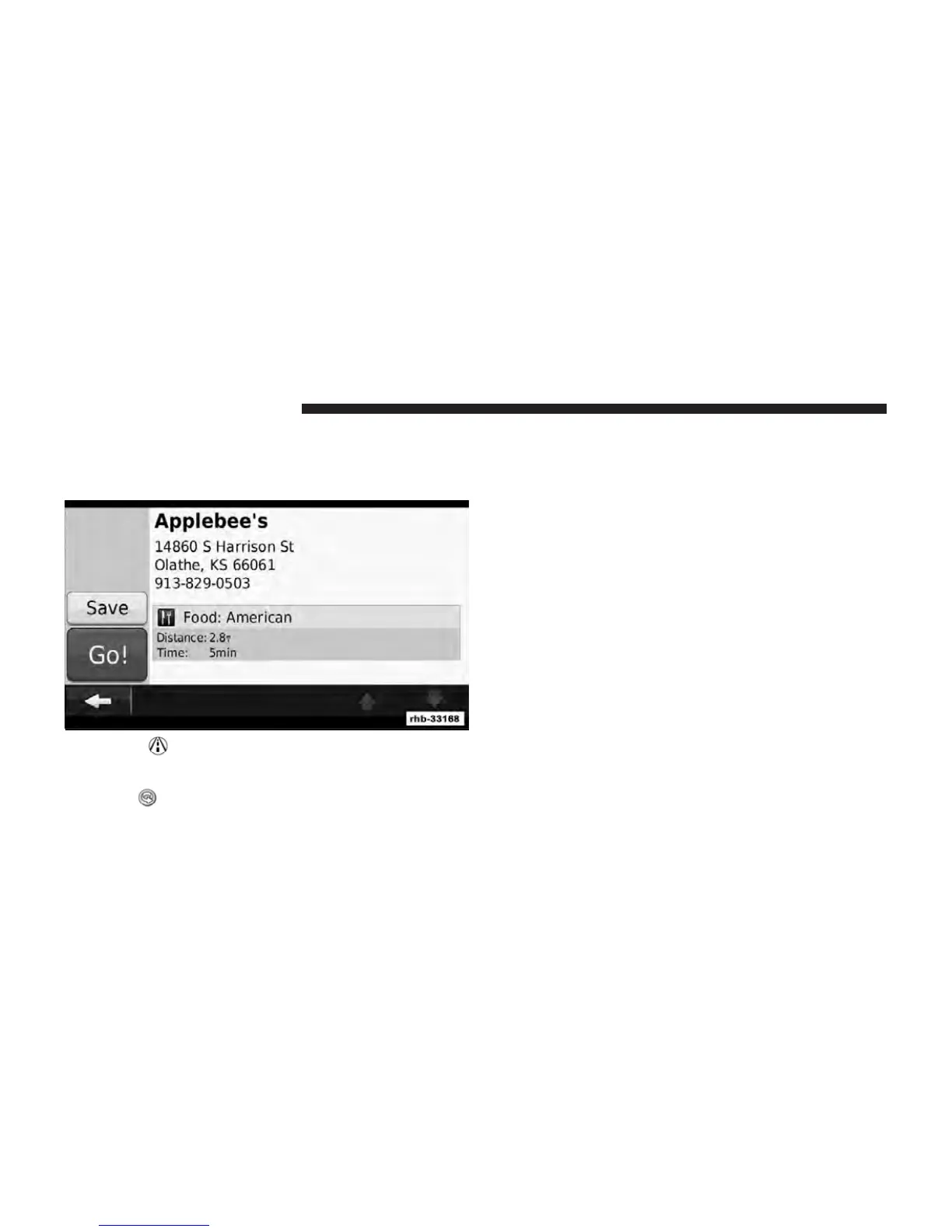
3. Touch to return to the previous page.
4. Touch Press for More to view more information about
the location.
5. Touch
to switch between a 3D (three-
dimensional) map and a 2D (two-dimensional) map.
6. Touch
to rotate the viewing angle in 3D view.
Finding an Address
The steps to find an address can vary depending on the
maps that are loaded on your navigation system. Not all
map data provides postal-code searching.
1. Touch Where To? , then touch Address.
2. Touch Change State/Country , if necessary.
3. Touch Search All.
OR
Touch Spell City. Enter the city using the keyboard, and
touch Done. Select the city.
4. Enter the number of the address, and touch Done.
5. Enter the street name, and touch Done.
6. Select the correct street in the list, if necessary.
7. Touch the address, if necessary.
80 Uconnect Touch™ 8.4 SYSTEM



 To Next Page