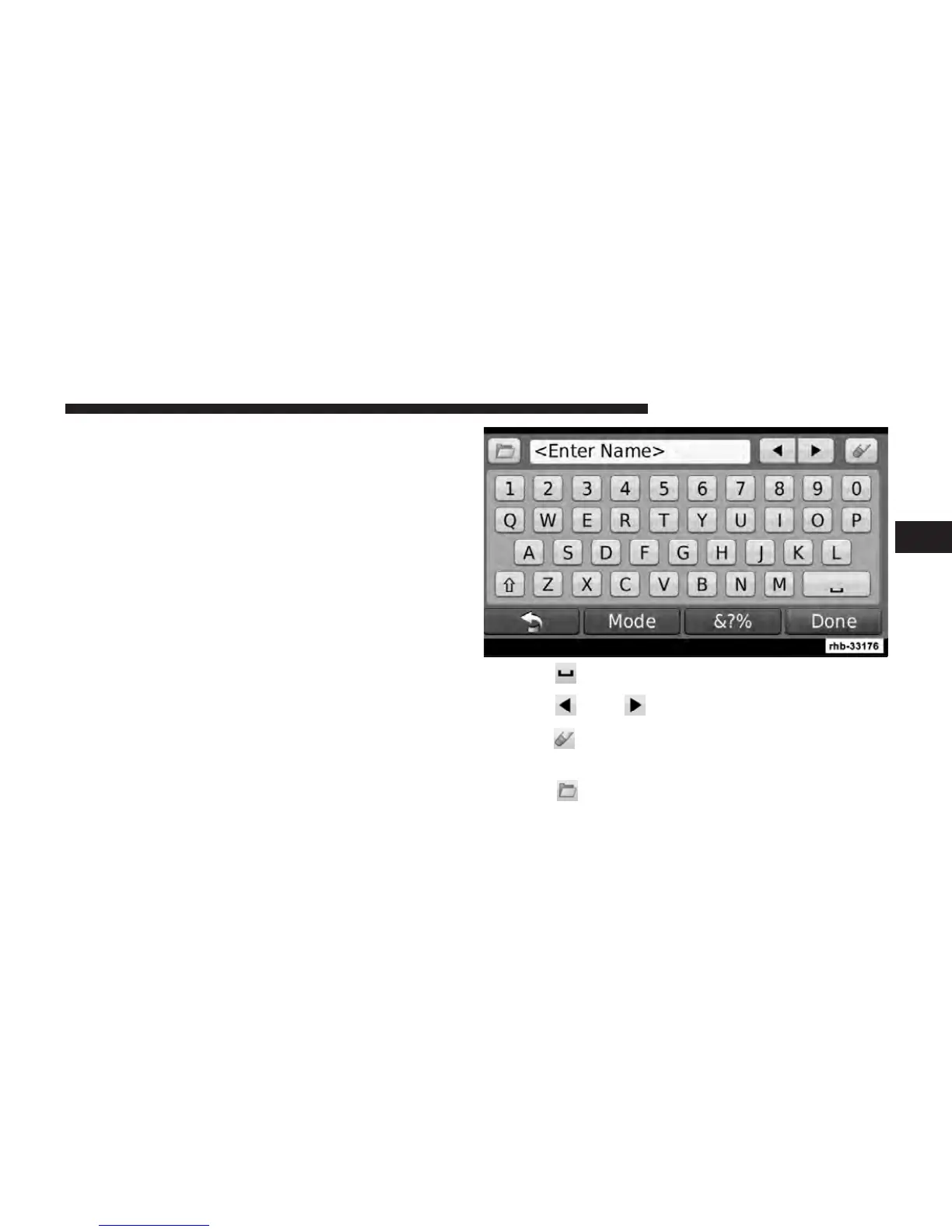
Finding a Place by Spelling the Name
If you know the name of the location you are looking for,
you can spell it using the on-screen keyboard. You can
also enter letters contained in the name to narrow the
search.
1. Touch Where To? , then touch Points of Interest and
then Spell Name.
2. Using the on-screen keyboard, enter letters in the
name.
3. Touch Done.
Using the On-Screen Keyboard
When an on-screen keyboard appears, touch a letter or
number to enter it.
NOTE: Many features of this system are speed depen-
dent. For your own safety these features may be grayed
out and not accessible while the vehicle is in motion. Pull
over at a safe location to complete your task.
•
Touch to add a space.
•
Touch and to move the cursor.
•
Touch to delete the character, or touch and hold to
delete the entire entry.
•
Touch to select words you have recently typed
and selected.
3
Uconnect Touch™ 8.4 SYSTEM 81



 To Next Page