•
Touch to change the keyboard language mode.
•
Touch
to enter special characters.
Finding Places in a Different Area
You can search for locations in a different area, such as a
different city or near your destination.
1. From the subcategories list, touch Near.
2. Select one of the search options.
Narrowing Your Search
To narrow your search, you can search near a different
city.
1. Touch Where To? , then touch Near.
2. Touch A Different City.
3. Enter part of the name, and touch Done.
Favorites
You can save all of your favorites places in Favorites. You
can also save your home location in Favorites.
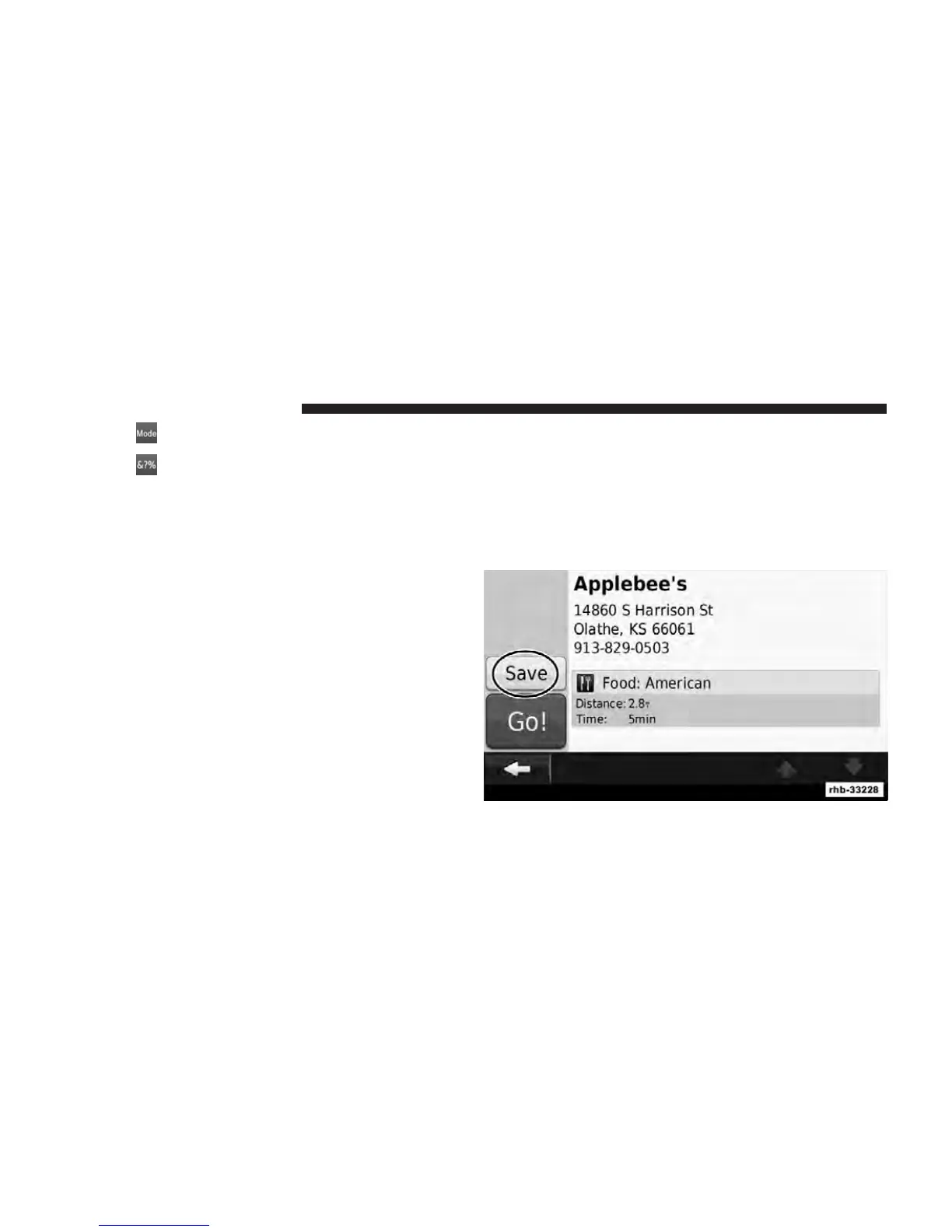
Saving Places You Find
1. After you have found a place you want to save, touch
Save on the Go! page.
82 Uconnect Touch™ 8.4 SYSTEM



 To Next Page