NOTE:
•
A speed limit icon may appear as you travel on
major roadways. This icon displays the current speed
limit of the roadway.
•
The speed limit icon function is for information only
and does not replace the driver’s responsibility to
abide by all posted speed limits and to use safe driving
judgment at all times. Chrysler Group LLC and
Garmin shall not be responsible for any traffic fines or
citations that the user may receive for failing to follow
all applicable traffic laws.
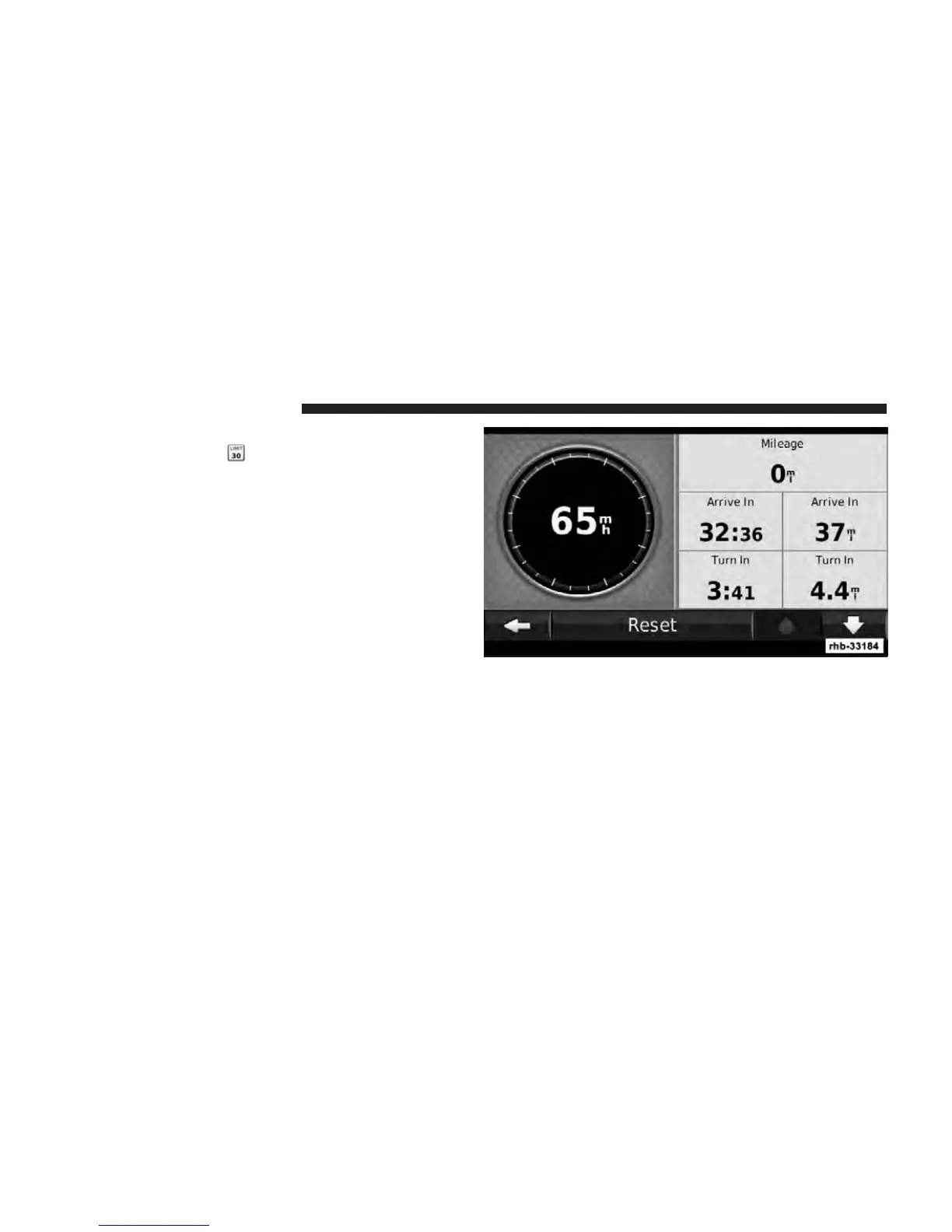
Trip Computer
The Trip Computer displays your current speed and
provides helpful statistics about your trip. To view the
Trip Computer, touch the Speed field on the Map page.
Resetting Trip Information
If you want accurate trip information, reset the trip
information before beginning a trip. Touch Reset to reset
the information on the Trip Computer page.
86 Uconnect Touch™ 8.4 SYSTEM



 To Next Page