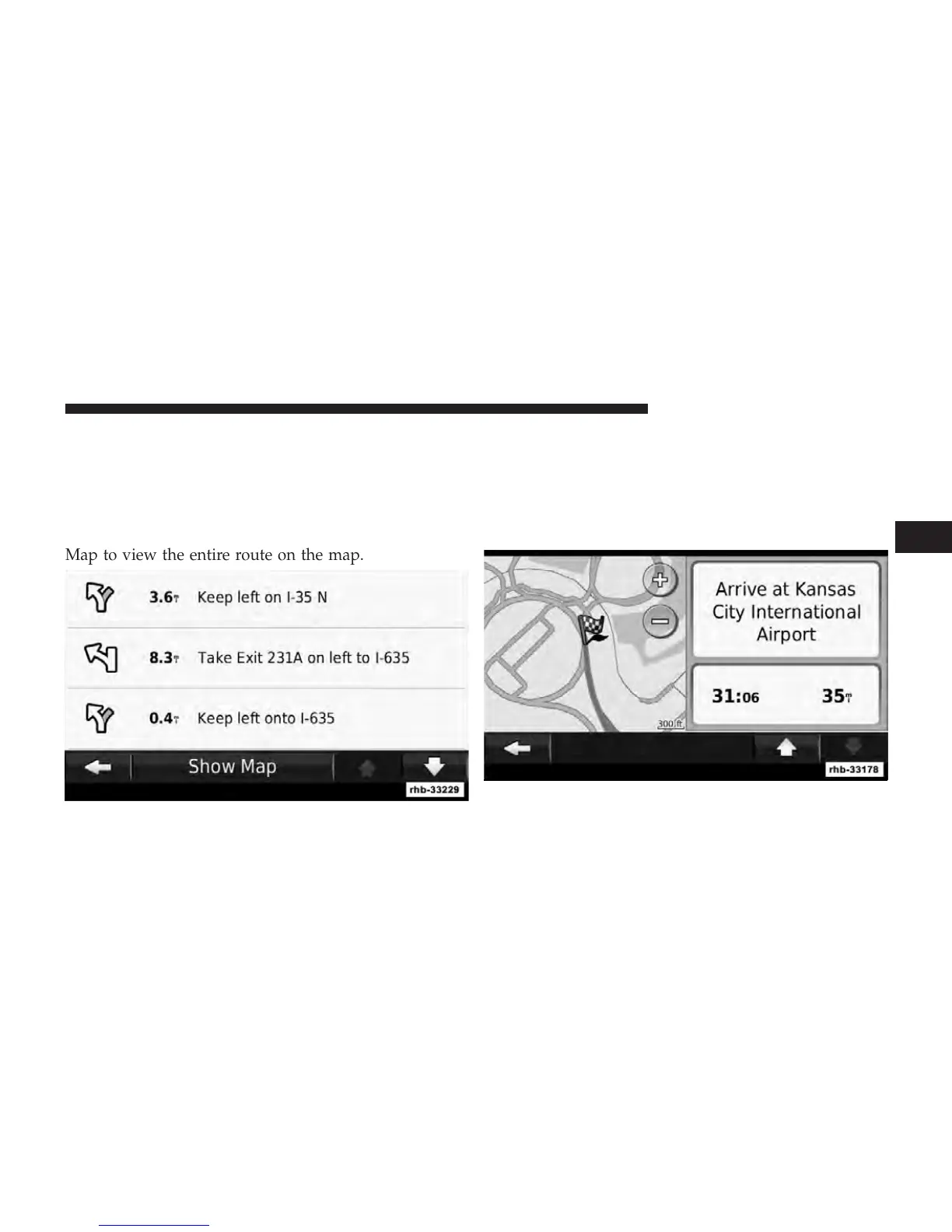
Turn List
When you are navigating a route, the Turn List displays
turn-by-turn instructions for your entire route and the
distance between turns. Touch the text bar on the top of
the Map page to view the Turn List. Touch a turn on the
list to view the Next Turn page for that turn. Touch Show
Map to view the entire route on the map.
Next Turn Page
When you are navigating a route, the Next Turn page
shows the turn on the map and the distance and time left
before you reach the turn. To view an upcoming turn on
the map, touch the upperleft corner of the Map page, or
touch any turn on the Turn List page.
3
Uconnect Touch™ 8.4 SYSTEM 87



 To Next Page