11 12
Device Settings
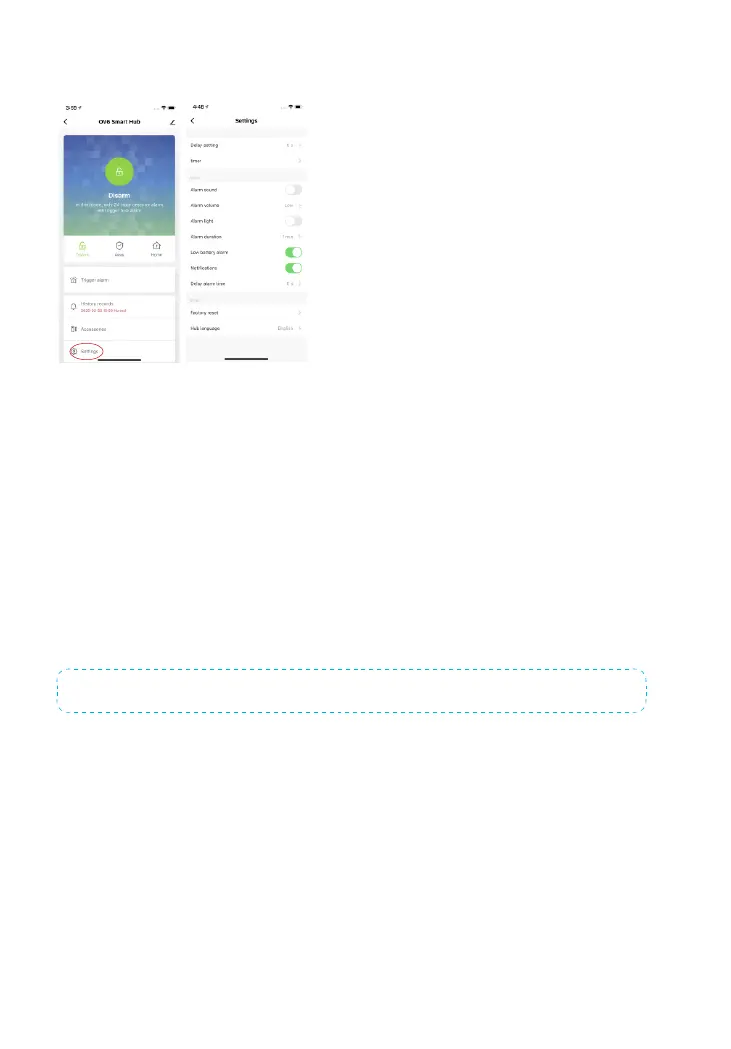
You can enable alarm sound, alarm light and low battery alarm in OV6 setting page
as well as alter alarm volume and alarm duration.
Delay setting
Tap delay setting in OV6 setting page to set delay time when arm the system.
Delay Alarm Time
Set delay alarm time for sensors you put in delay zone, such as door sensor.
Factory Reset
Tap to reset the device to factory setting, please note related device data will be re-
moved.
Note: The accessories will not be deleted after restoring to factory setting.
You can also restore the device to factory setting by pressing the Network Congu-
ration button underneath the hub 3 times until 2 beeps are heard and then pressing
and holding the button again, releasing the button when a long beep is heard.



 To Next Page